C8000 Battery Testing System User Manual
22 2 Battery Tester
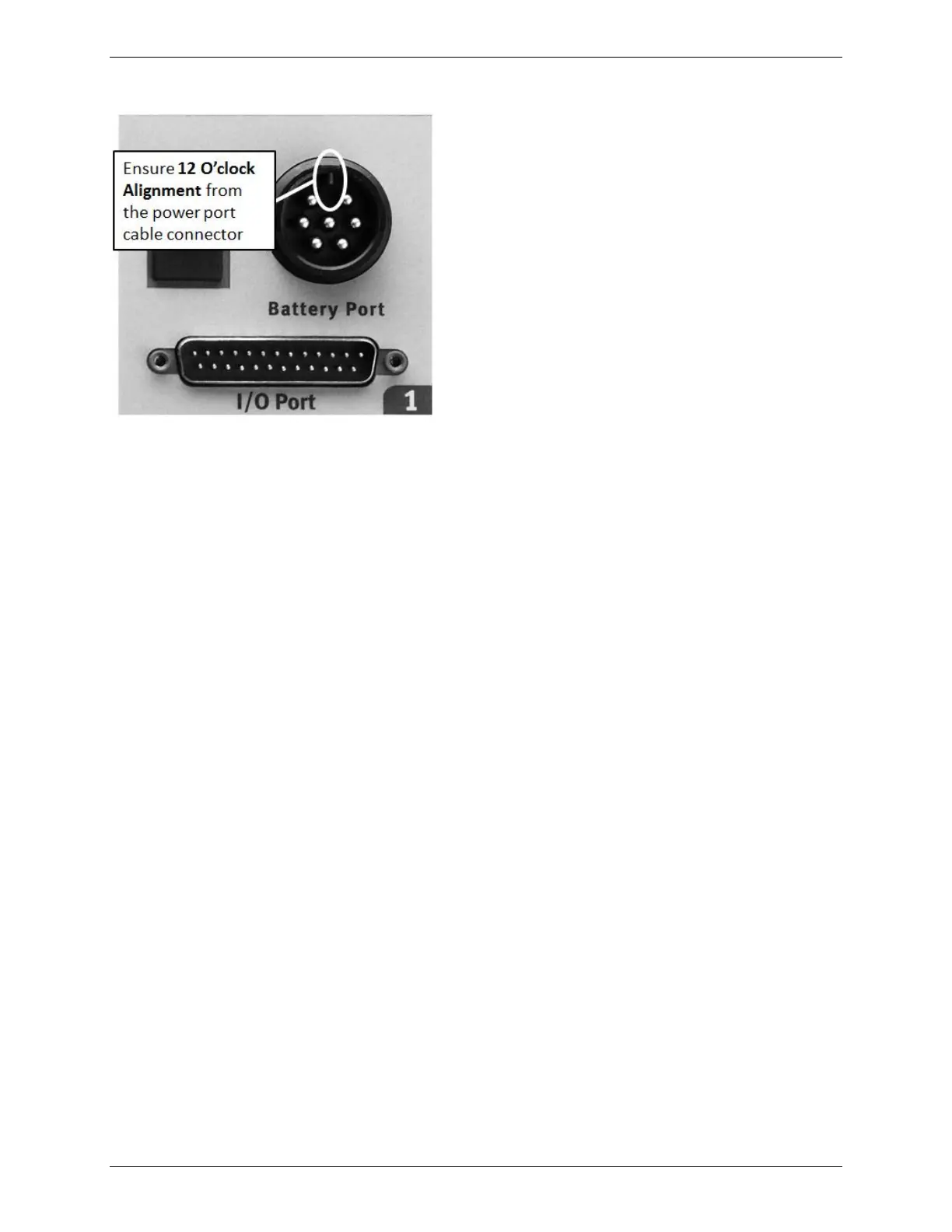
Figure 3 – Channel 1 outlet (on C8000)
iv. The Power port cable is now ready to connect to a battery.
To remove the battery connector cable from the C8000, turn the
ring on the connector plug counter-clockwise and then pull the
cable plug out of the connector.
The following diagram shows how the Drive and Sense lines of
the cable should be connected for normal operation.
The cable has six leads as follows:
Two drive lines with heavy gauge wire to supply the
charge and discharge current
Two sense lines to measure the voltage on the battery
terminals. Warning: Sense lines should be connected to the
battery terminals and correctly installed - otherwise,
incorrect operation may occur.
The sense plugs can be plugged into the drive plug molded
body for single connection to the battery.
Two for the magnetic temperature sensor. The magnetic
temperature probe should be attached to the casing of the
battery.



 To Next Page