C8000 Battery Testing System User Manual
Battery Tester 37
output port information (2.7.1.4)
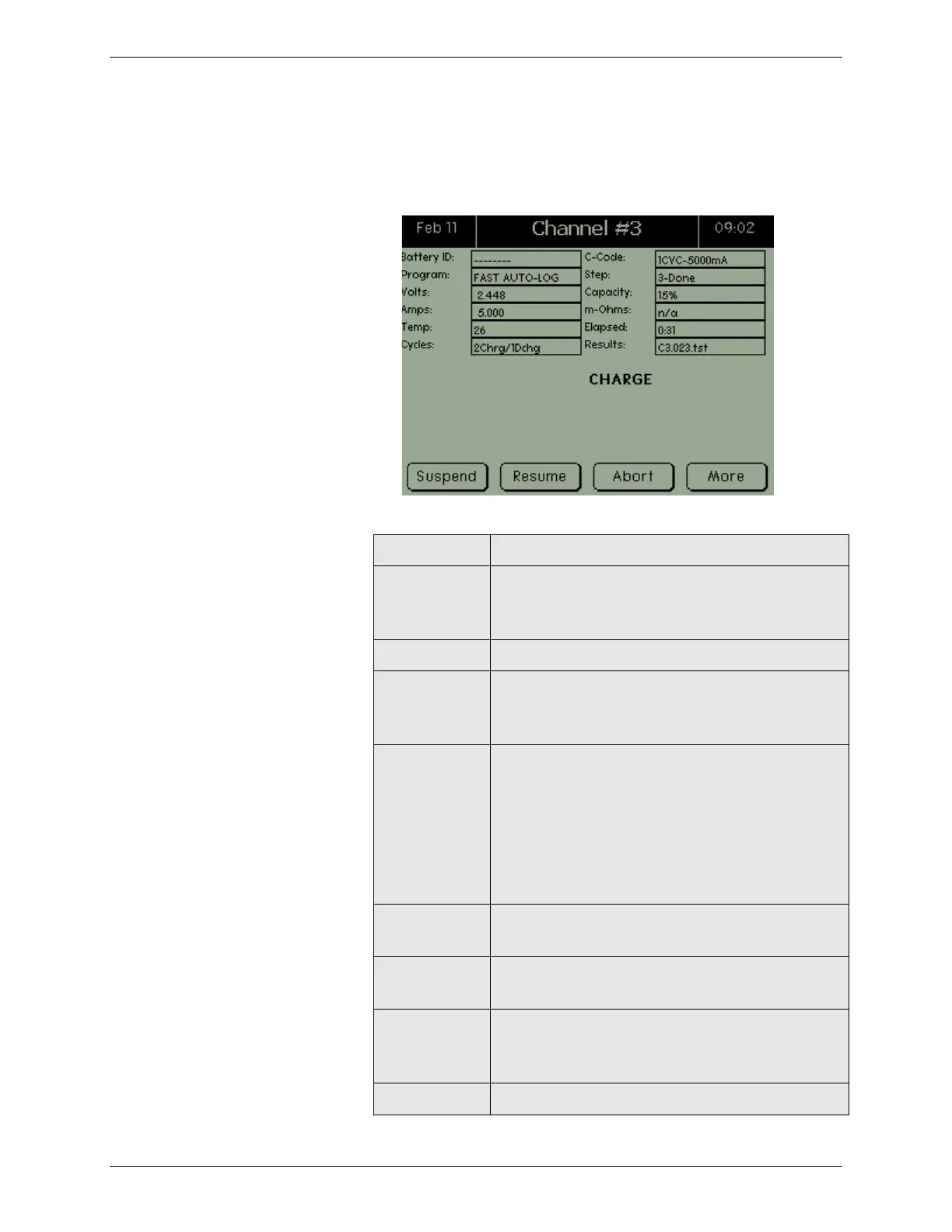
The following table describes the fields shown in the Channel
screen.
The battery’s identification. This field is
blank of a Battery ID has not been added to
BatteryLab.
The name of the program that is being run.
Indicates the number of charge and
discharge cycles that have been run during
any given program.
Indicates the file name to which the current
program’s results will be saved to, during
operation. On completion of a program,
indicates the file to which the results have
been saved. Note: BatLab will generate an
impendent TEST ID and will incorporate the
data from the C8000 test result file.)
The battery parameters being applied by the
C8000.
The step number for the action currently
executing within the program.
Across the battery terminals. The current
Voltage across battery sense terminal lines.
(Screen is updated once per second.)
Charge or discharge current. (Screen is



 To Next Page