C8000 Battery Testing System User Manual
38 2 Battery Tester
updated once per second.)
Displays the current temperature at all
times. If a thermistor is not attached,
displays N/A. (Screen is updated once per
second.)
A percentage value showing the battery’s
latest measured capacity. (Note: Only after a
Discharge Cycle has been run); otherwise
this displays N/A.
The resistance of the battery measured in
milliohms. Displays the latest resistance
measurement otherwise N/A when
resistance measurement is not selected.
The time since starting the program on this
battery. Test times vary depending on the
program chosen and the condition of the
battery.
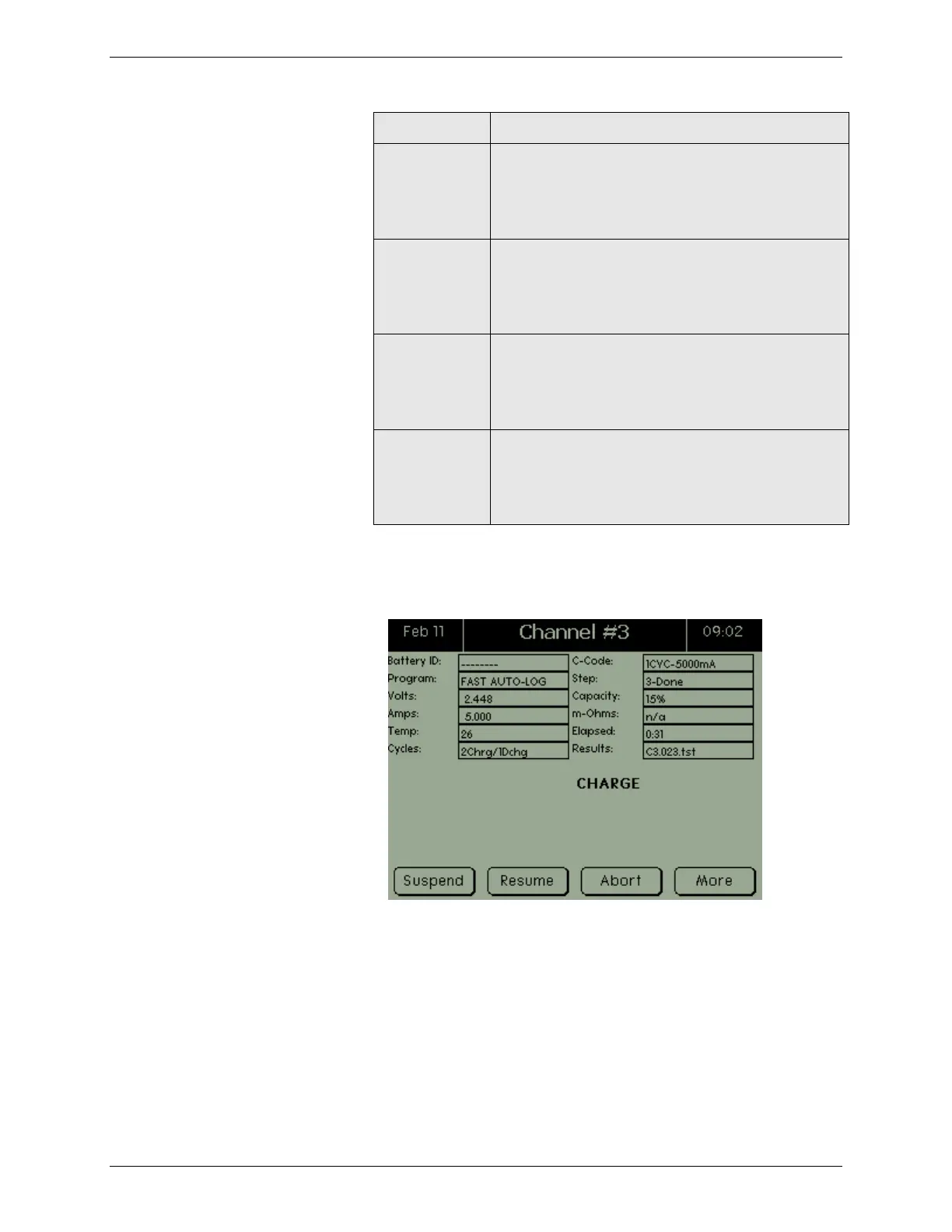
1. From the Main screen, press the Channel button for the
C8000 to test. The Channel screen appears.
2. The Channel screen shows the status of this channel,
providing a test is currently running.
3. To view additional information, press MORE. A second
Channel screen appears.



 To Next Page