CALREC Putting Sound in the Picture 165
EXTERNAL METER OUTPUTS
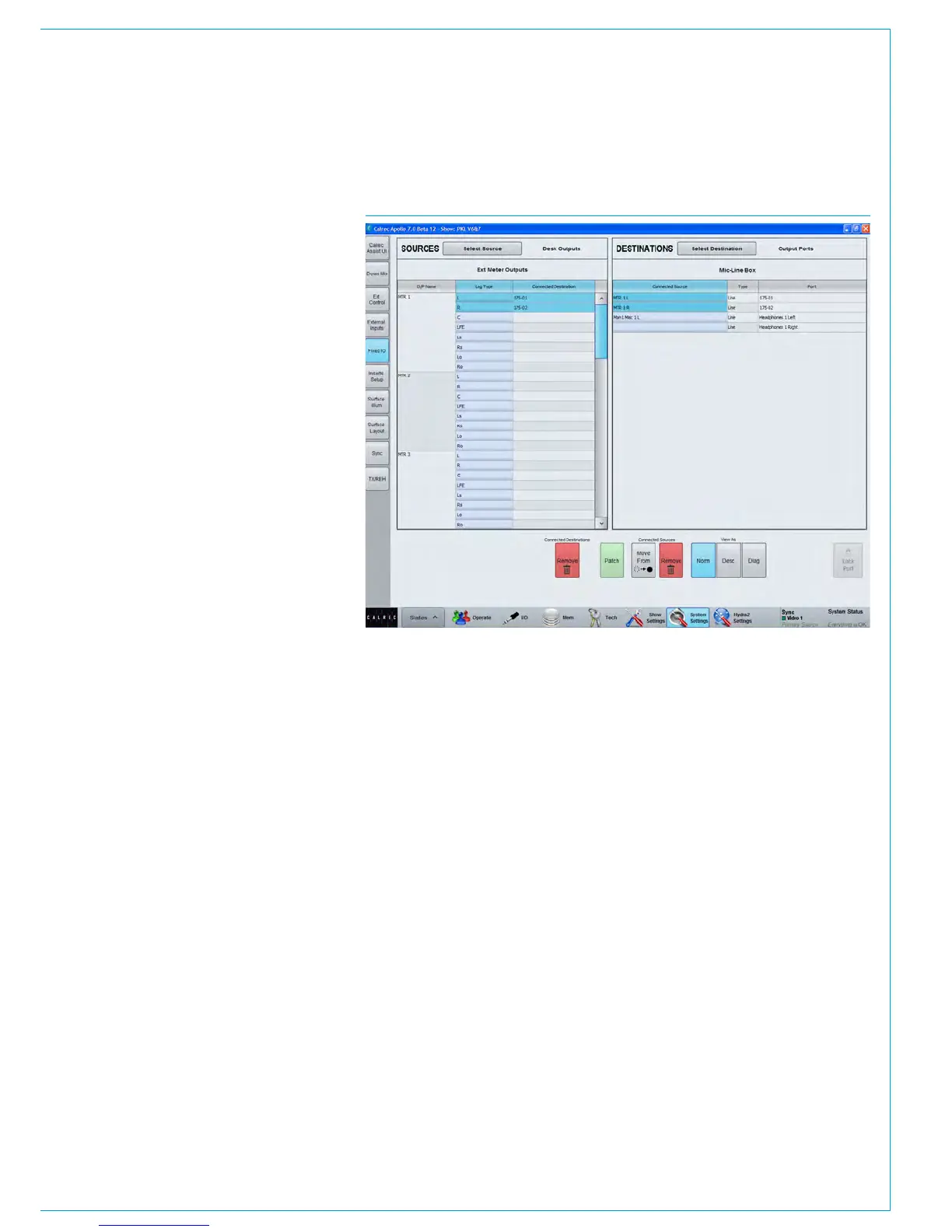
External meters can be fed by the
Apollo metering system in a similar
way to loudspeakers.
Navigate to >System Settings>Fixed I/O
of the main application see Fig 1.
Touch the ‘Select Source’ button at the
top of the screen and choose’ Ext Meter
Outputs’ from the popup window that
appears.
Find the port to which the external meters
are connected in the list of ports on the
left of the screen. If you are unsure where
any meter are physically connected,
contact your installation technician.
With the destination port selected, choose
a source to feed the meter and then touch
the ‘Patch’ button.
FIG 1 - EXTERNAL METER PATCHING



 To Next Page