Getting Signals into Apollo
68 APOLLO
Digital Broadcast Production Console
Input trim
Input trim boosts or attenuates an input
signal by ±24dB inside the channel path.
This is the only input gain control available
for digital input signals. As the gain is
applied inside the channel path it has no
effect on any other operators using the
same port.
Linking Input Trims
Inputs 1 and 2 have separate input trim
controls. These can be linked together by
simultaneously pressing the INPUT 1 and
INPUT 2 buttons in the wild assign row.
The wording on the button cell changes to
‘TRIMS LINKED’ to show that the process
has been successful.
Adjustment of a linked input trim control
will be applied to both Input 1 and Input 2,
maintaining any offset between them.
Tone
A button on the TFT touchscreen
overrides the input of the path with tone
at the frequency and level currently set.
When tone is applied to a channel an
indicator will appear on the input controls,
the fader and any meters relevant to the
fader as a visual aid to the user.
Input delay
A pool of 256 legs of assignable input
delay is available to channel paths,
allowing up to 2.73 seconds of delay to be
applied to each path with delay assigned.
Input delay is assigned to channel paths
from the PROCESSING - DELAY panel
mode, see “Delay” on page 93.
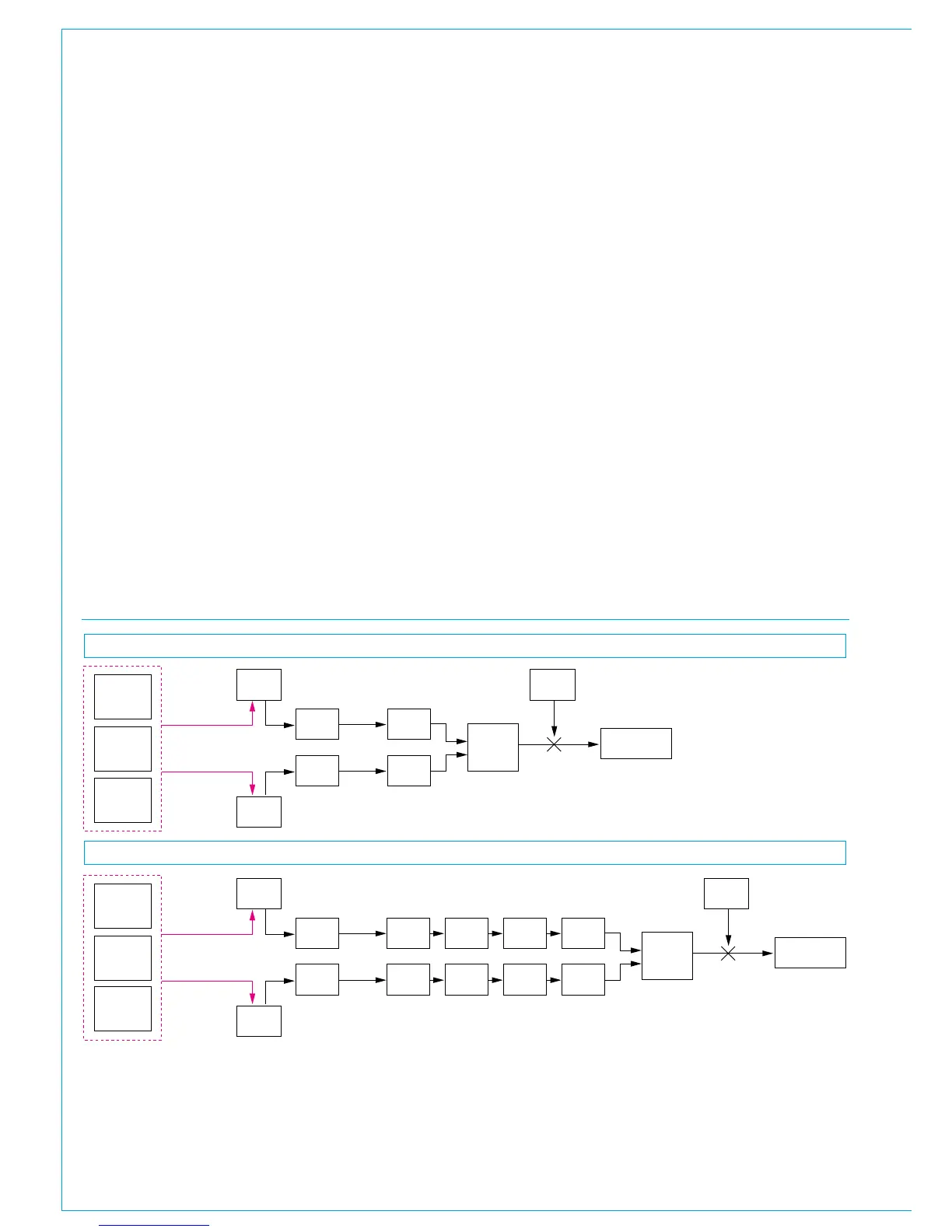
FIG 2 - INPUT SIGNAL FLOW
Mic gain
with 48V
to L and R
AES input
with SRC
Other
inputs
Input 1
trim
Balance
Stereo channel / leg
Mono channel / leg
To channel
ø L
ø R
M/S
LTB
RTB
Input
selector
(1/2)
Hydra2
Input 1
delay
Tone
Input 2
delay
Input 2
trim
Balance
ø L
ø R
M/S
LTB
RTB
Hydra2
Mic gain
with 48V
AES input
with SRC
Other
inputs
Input 1
trim
To channel
ø
Input
selector
(1/2)
Hydra2
Input 1
delay
Tone
Input 2
delay
Input 2
trim
ø
Hydra2



 To Next Page