CALREC Putting Sound in the Picture 95
STEREO WIDTH
Stereo paths and stereo legs of
surround paths have access to the
stereo width control.
This control varies the width of the
paths stereo image from mono through
stereo, through to wide. Wide creates an
apparent extension of the image past the
usual left and right limits.
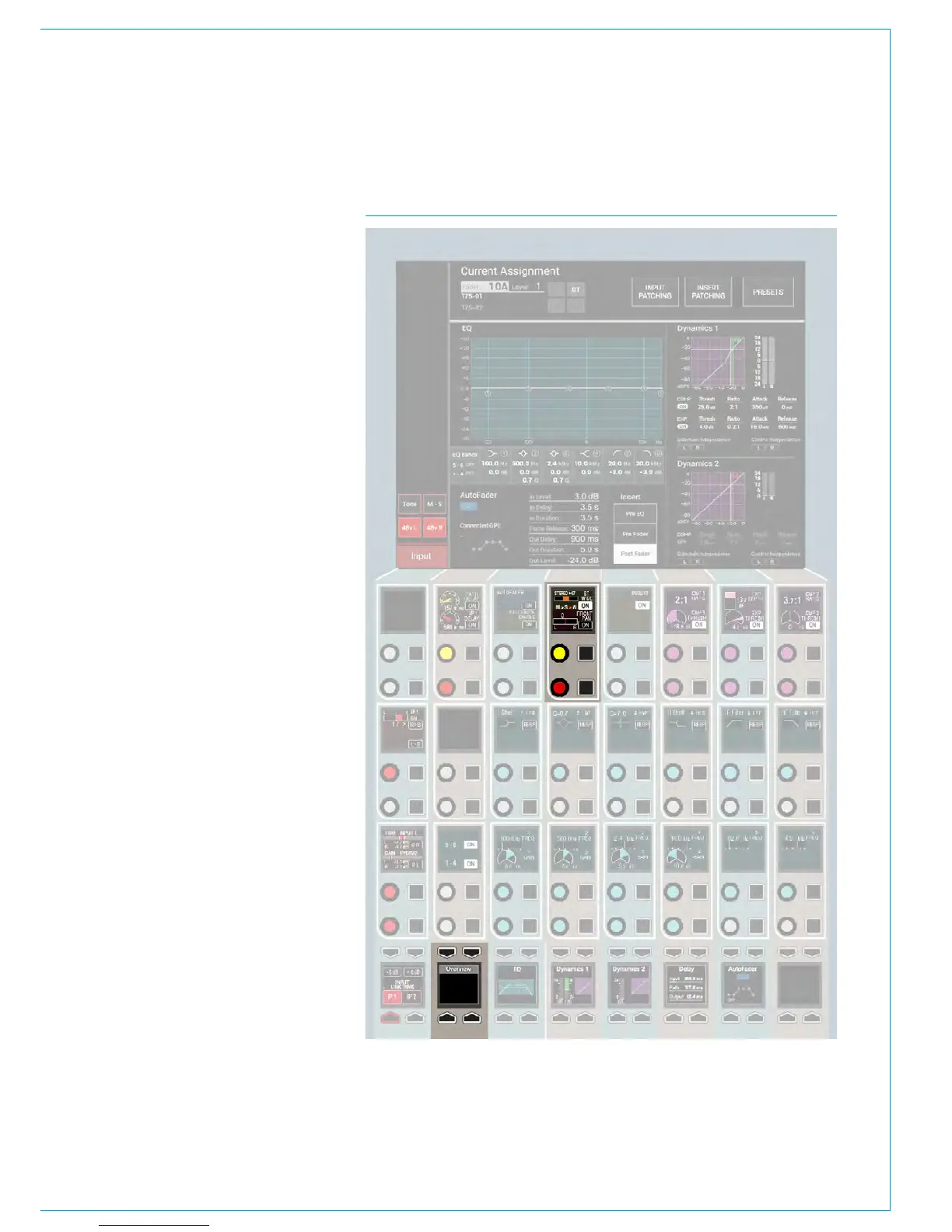
Stereo width appears pre fader, post EQ
and dynamics in the processing chain and
it’s rotary control and ON switch appears
on the PROCESSING-OVERVIEW panel
mode. It must be switched in circuit using
the ON button in the 4th Control cell , top
row as shown in Fig 1.
FIG 1 - STEREO WIDTH CONTROL



 To Next Page