CALREC Putting Sound in the Picture 25
Wild assign panel
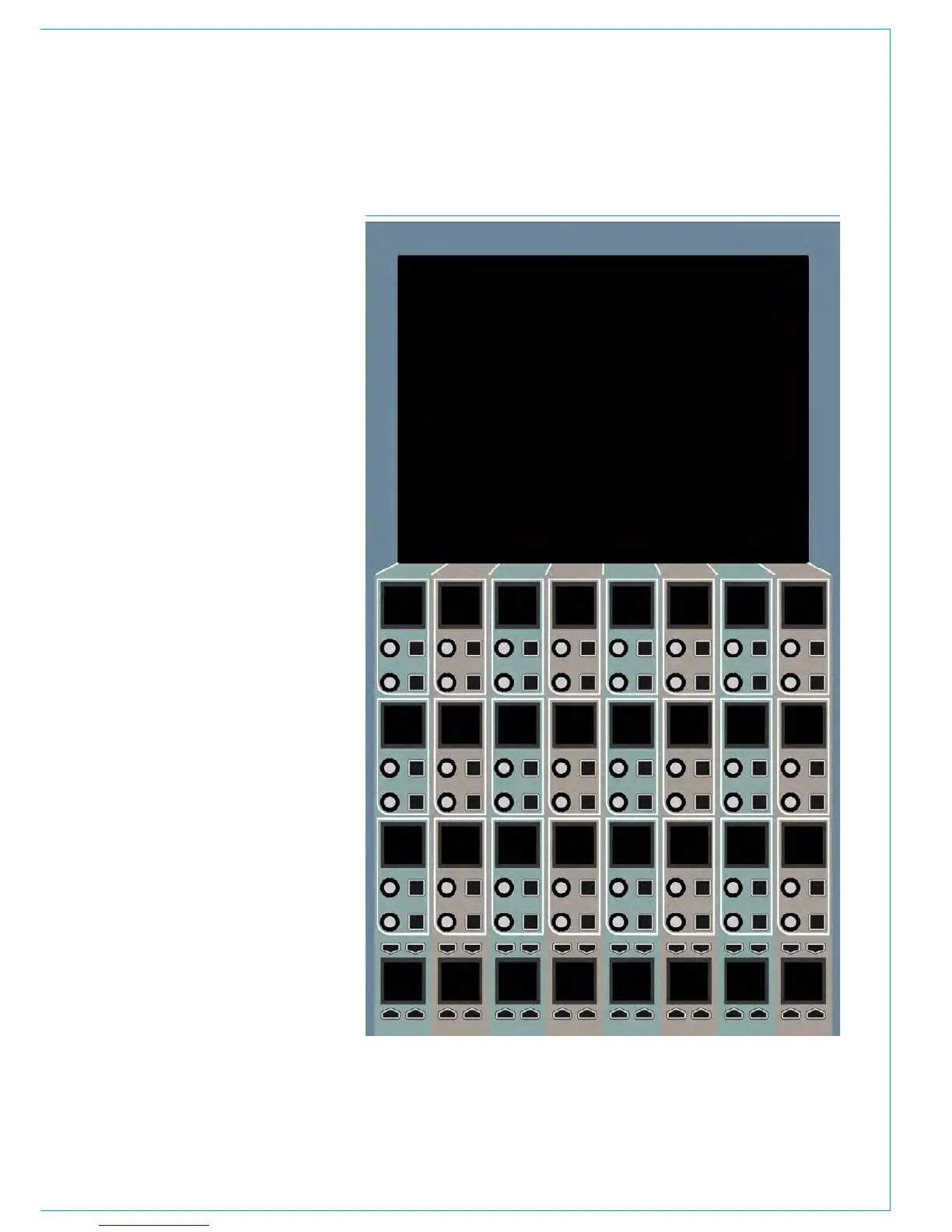
Each wild assign panel consists of 24
identical dual rotary control cells and a
row of 8 identical quad button control cells
as shown in Fig 4.
The bottom row of the wild assign panel
is used to provide additional switch
controls for the assigned channel or page
selection for the ‘rotary’ control cells
above.
The control cells will display different
controls and be arranged in different ways
depending on the mode that the panel is
operating in.
The panel could be in Assign, Outputs,
Monitor, Strips or Wilds mode.
Assign mode makes the panel function
as an assignable panel. In much the
same way as previous Calrec assignable
consoles, such as Alpha, a range of
parameters are displayed that reflect
the values of, and allow control over, the
currently assigned path.
Strips or Wilds mode splits the panel
up into eight vertical strips effectively
providing six additional strips controls per
fader.
Outputs and Monitor modes provide
control over output and monitor functions.
A TFT touchscreen located at the top of
the panel is used to display and interact
with control settings.
FIG 4 - WILD ASSIGN PANEL



 To Next Page