CALREC Putting Sound in the Picture 33
The A and B assign buttons assign the
paths to any relevant assign modes on the
surface, as on the standard fader panel,
but the advantage is that both A and B
paths are visible and accessible on faders
at all times.
The assigned path will have its assign
button illuminated blue as on the standard
fader panel.
Strips or Wilds mode
When a wild assign panel is located
above a dual fader panel and is switched
into Strips or Wilds mode, the path which
the controls relate to (the active path) is
determined by which assign button A or
B is selected for each fader. The active
path for each fader can be changed by
pressing the relevant assign button.
The path label for the active path will take
up two thirds of the path label display
and will have the relevant assign button
illuminated.
Mixing dual and standard fader
panels
A surface can be configured with both
dual fader panels and standard fader
panels. In this situation, the standard fader
panels will only have the A layer enabled
on the lower assign button so that
operation is consistent with the dual fader
panels. The B layer will not be accessible
on these standard fader panels.
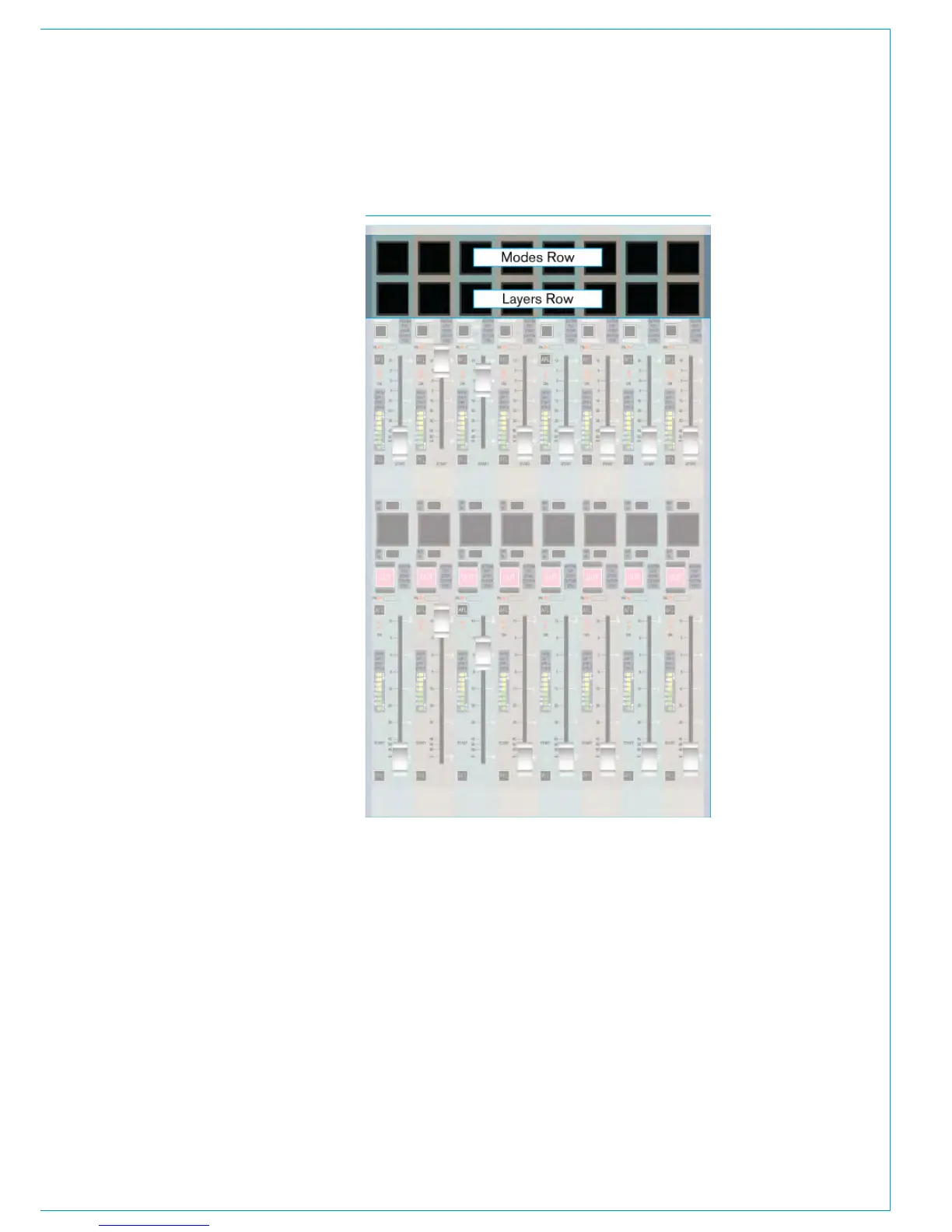
FIG 12 - ROWS



 To Next Page