Changing Default USB Print Settings
0X7U-028
The settings that are initially displayed for specifying print settings are called the default settings. If you change these
default settings to match the operations that you perform frequently, you can eliminate the need to specify the same
settings every time you make prints.
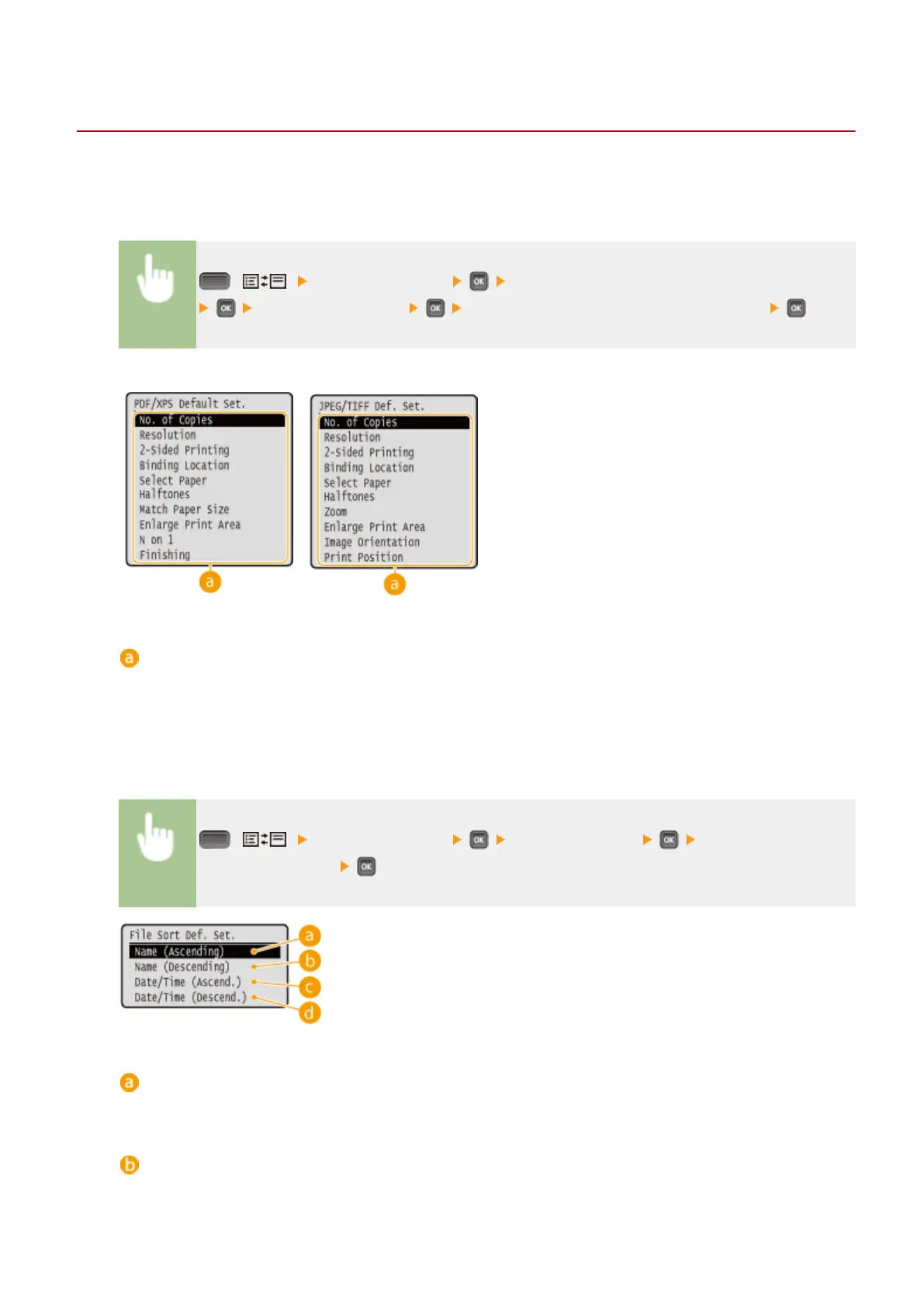
( ) <USB Print Settings> <PDF/XPS Default Set.> or <JPEG/TIFF Def. Set.>
Select the setting item Change the default value of the selected item
PDF/XPS
JPEG/TIFF
Setting items
Select the item you want to set, and change the default value.
◼
Setting the Order of Displaying Files to Print
You can set the order in which les to print from a USB memory device are displayed for selection.
( ) <USB Print Settings> <File Sort Def. Set.> Select the standard of
the le display order
<Name (Ascending)>
Displays the les in ascending order by name.
<Name (Descending)>
Displays the les in descending order by name.
Printing a Document
129



 To Next Page