Initializing the Network Settings
0X7U-077
You can restore the network settings ( Network(P. 375) ) to the factory default settings.
Do not initialize the network settings when the machine is printing or receiving print
data
● Doing so may result in incorrect printing, paper jams, or damage to the machine.
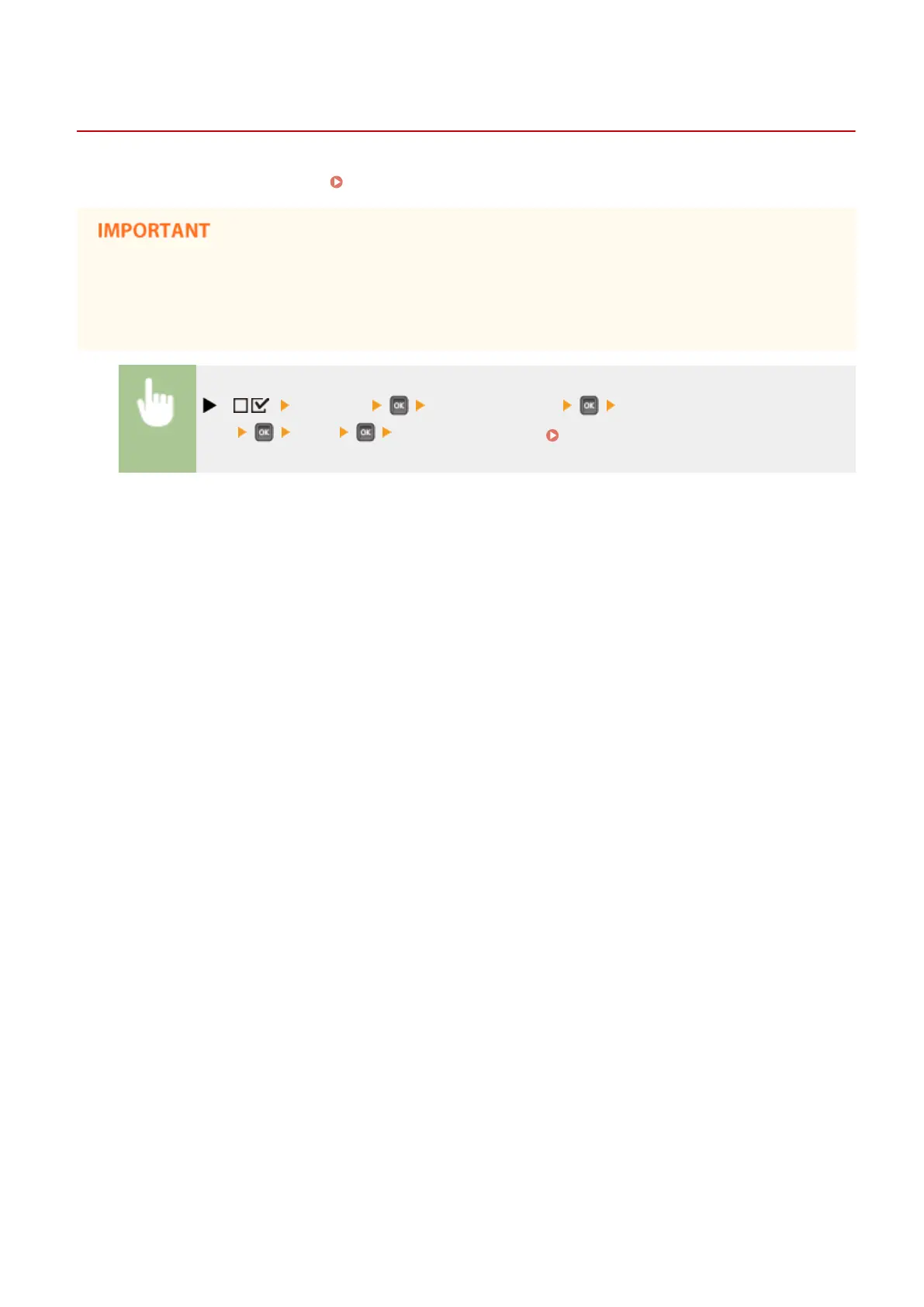
( ) <Network> Check the message <Init. Network
Set.> <Yes> Perform a hard reset ( Performing a Hard Reset(P. 451) )
Maintenance
552



 To Next Page