Restricting the Printing Operations
0X7U-045
You can specify settings to prevent received print data from being automatically printed, reducing wasteful use of
paper and disabling third parties to use the machine. To use this function, you must install an optional SD card.
Installing an SD Card(P. 583)
● Even when the printing operations are restricted, settings lists and reports can be printed. Printing
Reports and Lists(P. 536)
1
Start the Remote UI and log on in Management Mode. Starting Remote UI(P. 333)
2
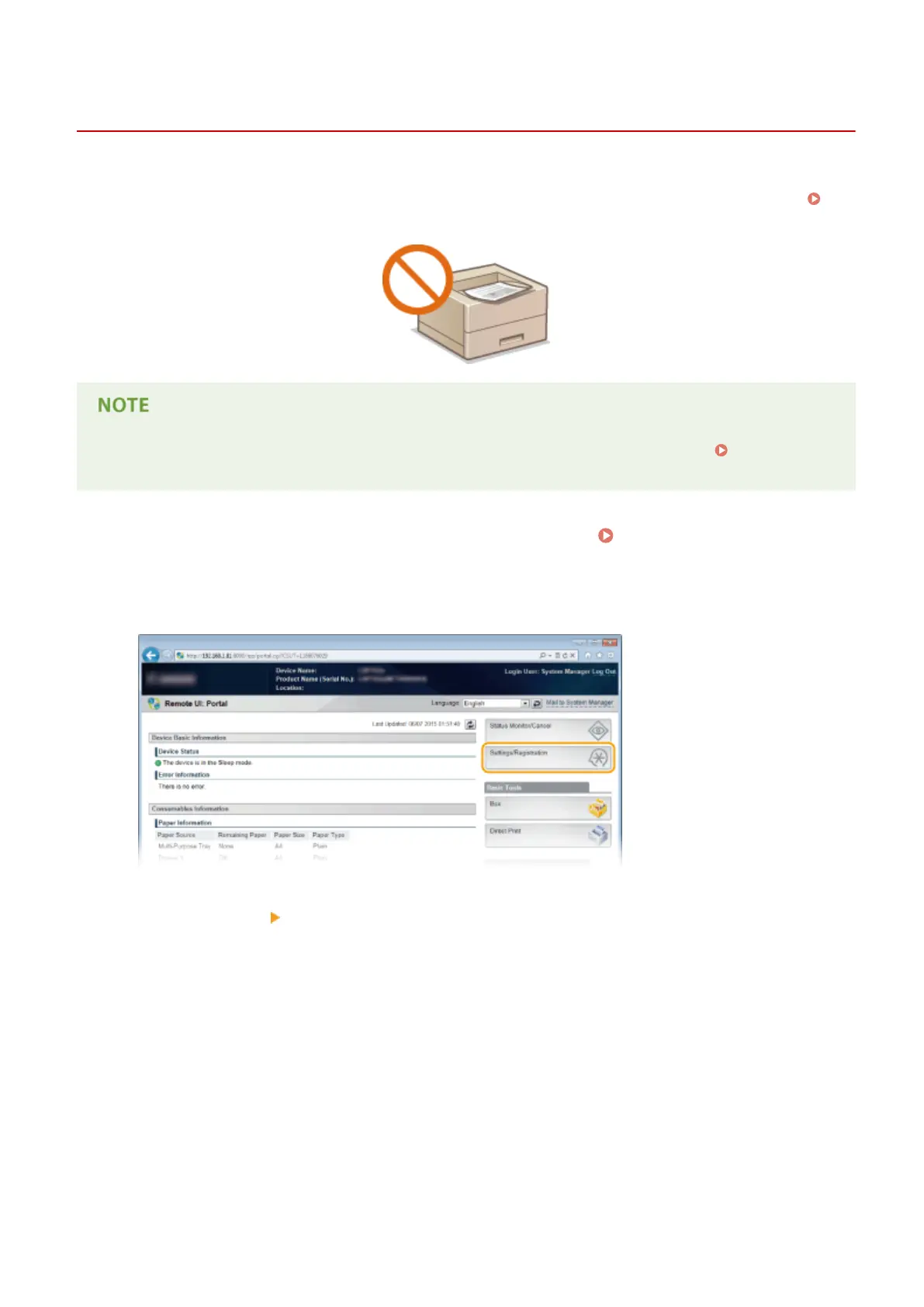
Click [Settings/Registration].
3
Click [Security] [Management Settings].
Security
278



 To Next Page