Printing without Opening a File (Direct Print)
0X7U-02H
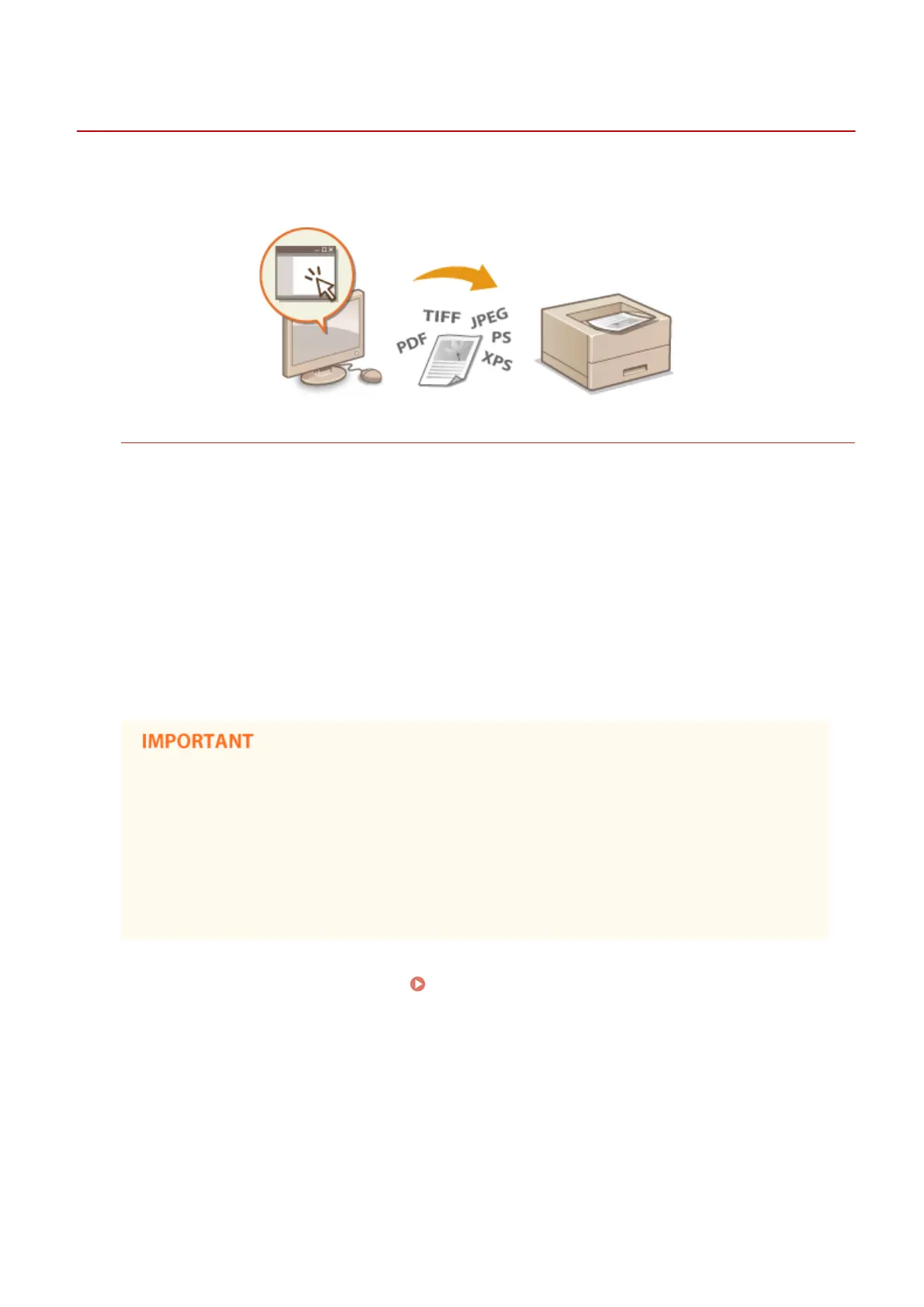
You can print a le from a Web browser (Remote UI) without opening the le. In addition, you can also print a PDF le
on the Web by only specifying the URL.
Available File Formats
You can print the following types of les by Direct Print. However, Direct Print may be unavailable depending on
the le structure.
● PDF le
*1
● PS le
● EPS le
● JPEG le
● TIFF le
● XPS le
*1
Version 1.7 is supported.
You cannot print any image le exceeding the following data size.
● PDF/XPS les
(with SD card installed) : 2 GB
(without SD card installed) : 20 MB
● PS/EPS/JPEG/TIFF les
*2
: 2 GB
*2
If no SD card is installed, TIFF les exceeding 20 MB in size may not be printed depending on the le structure.
1
Start the Remote UI and log on. Starting Remote UI(P. 333)
2
Click [Direct Print].
Printing a Document
146



 To Next Page