Screen Layout of e-Manual
0X7U-085
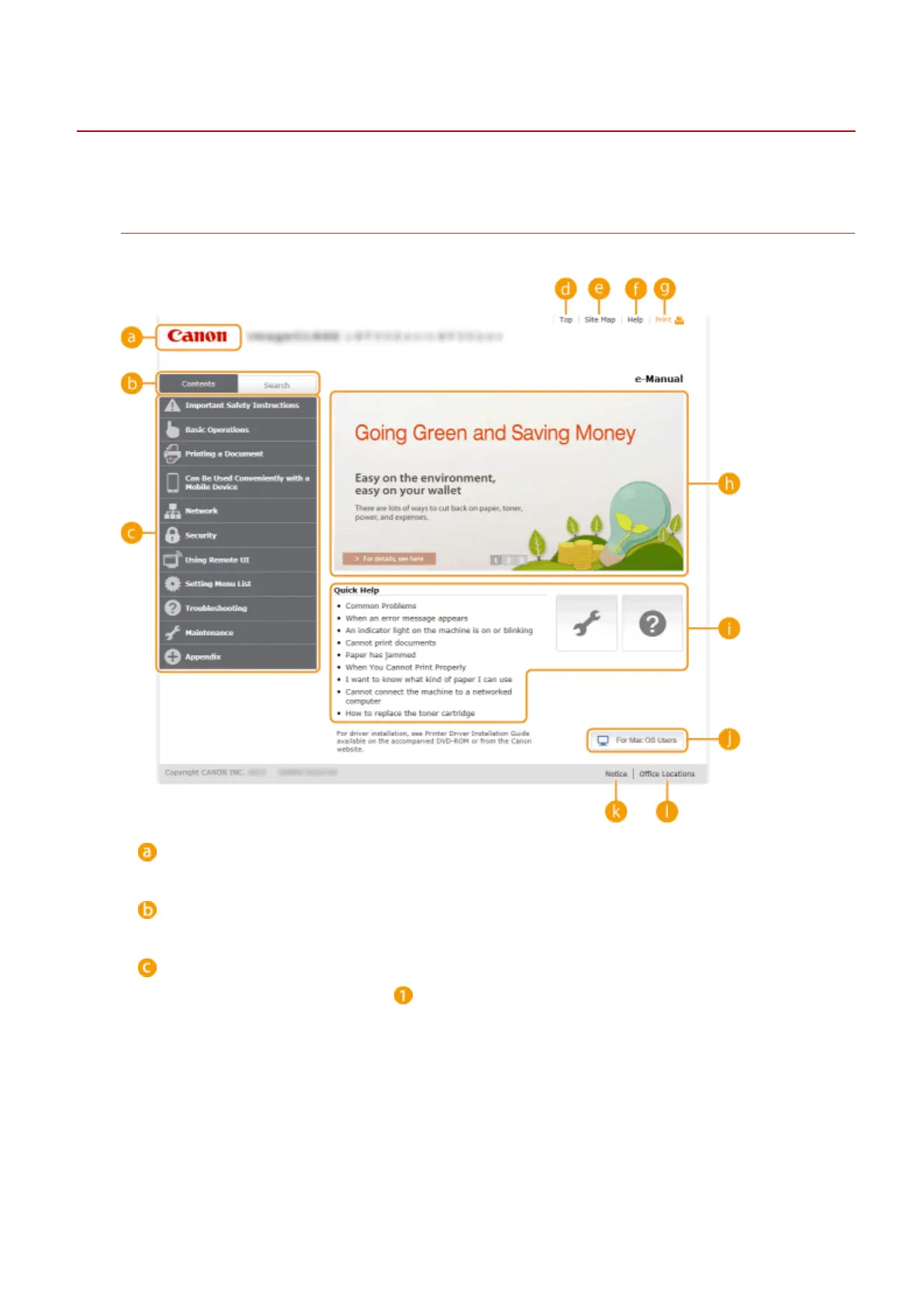
The e-Manual is divided into different screens, and the content of each screen varies.
Top Page
Appears when e-Manual is started.
Canon
Click to return to the top page.
[Contents] tab/[Search] tab
Click to toggle the display between the table of contents and search.
Contents
The titles of chapters are displayed ( ). Place the mouse pointer over one of the titles, and topics of the
chapter are displayed on the right. Click a topic and its page is displayed.
Appendix
592



 To Next Page