Specifying Paper Size and Type for the Envelope Feeder
(Option)
0X7U-015
1
Press ( ).
2
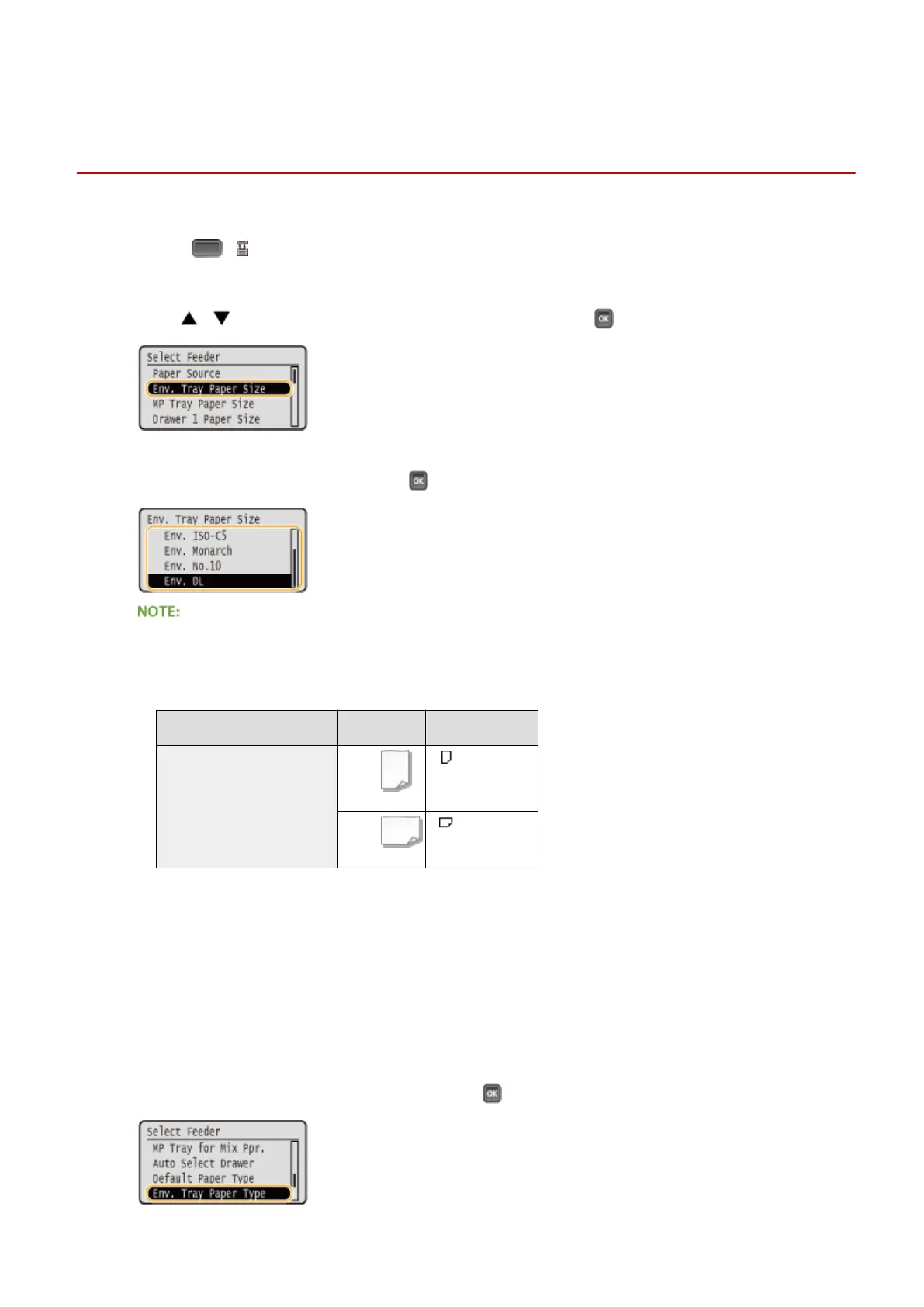
Use / to select <Env. Tray Paper Size>, and press .
3
Select the paper size, and press .
For custom size paper
● Custom size paper can be loaded in either portrait or landscape orientation. See the table below to select
the setting according to the orientation of the paper.
Paper size
Orientation Setting
Custom size paper
*
< Custom Size>
< Custom Size>
*
Before printing, select the [Feed Custom Paper Vertically] check box in the [Paper Source] tab of the printer driver.
About <Free Size>
● If you frequently change sizes of paper to load, you can specify <Free Size>, which saves you the trouble of
changing the paper size setting each time you print. However, note that the paper size specied on the
printer driver is not checked before printing in this case.
● If you select <Free Size>, the print speed will be slower.
4
Select <Env. Tray Paper Type>, and press .
Basic Operations
65



 To Next Page