Basic Printing Operations
0X7U-01C
This section describes how to print a document on your computer by using the printer driver.
● Before printing, specify the paper size and type for the paper loaded in the paper source.
Loading Paper(P. 37)
Specifying Paper Size and Type(P. 59)
1
Open a document in an application and display the print dialog box.
● How to display the print dialog box differs for each application. For more information, see the instruction
manual for the application you are using.
2
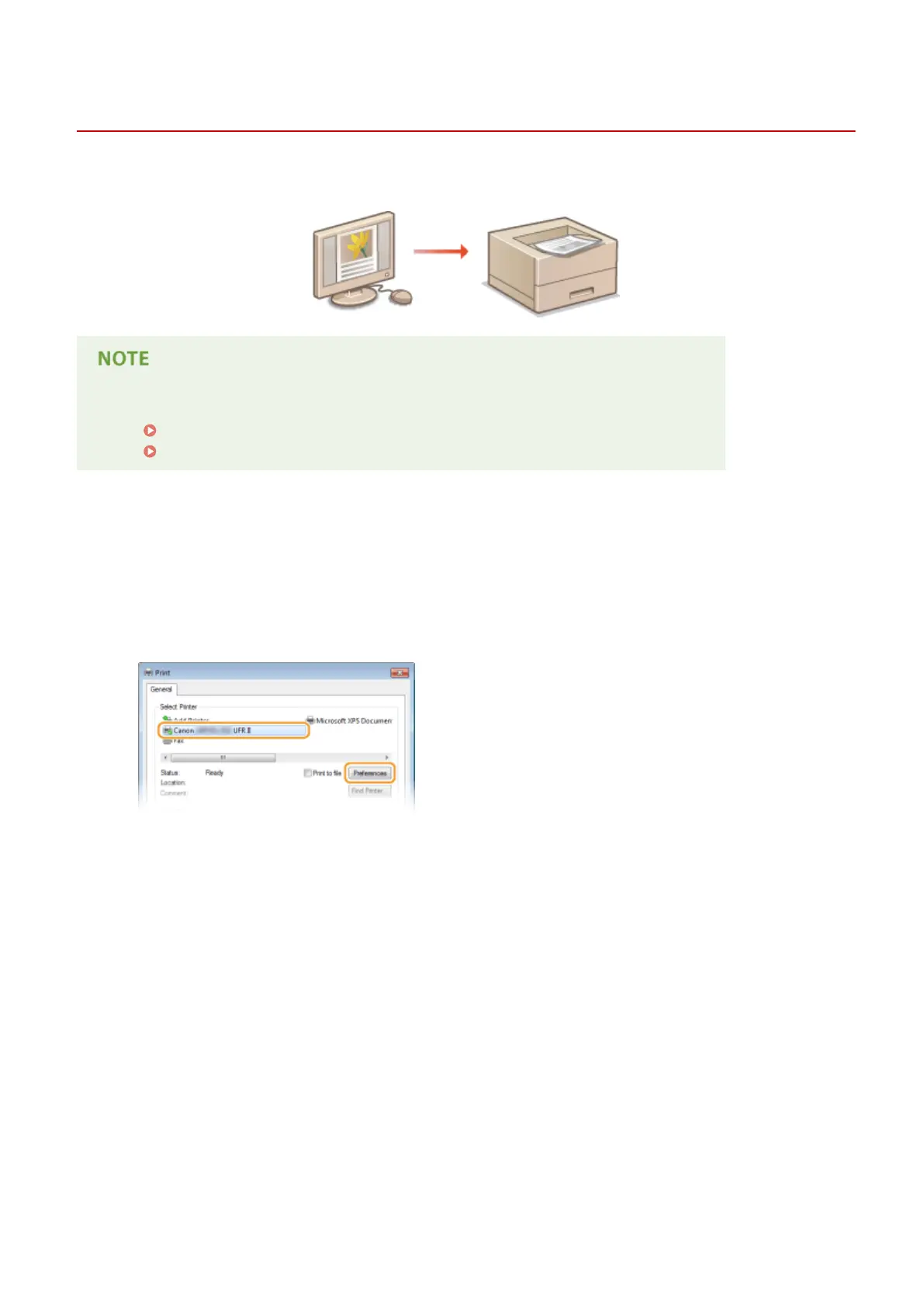
Select your printer, and click [Preferences] or [Properties].
● The screen that is displayed differs depending on the application you are using.
3
Specify the paper size.
Printing a Document
78



 To Next Page