● If you set this item to <On>, the printing speed becomes slower.
Barcode Adj. Mode
Specify this setting when a printed barcode cannot be correctly read. The improvement effect becomes greater as the
mode number shown below becomes larger.
Off
Mode 1
Mode 2
Mode 3
Mode 4
( ) <User Maintenance> <Barcode Adj. Mode> Select the mode
● Print density will be lighter when you select stronger improvement.
● When printing from the computer, the setting in the printer driver takes precedence. When the setting of
[Graphics Mode] in the printer driver is changed to [UFR II Mode] and [Barcode Adjustment Mode] is
changed to [Printer Default], the setting in the operation panel takes precedence.
● When you set this item to one of <Mode 1> to <Mode 4>, <Special Print Mode A> is automatically set to
<Off>.
● If you select <Mode 4>, the print speed will be slower.
Update Firmware
Upgrades the rmware of the machine.
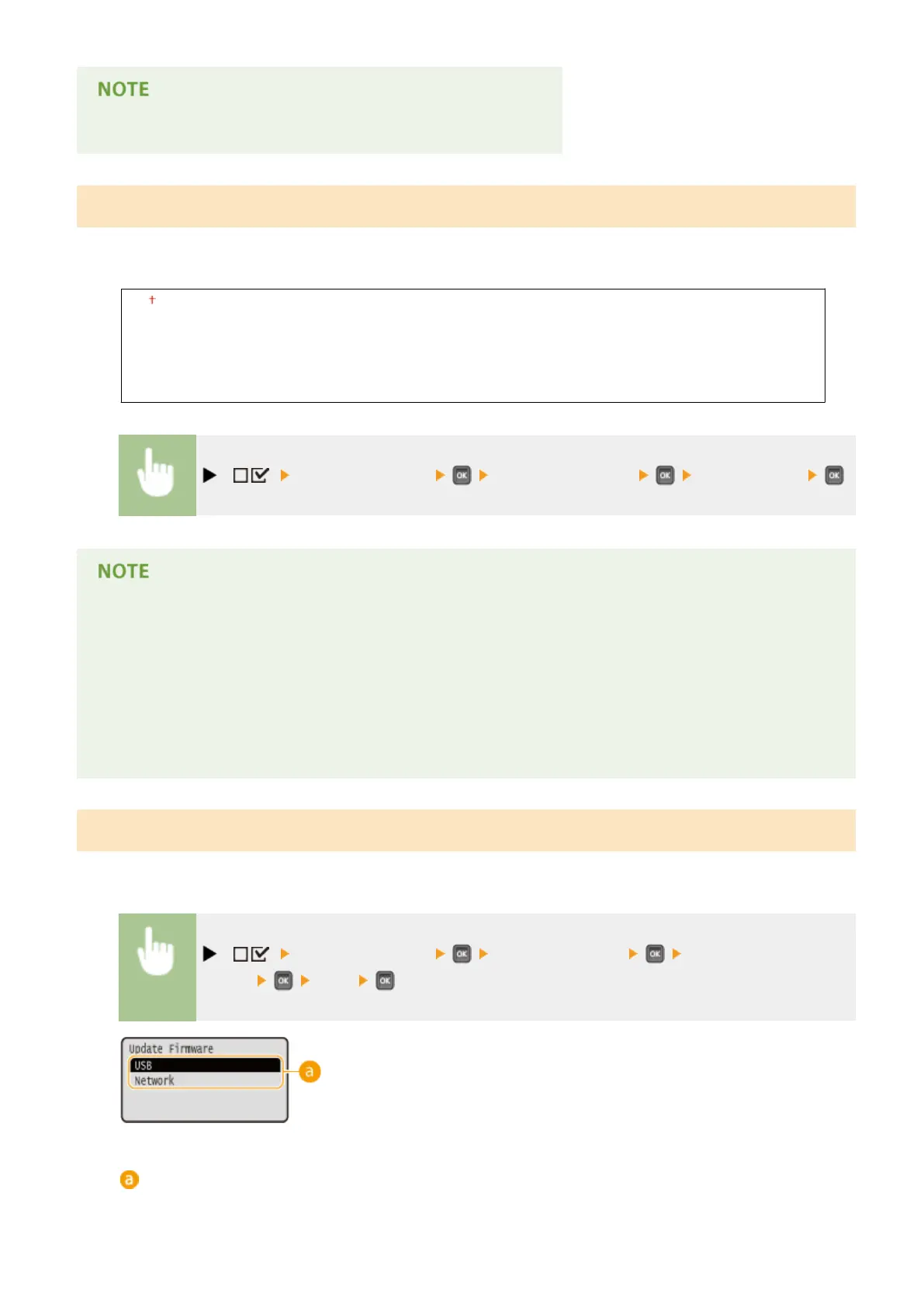
( ) <User Maintenance> <Update Firmware> Select the connection
method <Yes>
Connection method selection
Select the method to connect a computer that performs the rmware update.
Setting Menu List
411



 To Next Page