Using FTP Clients
0X7U-088
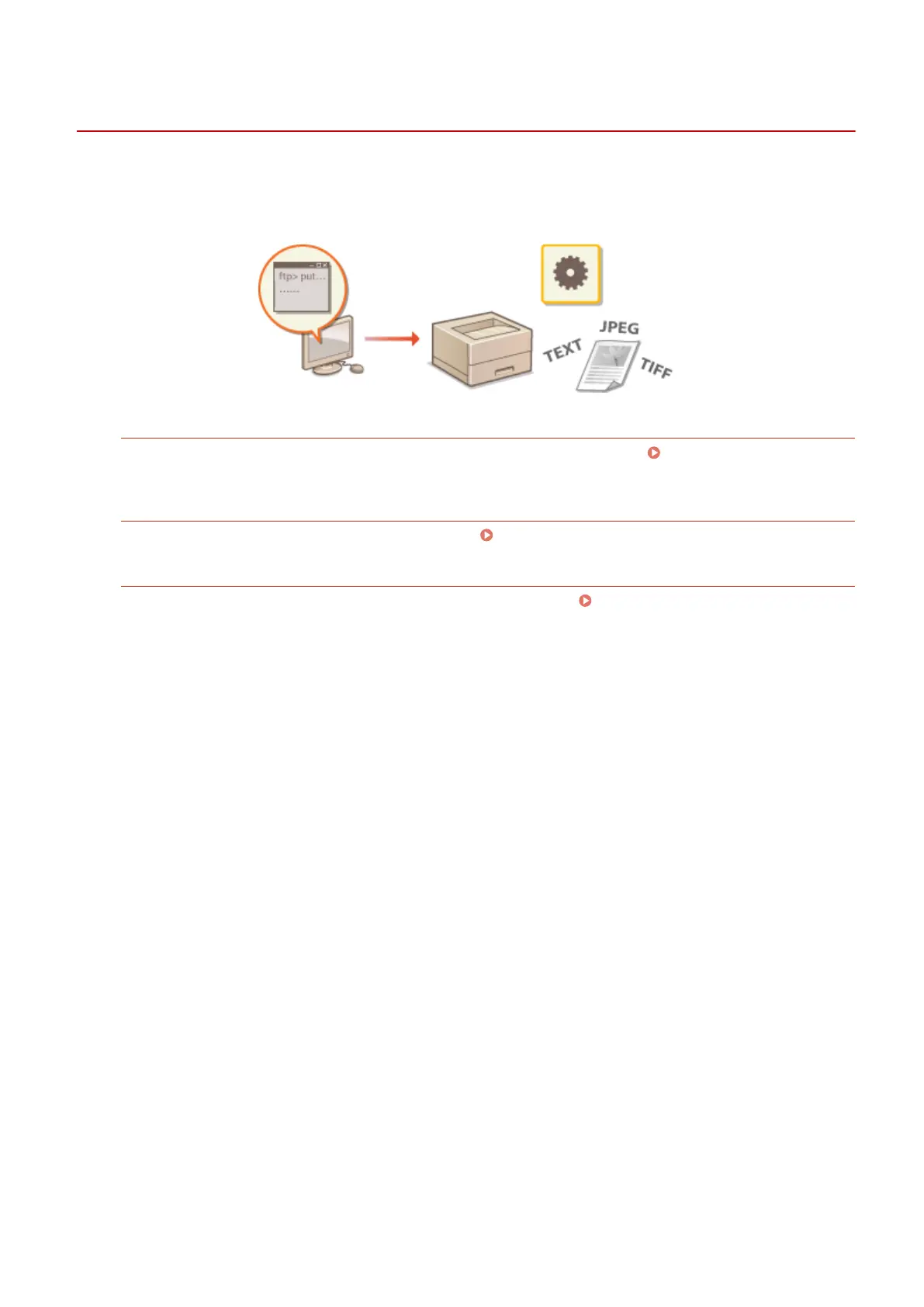
You can use an FTP client to access the FTP server of the machine and specify settings for document printing and
networking. Printing and settings can be performed with Command Prompt installed in the operating system as
standard, requiring neither specic drivers nor specic applications.
Preparing for Using the FTP Server
Specify settings to enable communication between the machine and the clients. Preparing for Using the FTP
Server(P. 603)
Printing via FTP Client (FTP Print)
You can print a document sent to the machine via FTP. Printing via FTP Client (FTP Print)(P. 606)
Specifying Settings via FTP Client
You can download the machine settings in text format and edit them. Specifying Settings via FTP
Client(P. 608)
Appendix
602



 To Next Page