Disabling HTTP Communication
0X7U-048
HTTP is used for communications over the network, such as when you access the machine via the Remote UI. If you
are using a USB connection or are otherwise not using HTTP, you can disable HTTP to block malicious third-party
intrusions via the unused HTTP port.
Disabling HTTP disables some of the network capabilities, such as the Remote UI, WSD printing., and printing
with Google Cloud Print.
1
Press ( ).
2
Use / to select <Network>, and press .
● When a message appears, press .
3
Select <TCP/IP Settings> <HTTP>.
4
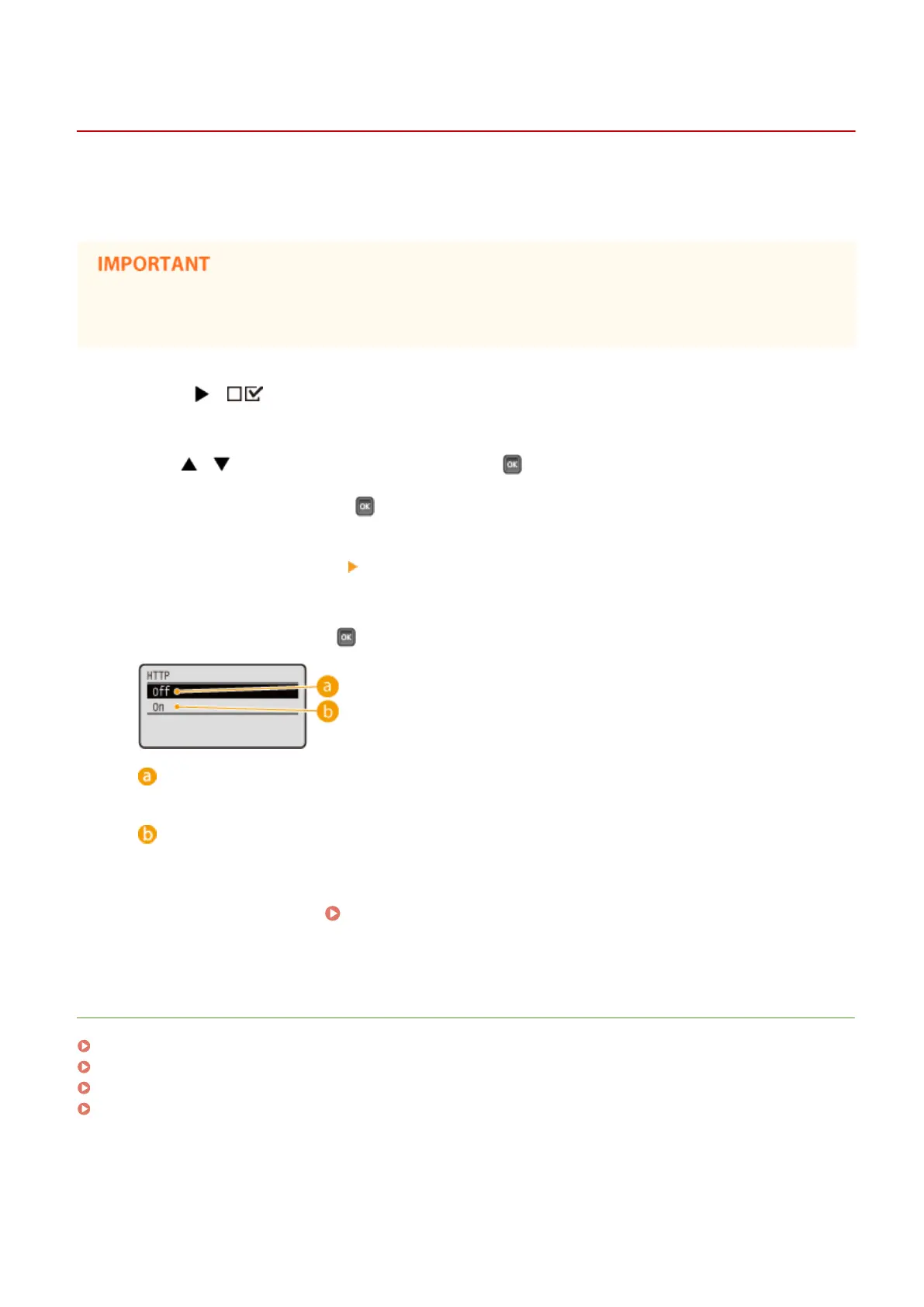
Select <Off>, and press .
<Off>
Disables HTTP communication.
<On>
Enables HTTP communication.
5
Perform a hard reset. Performing a Hard Reset(P. 451)
➠ The settings are enabled after the hard reset is performed.
LINKS
Using Remote UI(P. 332)
Conguring Printing Protocols and WSD Functions(P. 197)
Using Google Cloud Print(P. 176)
When the XPS Printer Driver Is Used(P. 259)
Security
288



 To Next Page