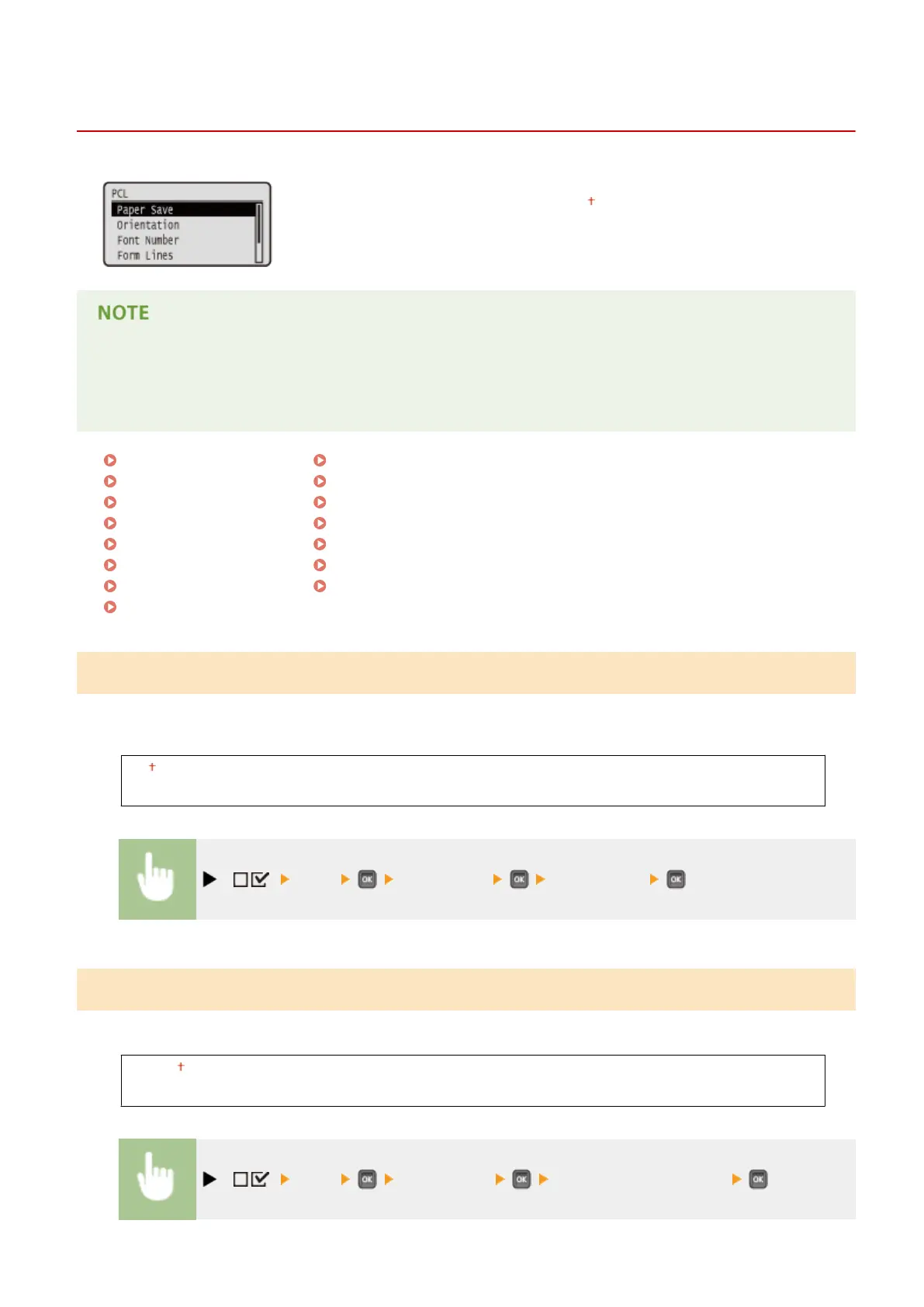
PCL
0X7U-05L
All the settings about the PCL control commands are listed with short descriptions.
Default settings are marked with a dagger (
).
Asterisks (*)
● Settings marked with an asterisk (
*
) are not displayed depending on other settings or whether the optional
ROM is installed on the machine.
Paper Save(P. 419)
Orientation(P. 419)
Font Number(P. 420)
Point Size(P. 420)
Pitch(P. 420)
Form Lines(P. 420)
Character Code(P. 421)
Custom Size(P. 422)
Unit of Measurement(P. 422)
X Dimension(P. 422)
Y Dimension(P. 423)
Append CR to LF(P. 423)
Enlarge A4 Prt Width(P. 423)
BarDIMM(P. 424)
FreeScape(P. 424)
Paper Save
Species whether the machine outputs the blank page that can be created due to no data existing between two form
feed codes sent from an application.
Off
On
( ) <PCL> <Paper Save> <Off> or <On>
Orientation
Enables you to set the paper orientation.
Portrait
Landscape
( ) <PCL> <Orientation> <Portrait> or <Landscape>
Setting Menu List
419



 To Next Page