Y Dimension
*
Enables you to specify the Y dimension of the custom paper. The Y dimension can be adjusted between 127.0 mm and
355.6 mm in increments of 0.1 mm.
127.0 to 355.6 mm
( ) <PCL> <Y Dimension> Use the numeric keys to enter the setting
value
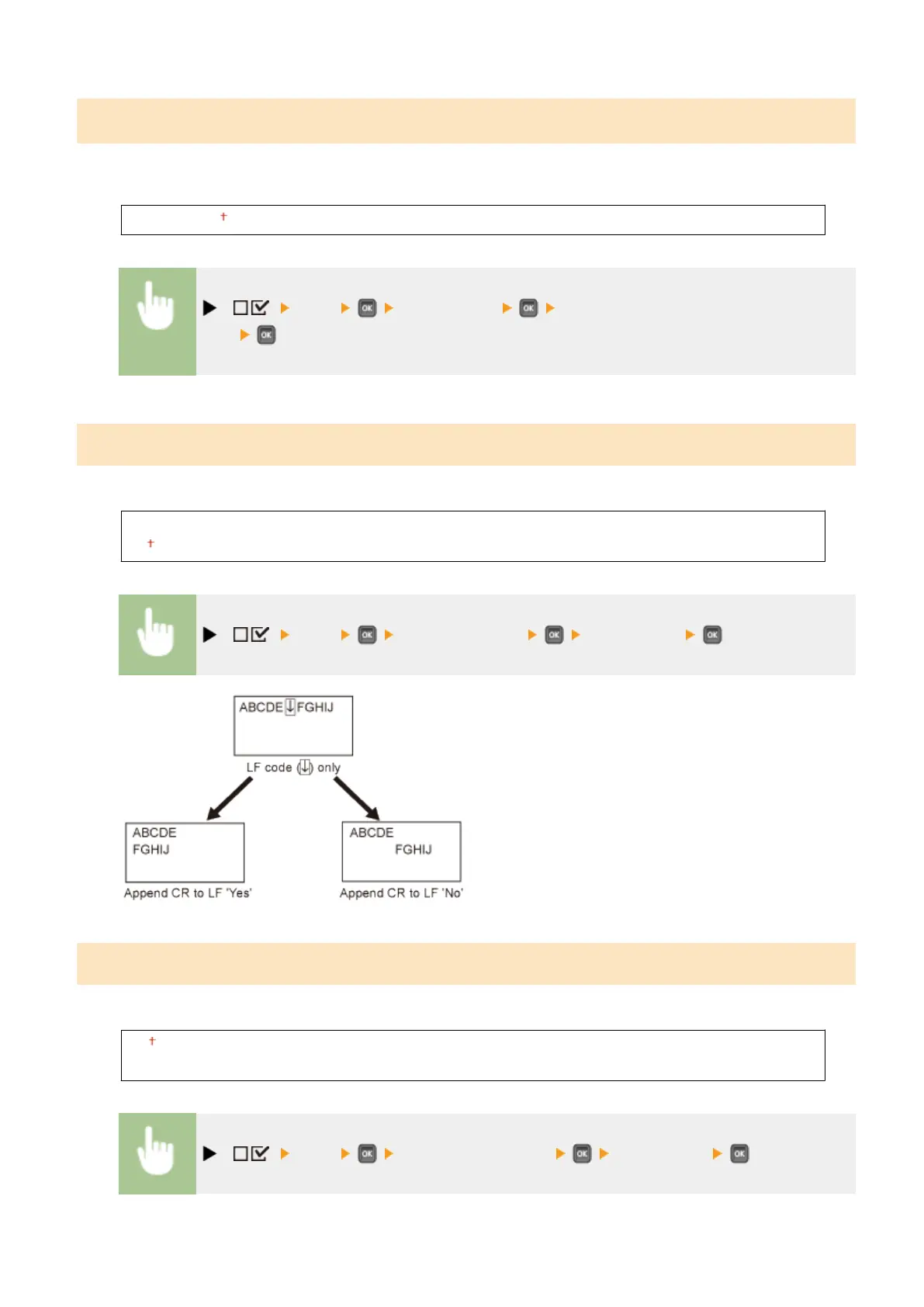
Append CR to LF
Enables you to specify whether to append a carriage return (CR) when line feed code (LF) is received.
Yes
No
( ) <PCL> <Append CR to LF> <Yes> or <No>
Enlarge A4 Prt Width
Determines whether to expand the printable area of A4 paper to that of Letter size in width.
Off
On
( ) <PCL> <Enlarge A4 Prt Width> <Off> or <On>
Setting Menu List
423



 To Next Page