Paper Creases or Curls
0X7U-06F
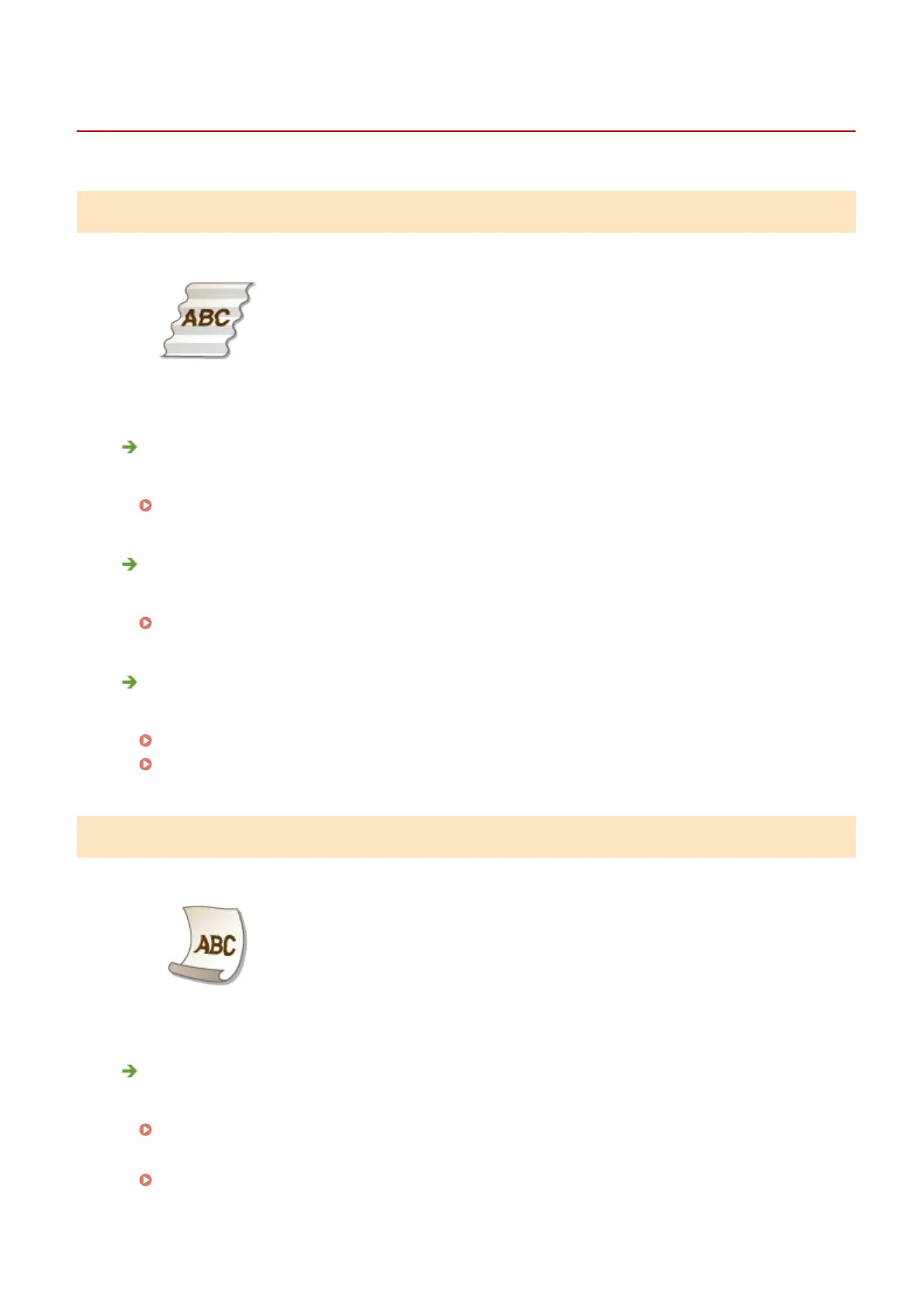
Paper Creases
Is paper loaded correctly?
● If paper is not loaded below the load limit line or the load limit guide or is loaded obliquely, it may crease.
Loading Paper(P. 37)
Are you using paper that has absorbed moisture?
● Replace with appropriate paper.
Loading Paper(P. 37)
Are you using appropriate paper?
● Check usable paper, and replace with appropriate paper.
Paper(P. 569)
Loading Paper(P. 37)
Paper Curls
Are you using paper that has absorbed moisture?
● Replace with appropriate paper.
Loading Paper(P. 37)
● When the current setting of the paper type is <Plain>, change it to <Plain L>
Specifying Paper Size and Type(P. 59)
Troubleshooting
511



 To Next Page