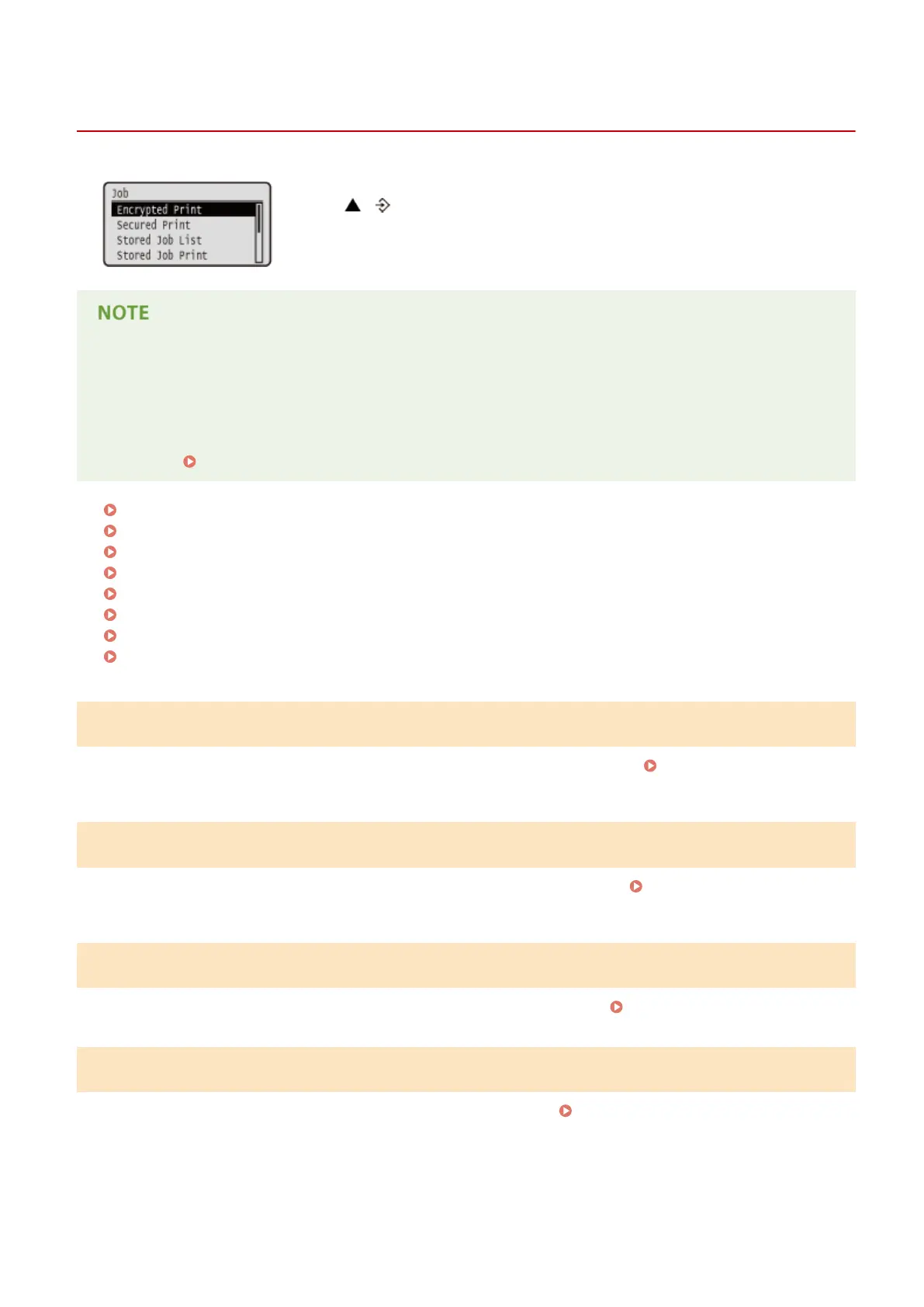
Job Menu
0X7U-062
You can print documents stored in the SD card and a print log. When you
press ( ) on the operation panel, the Job menu is displayed. You can specify
the settings described below when the machine is oine.
Asterisks (*)
● Settings marked with "
*1
" are not displayed depending on other settings or whether an optional SD card is
installed on the machine.
● Settings marked with "
*2
" are not displayed when [Display Job Log] check box of the Remote UI is not
selected.
Hiding the Print Job History(P. 291)
Encrypted Print(P. 449)
Secured Print(P. 449)
Stored Job List(P. 449)
Stored Job Print(P. 449)
Job Print Log(P. 450)
Stored Job Print Log(P. 450)
Report Print Log(P. 450)
E-Mail Print Log(P. 450)
Encrypted Print
*1
Select to print encrypted documents that you sent to the machine from the computer. Printing Out Secured
Documents(P. 133)
Secured Print
*1
Select to print secured documents that you sent to the machine from the computer.
Printing Out Secured
Documents(P. 133)
Stored Job List
*1
Select to print a list of documents stored in the SD card installed on the machine. Stored Job List(P. 542)
Stored Job Print
*1
Select to print documents stored in the SD card installed on the machine. Printing a Document Stored in the
Machine(P. 139)
Setting Menu List
449



 To Next Page