Security
0X7U-03L
Condential information is handled by information devices everywhere, including computers and printers, and any of
these devices may become a target for malicious third parties at anytime. Attackers may directly gain unauthorized
access to your devices, or indirectly take advantage of negligence or improper use. Either way, you may incur
unanticipated losses when your condential information is leaked. To counter these risks, the machine is equipped
with a variety of security functions. Set the necessary conguration depending on your network environment.
You can congure the best security system by building an environment that inhibits access to printers on your
in-house network via the Internet and using such environment together with the machine's security features.
Preventing Unauthorized Access(P. 250)
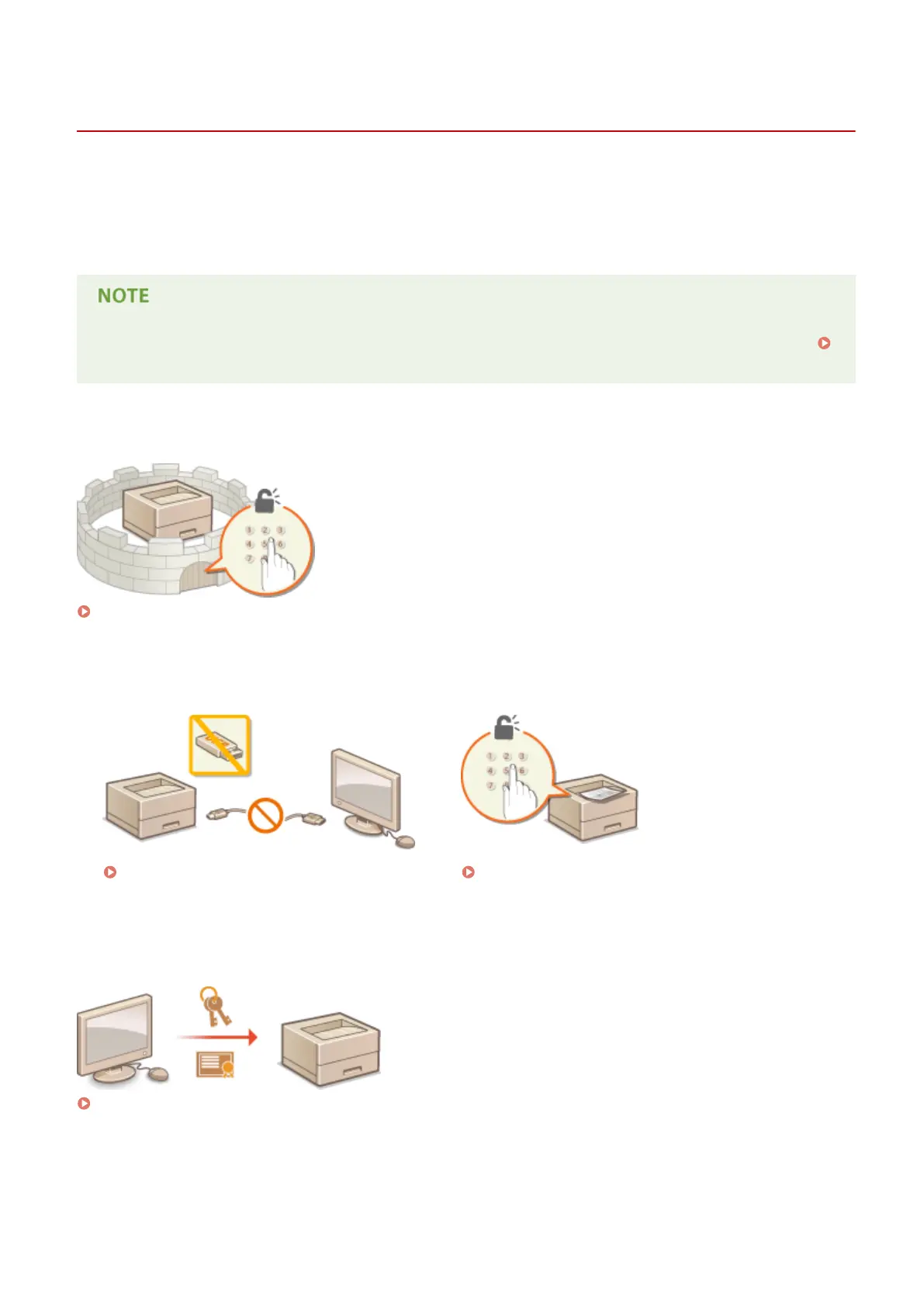
◼ Establishing the Basics of Information Security
Protecting the Machine from Unauthorized Access(P. 249)
◼
Preparing for Risks from Negligence or Misuse
Restricting the Machine's Functions(P. 277) Printing a Document Secured by a PIN (Secured Print)
(P. 131)
◼ Implementing Robust Security Features
Implementing Robust Security Features(P. 293)
Security
248



 To Next Page