[Color Settings]
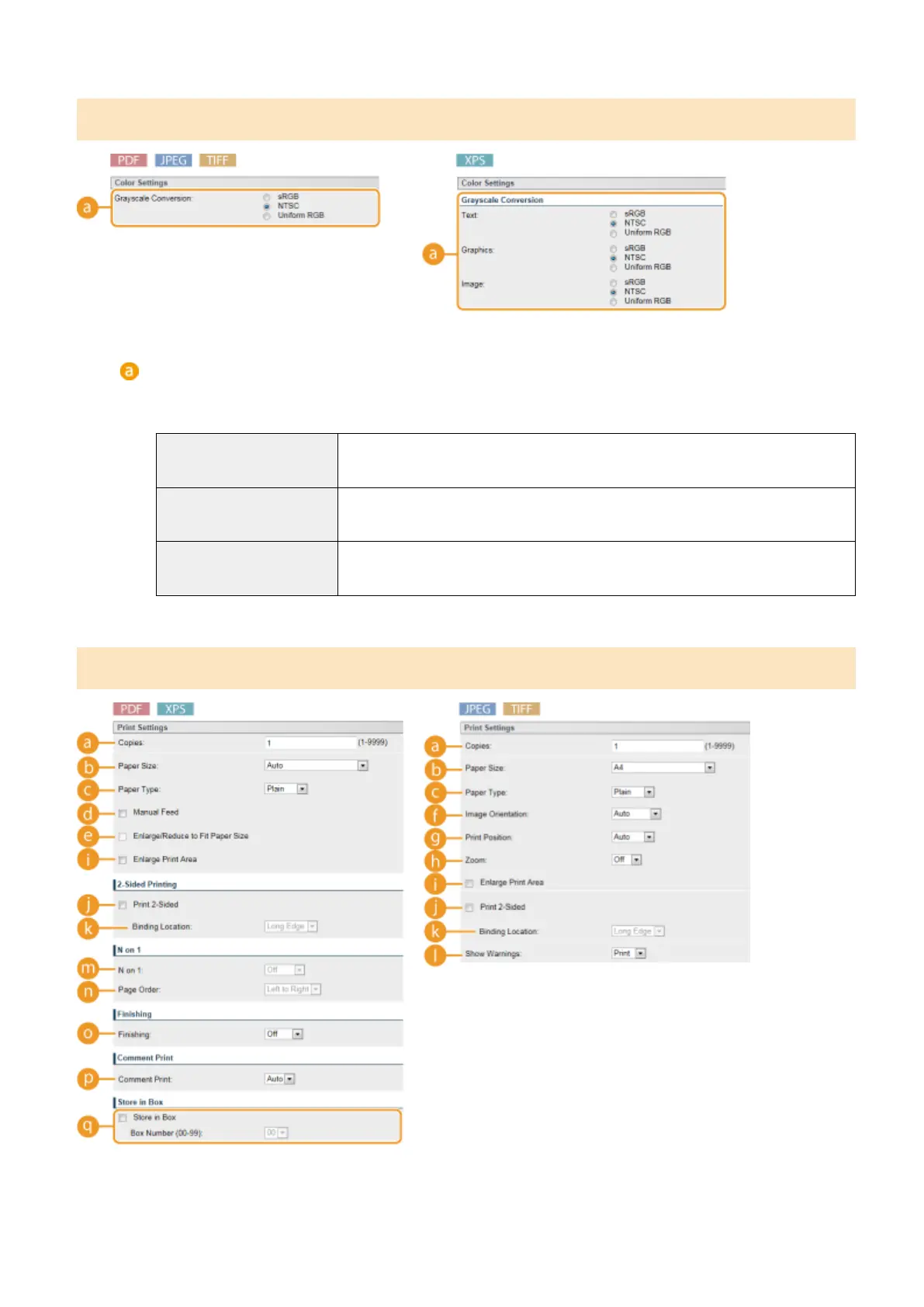
[Grayscale Conversion]
You can select the method to convert color pint data to black-and-white data. For XPS les, you can specify
the conversion method for each image data type: [Text], [Graphics], and [Image].
[sRGB]
Color data is converted to black-and-white data to generate color-conscious smooth
gradation.
[NTSC] Color data is converted to black-and-white data to generate appearances equivalent to
television pictures (NTSC).
[Uniform RGB] Color data is converted to black-and-white data to equalize all RGB levels based on the
brightness only.
[Print Settings]
Printing a Document
152



 To Next Page