Maintenance
0X7U-06K
This chapter describes upkeep of the machine, including how to clean the machine and initialize settings.
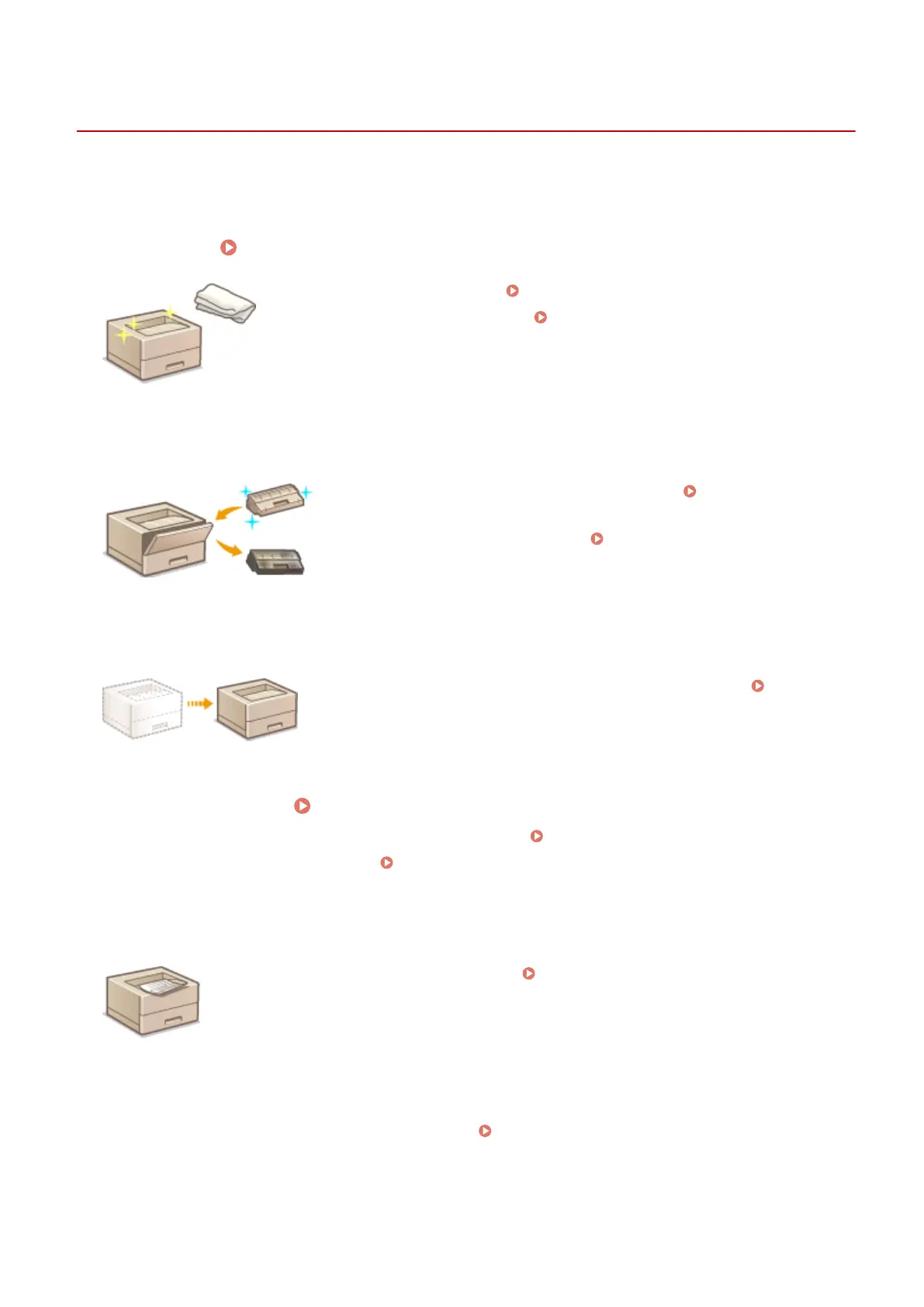
◼ Basic Cleaning
Cleaning the Machine(P. 518)
● The machine becomes dirty, see Exterior(P. 519) .
● Black spots appear on printouts, see Fixing Unit(P. 520) .
◼ Replacing Toner Cartridges
● If you want to check the remaining toner level, see Replacing Toner
Cartridges(P. 521) .
● How to replace toner cartridges, see
How to Replace Toner
Cartridges(P. 524) .
◼
Relocating the Machine
● Relocating the machine for maintenance or an oce move, see Relocating
the Machine(P. 527) .
◼
Managing Print Quality Maintaining and Improving Print Quality(P. 529)
● If you want to adjust the toner density to be used for printing, see Adjusting Print Density(P. 530) .
● If you want to adjust the print position, see Adjusting Print Position(P. 532) .
◼ Printing Reports and Lists
● Printing out lists of settings or the like , see Printing Reports and Lists(P. 536) .
◼ Checking the Total Pages Printed by the Machine
If you want to check the total page number of printouts , see Viewing the Counter Value(P. 545) .
Maintenance
516



 To Next Page