[Print Range]
Specify the range (pages) to print.
[All] Select to print all pages.
[Specify Pages] Select to specify the print range. This setting is unavailable for JPEG les.
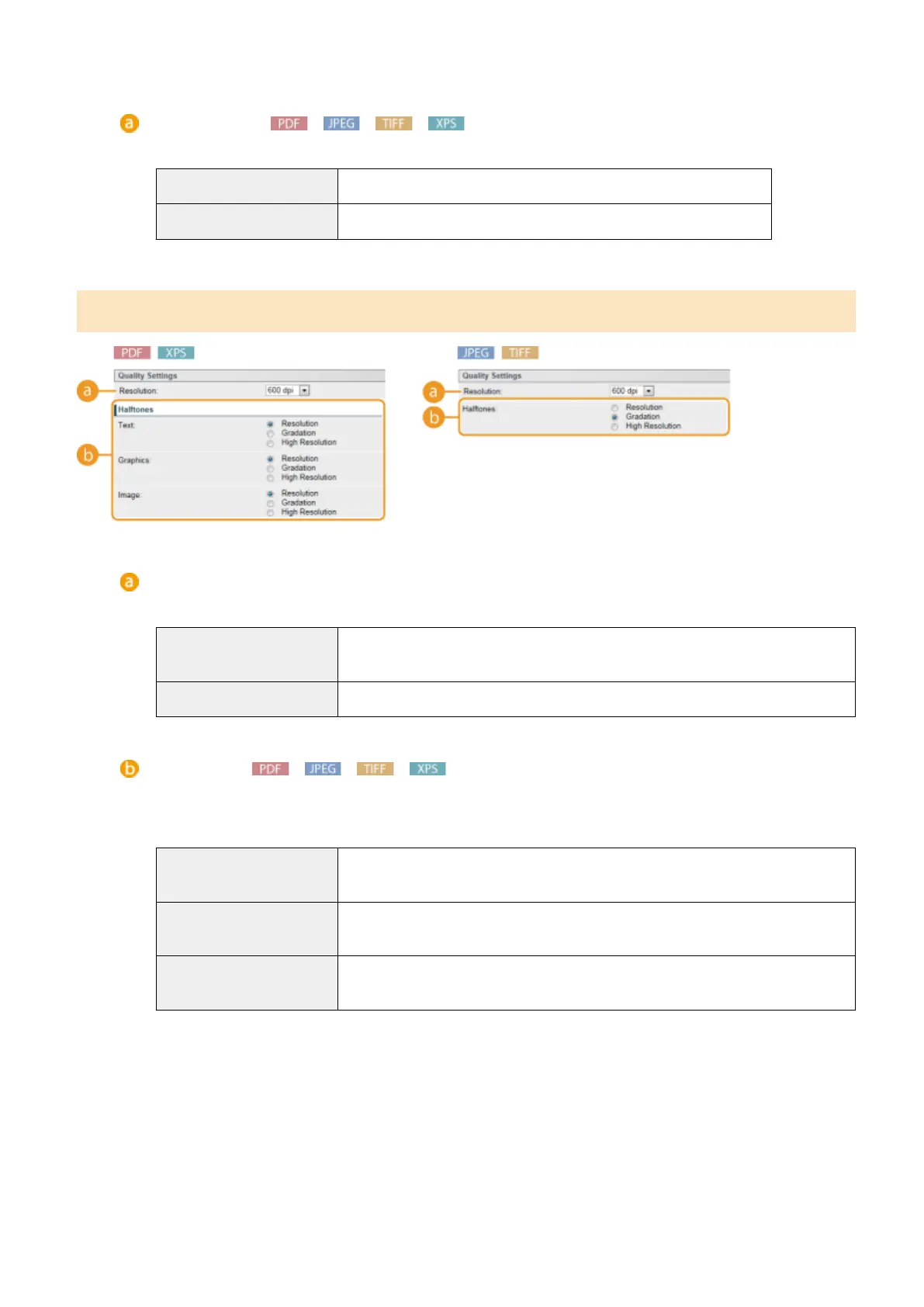
[Quality Settings]
[Resolution]
Specify the resolution of data to print.
[1200 dpi]
Edges of characters and graphics can be clearly reproduced at high resolution. This
print mode is suitable for printing data that contains many small characters.
[600 dpi] This print mode is suitable for printing at a high speed.
[Halftones]
You can select the printing method to reproduce halftones (the intermediate range between the lighter and
darker areas of an image). For PDF les and XPS les, you can specify the halftones for each image data type:
[Text], [Graphics], and [Image].
[Resolution]
Prints gradation and lines with a smooth nish. This print mode is suitable for printing
gures and charts with gradation.
[Gradation] Prints vivid images with a tonal contrast effect. This print mode is suitable for printing
image data such as photos.
[High Resolution] Performs ne printing by sharply reproducing the edges of characters. This print
mode is suitable for printing data of characters and thin lines with a clear nish.
Printing a Document
151



 To Next Page