Conguring SMB
0X7U-03J
Server Message Block (SMB) is a protocol for sharing resources, such as les and printers, with more than one device
in a network and used to register the machine as a shared printer on the SMB network.
● SMB supports only NetBIOS over TCP/IP and does not support NetBEUI. Congure the IP address before
conguring the SMB settings. Setting IP Addresses(P. 187)
● SMB is enabled only when the optional SD card is installed in the machine.
1
Start the Remote UI and log on in Management Mode. Starting Remote UI(P. 333)
2
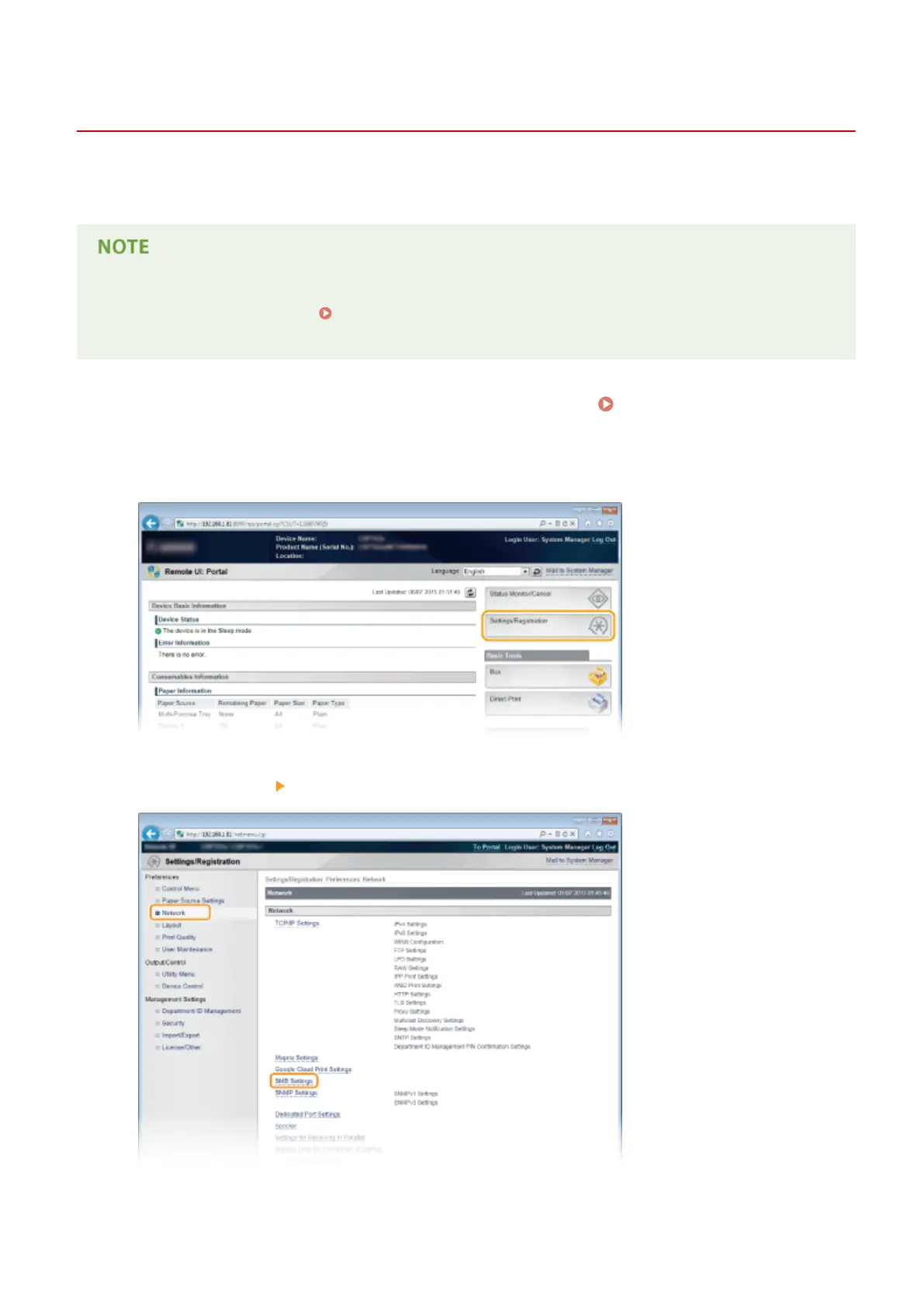
Click [Settings/Registration].
3
Click [Network] [SMB Settings].
4
Click [Edit].
Network
242



 To Next Page