Layout
0X7U-05A
The settings about print appearance including gutter margins and print positions
are listed with short descriptions. Default settings are marked with a dagger (
).
Number of Copies(P. 395)
Offset Y/Offset X(P. 395)
Binding Location(P. 396)
Gutter(P. 397)
Alternative Method(P. 398)
Number of Copies
Specify the number of copies.
1 to 9999
( ) <Layout> <Number of Copies> Use the numeric keys to enter the
number of copies
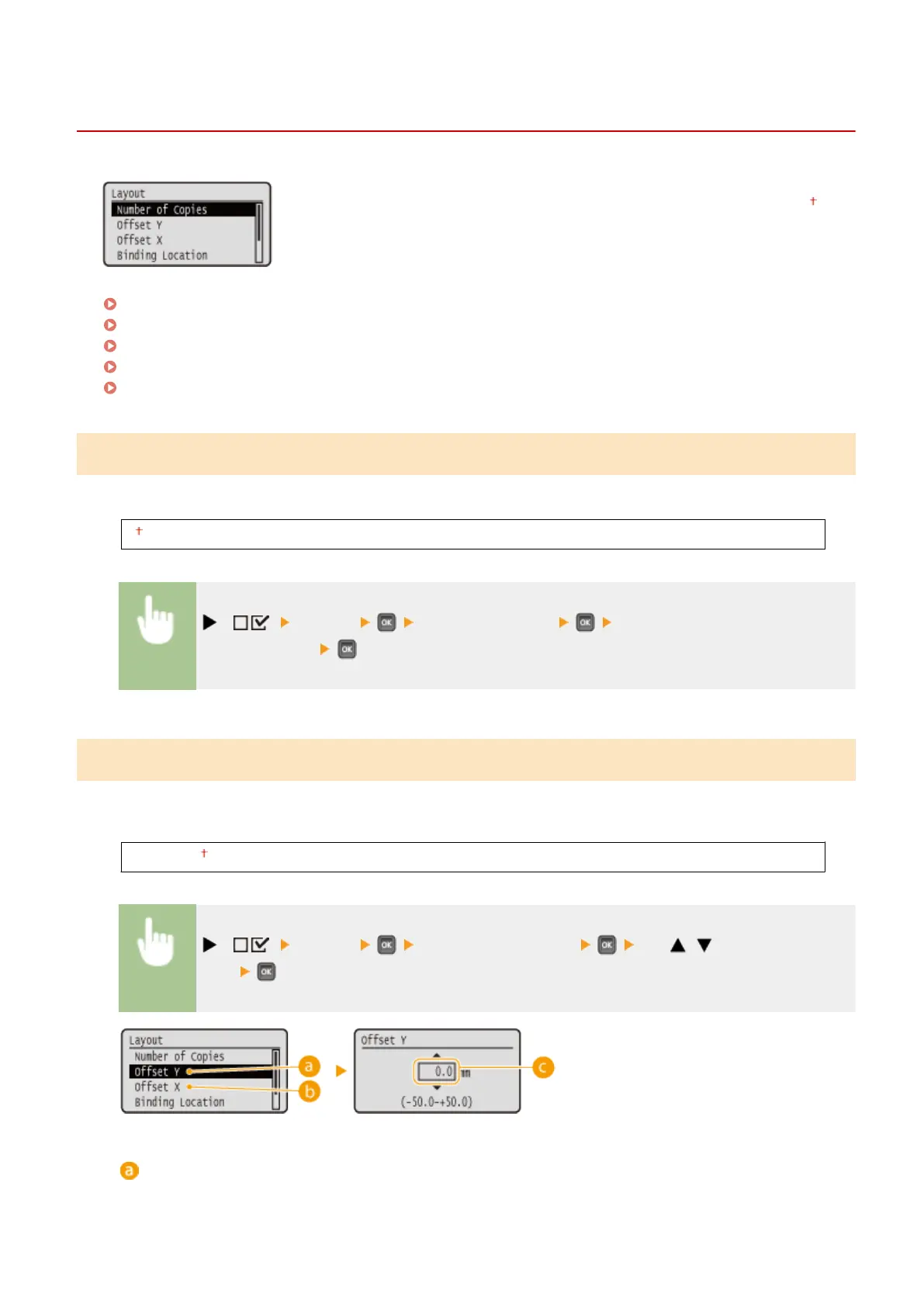
Offset Y/Offset X
You can specify settings for shifting the print position for all types of printing in 0.5 mm increments regardless of the
paper source.
-50.0 to 0.0 to +50.0 (mm)
( ) <Layout> <Offset Y> or <Offset X> Use / to enter the offset
value
<Offset Y>
Shifts the print position vertically.
Setting Menu List
395



 To Next Page