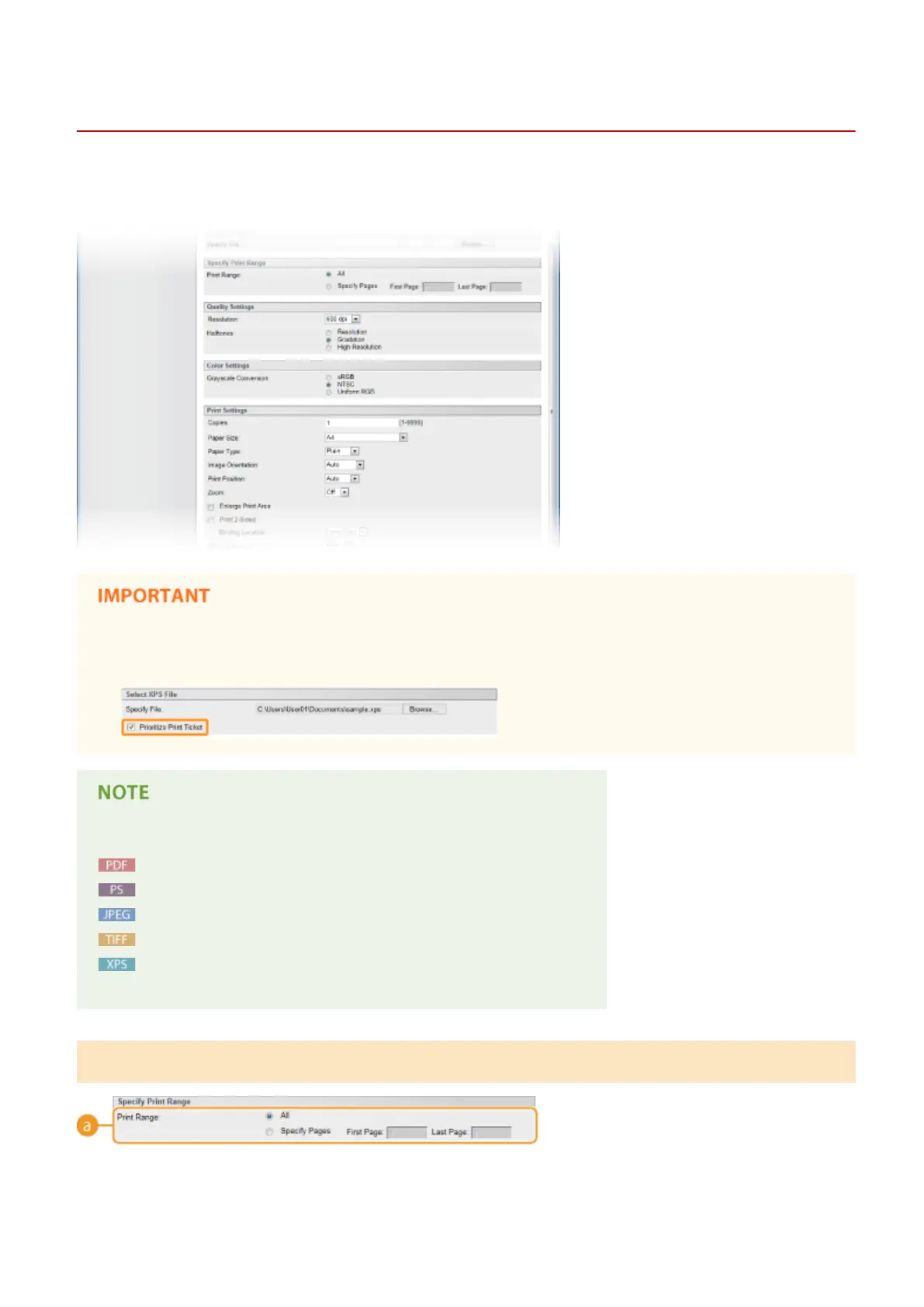
Print Settings for Direct Print
0X7U-02J
When you want to change the settings for Direct Print according to the document to print, specify the following
settings.
When you specify the print settings for XPS les
● Clear the [Prioritize Print Ticket] check box. If the check box is selected, some items are unavailable.
Icons
*
in the description
Settings for printing PDF les
Settings for printing PS/EPS les
Settings for printing JPEG les
Settings for printing TIFF les
Settings for printing XPS les
*
Icons are omitted for the settings that are displayed regardless of the le format.
[Specify Print Range]
Printing a Document
150



 To Next Page