Checking Consumables
0X7U-074
You can use the operation panel to check the information of the consumables.
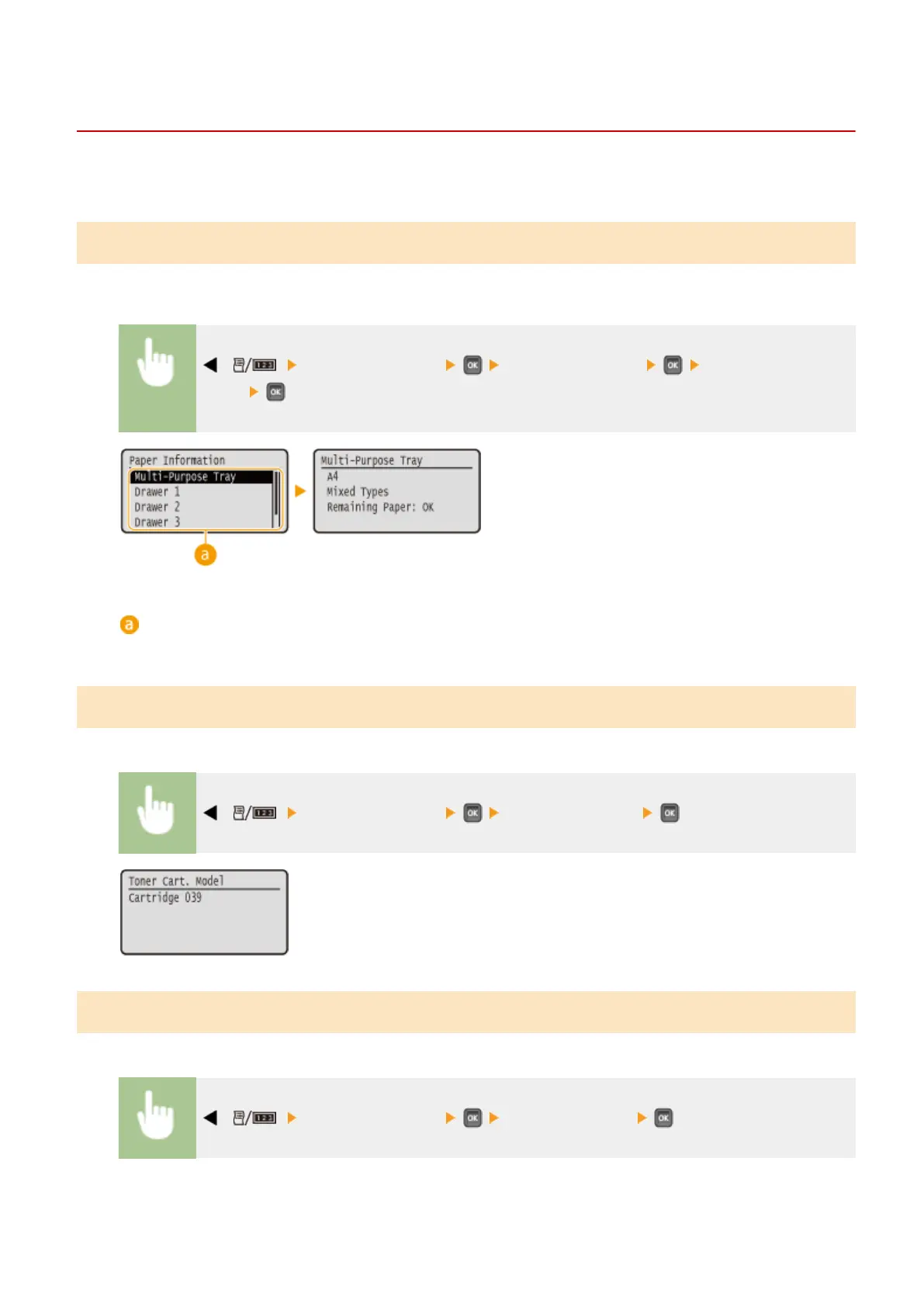
Checking Paper
You can display the currently specied paper size and paper type, and the remaining paper level for each paper
source.
( ) <Consumables Info.> <Paper Information> Select the paper
source
Paper source selection
Select the paper source of which information is displayed.
Checking the Toner Cartridge Model
You can display the model number of the toner cartridge for the machine.
( ) <Consumables Info.> <Toner Cart. Model>
Checking the Amount of Remaining Toner
You can display the amount of remaining toner.
( ) <Consumables Info.> <Remaining Toner>
Maintenance
548



 To Next Page