Conguring DNS
0X7U-03A
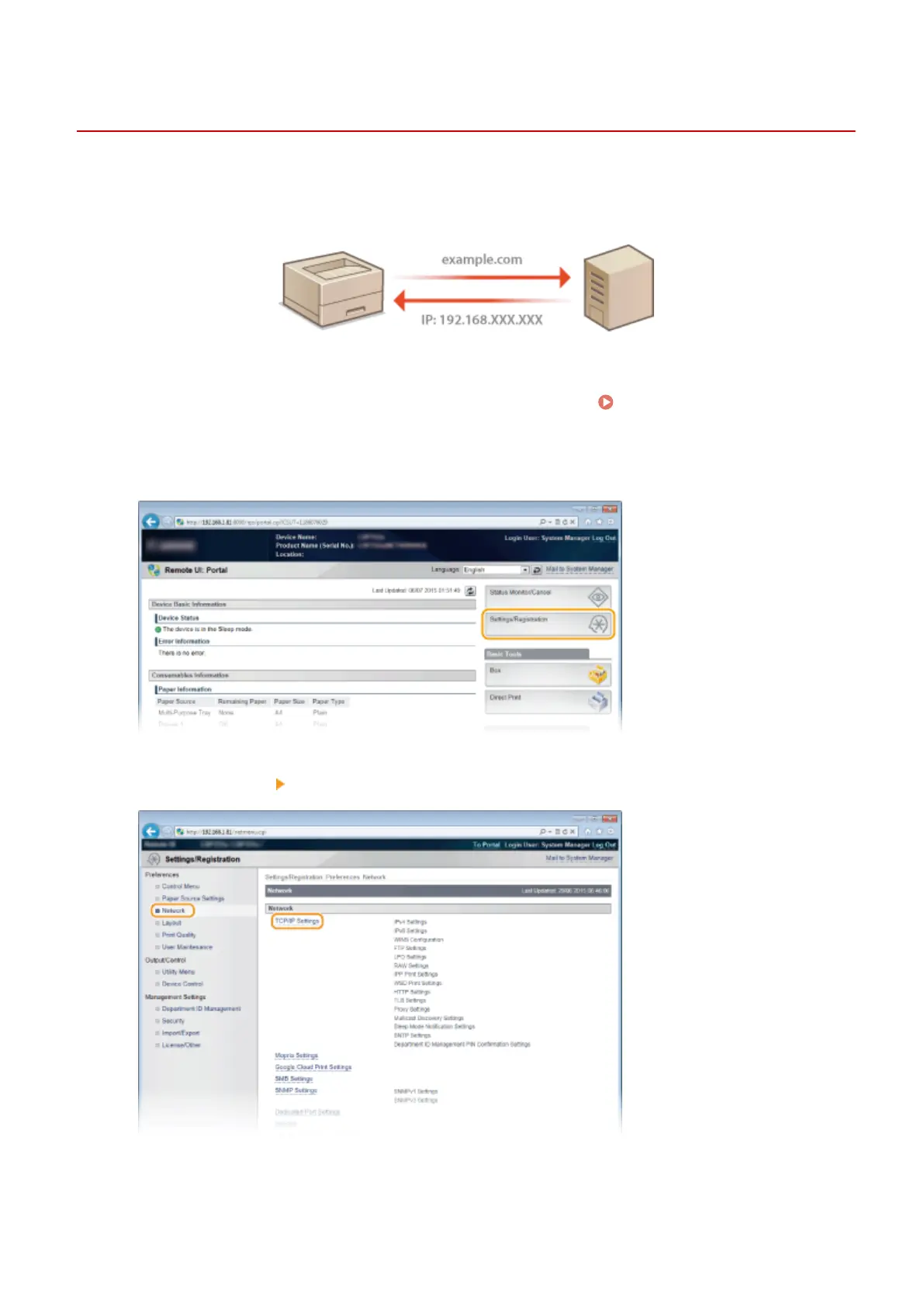
DNS (Domain Name System) provides a service for name resolution that associates a host (or domain) name with an IP
address. Congure the DNS, mDNS or DHCP option settings as necessary. Note that the procedures for conguring
DNS are different for IPv4 and IPv6.
1
Start the Remote UI and log on in Management Mode. Starting Remote UI(P. 333)
2
Click [Settings/Registration].
3
Click [Network] [TCP/IP Settings].
4
Congure DNS settings.
Network
220



 To Next Page