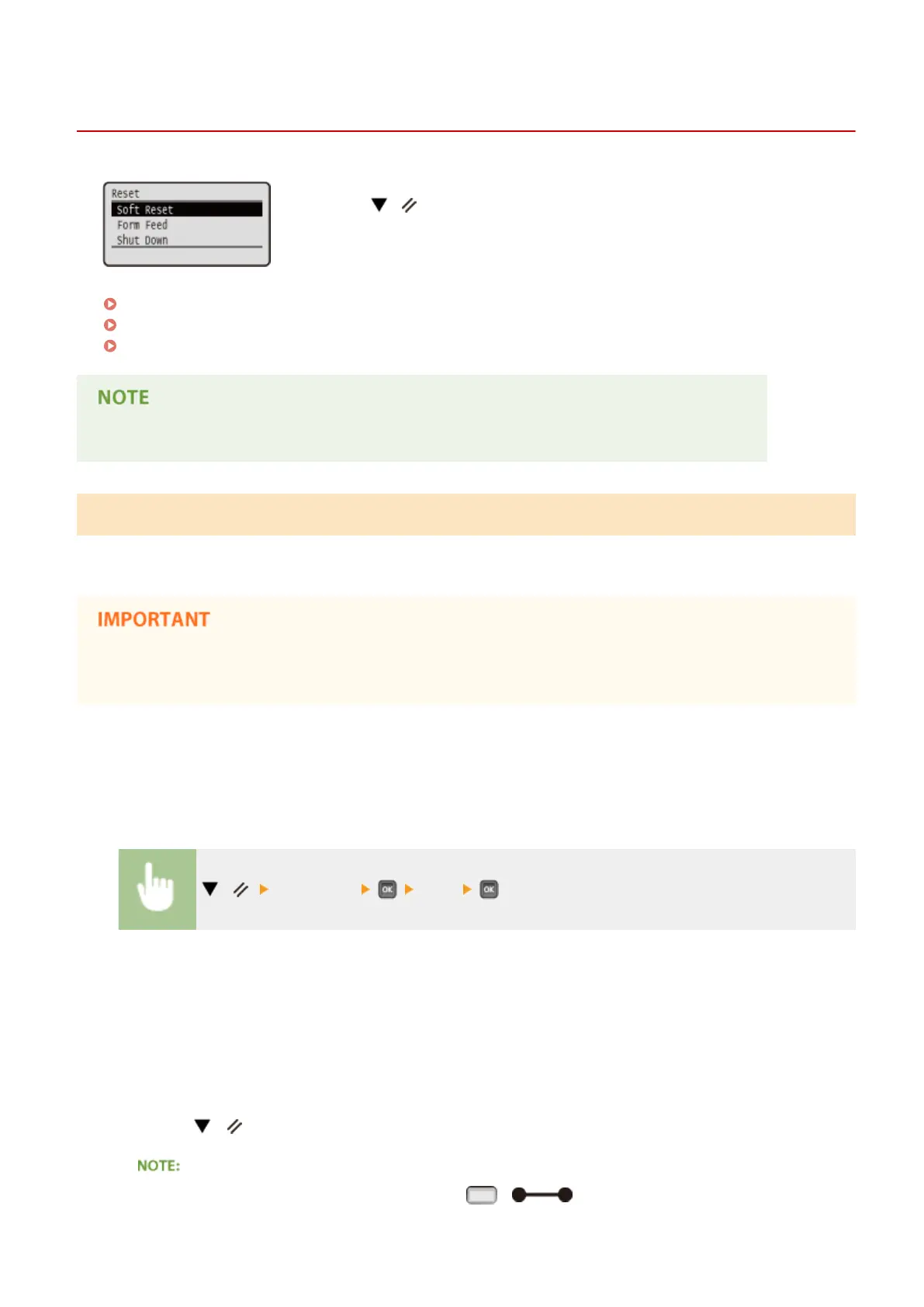
Reset Menu
0X7U-063
You can cancel all processes, delete data in memory, and turn OFF the power. When
you press ( ) on the operation panel, the Reset menu is displayed.
Soft Reset(P. 451)
Form Feed(P. 452)
Shut Down(P. 452)
● When the message Ennn-nnnn (n is a number) is displayed, only <Shut Down> can be executed.
Soft Reset
Select to erase all data of print jobs that are not yet nished (soft reset). You can also select this item to perform a hard
reset for enabling the changed settings.
● Make sure to check that other users are not using the machine before performing a soft reset or hard reset,
otherwise, all print data is erased before being printed.
◼
Performing a Soft Reset
Perform a soft reset when you want to erase all print data that is being printed, waiting to be printed, or being
received.
( ) <Soft Reset> <Yes>
◼ Performing a Hard Reset
Perform a hard reset when you want to enable the changed settings of machine or to erase data registered in memory
of the machine.
1
Press ( ).
● If the setting menu is displayed, rst press ( ) to return to the main screen and then
perform this step 1.
Setting Menu List
451



 To Next Page