Printing Pos. Print
Select to print marks that indicate the current print position.
Adjusting Print Position(P. 532)
Page Count List
Select to print a report on the number of printed pages for each department when Department ID Management is
enabled. Page Count List(P. 538)
Counter Report
Prints an aggregate report of the number of pages printed for each counter.
Counter Report(P. 447)
Print MEAP Sys. Info
Select to print a list of information about MEAP applications installed in the machine and the MEAP system applications
when the MEAP function is enabled. Print MEAP Sys. Info(P. 539)
Serial Number
Select to display the serial number of the machine.
( ) <Serial Number>
Consumables Info.
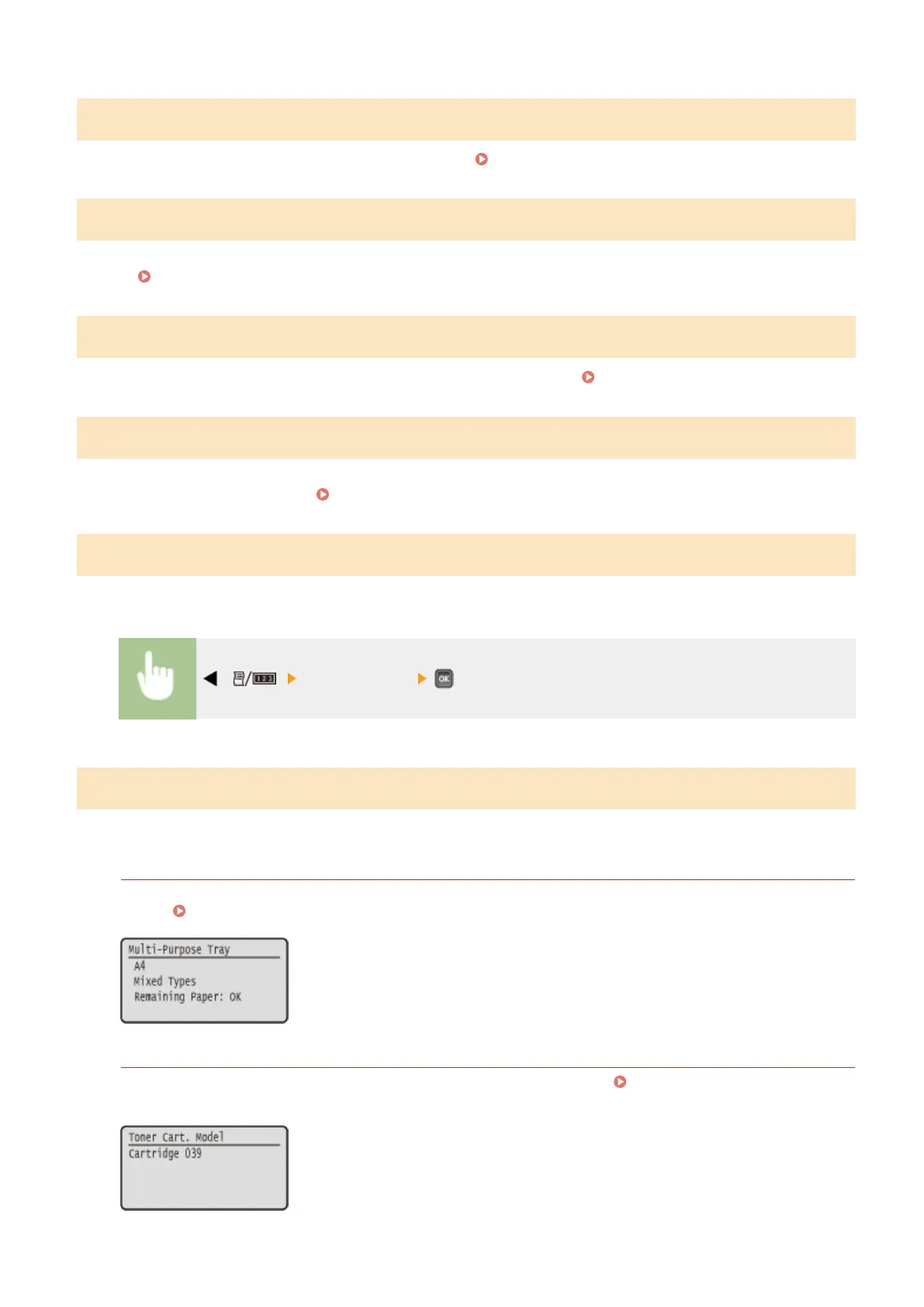
Select to display the information about the paper and toner cartridge.
Paper Information
Select to display the currently specied paper size and paper type, and the remaining paper level for each paper
source. Checking Paper(P. 548)
Toner Cart. Model
Select to display the model number of the toner cartridge for the machine. Checking the Toner Cartridge
Model(P. 548)
Setting Menu List
447



 To Next Page