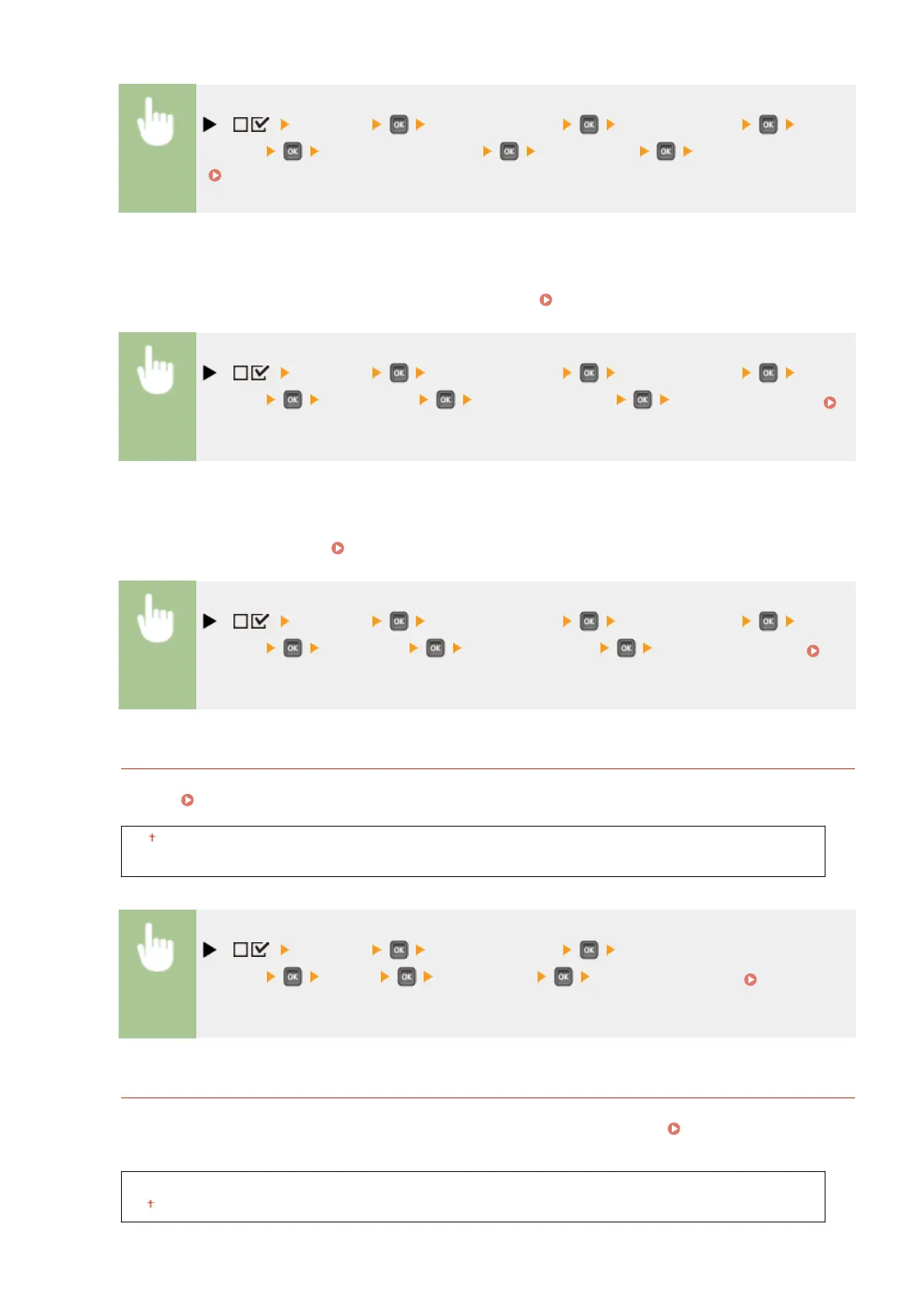
( ) <Network> Check the message <TCP/IP Settings> <Proxy
Settings> <Proxy Authentication> <Off> or <On> Perform a hard reset
( Performing a Hard Reset(P. 451) )
User Name
*
To enable the proxy authentication, enter up to 24 alphanumeric characters for the user name to
authenticate. Use the numeric keys to enter the user name. ( Entering Text(P. 31) )
( ) <Network> Check the message <TCP/IP Settings> <Proxy
Settings> <User Name> Enter the user name Perform a hard reset (
Performing a Hard Reset(P. 451) )
Password
*
To set the password for the proxy authentication, enter up to 24 alphanumeric characters. Use the numeric
keys to enter the password. (
Entering Text(P. 31) )
( ) <Network> Check the message <TCP/IP Settings> <Proxy
Settings> <Password> Enter the password Perform a hard reset (
Performing a Hard Reset(P. 451) )
SNTP
Select whether to acquire time from a network time server. Use the Remote UI to specify the server address
settings. Conguring SNTP(P. 229)
Off
On
( ) <Network> Check the message <TCP/IP
Settings> <SNTP> <Off> or <On> Perform a hard reset ( Performing a
Hard Reset(P. 451) )
Discovery Response
Select whether to set the machine to respond to multicast discovery packets on the network. Use the Remote UI
to specify the scope name that is used to include the machine into a specic scope. Conguring Settings for
Device Management Software(P. 238)
Off
On
Setting Menu List
384



 To Next Page