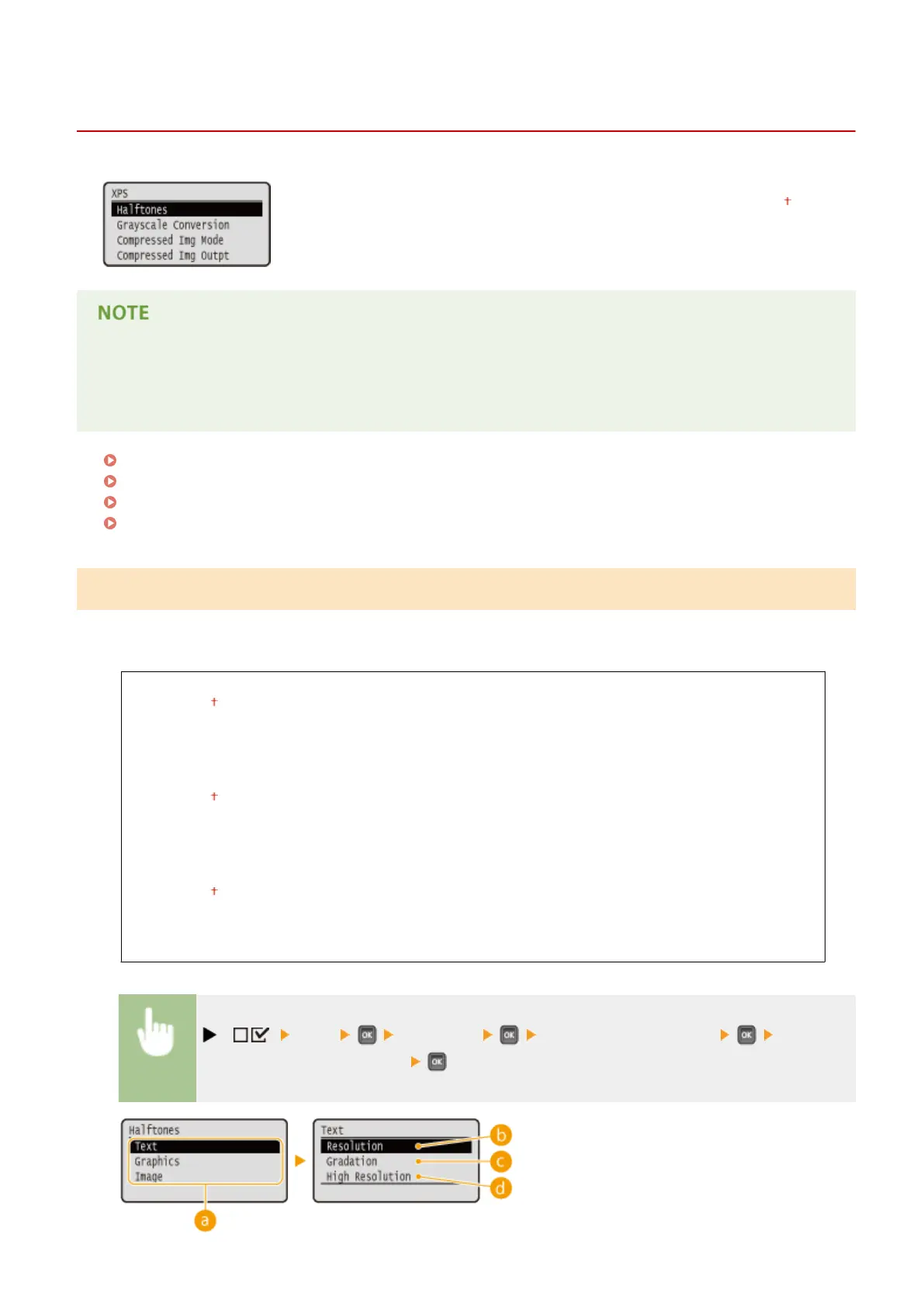
XPS
0X7U-05S
All the settings about XPS les available for USB Direct Print and Direct Print are
listed with short descriptions. Default settings are marked with a dagger (
).
Asterisks (*)
● Settings marked with an asterisk (
*
) are not displayed depending on other settings or whether an optional
SD card is installed on the machine.
Halftones(P. 431)
Grayscale Conversion(P. 432)
Compressed Img Mode(P. 433)
Compressed Img Outpt(P. 434)
Halftones
You can select the printing method to reproduce halftones (the intermediate range between the lighter and darker
areas of an image). Halftones can be specied for each image data type in a single document.
Text
Resolution
Gradation
High Resolution
Graphics
Resolution
Gradation
High Resolution
Image
Resolution
Gradation
High Resolution
( ) <XPS> <Halftones> Select the image data type Select the
method to reproduce halftones
Setting Menu List
431



 To Next Page