Hiding the Print Job History
0X7U-04C
To protect the privacy of users, you can specify settings to disable displaying the print job history on the Remote UI
screen and printing the print history list. The print job history is updated and maintained even if it is set to be hidden,
so that administrators can view the history as necessary.
1
Start the Remote UI and log on in Management Mode. Starting Remote UI(P. 333)
2
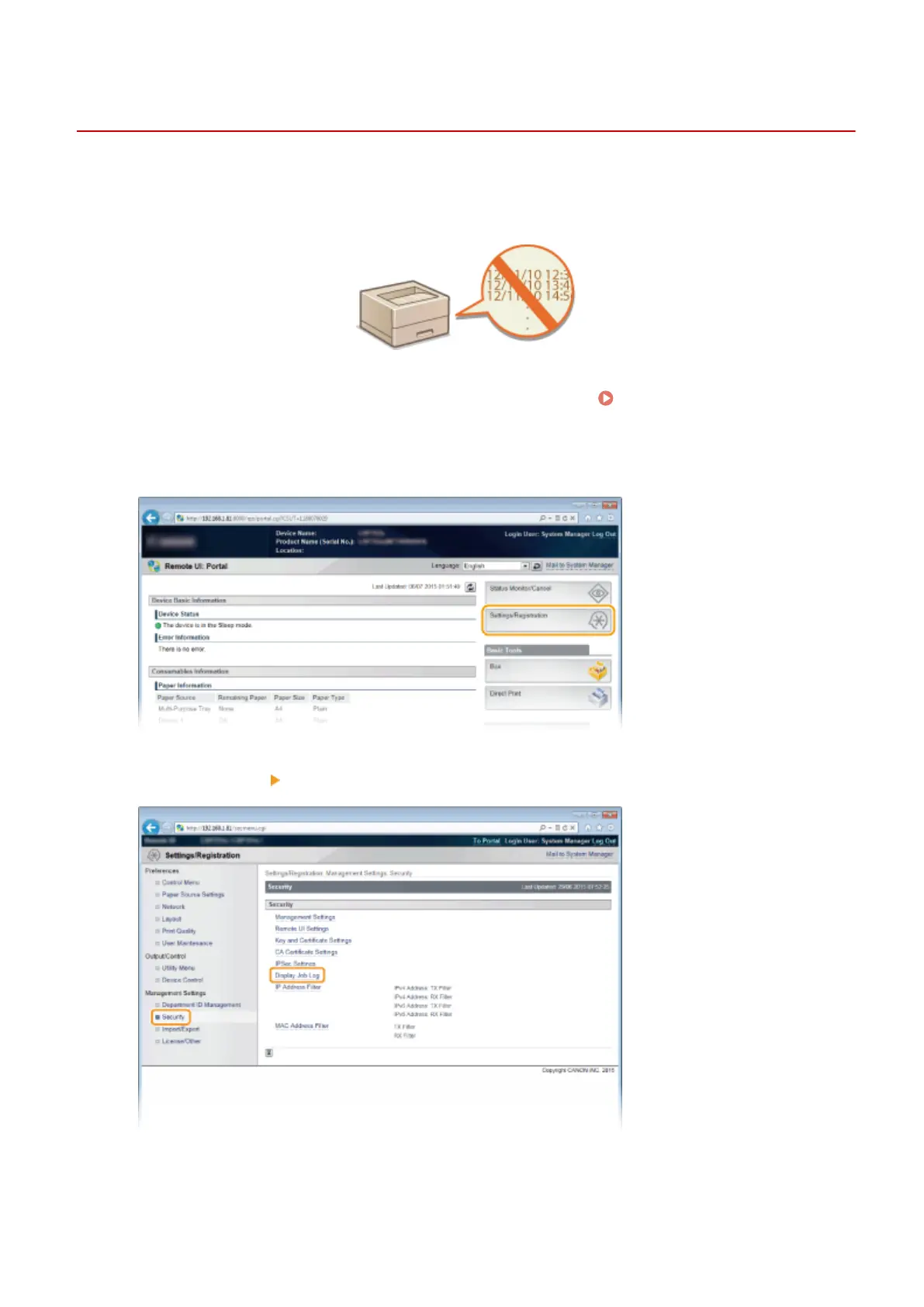
Click [Settings/Registration].
3
Click [Security] [Display Job Log].
4
Click [Edit].
Security
291



 To Next Page