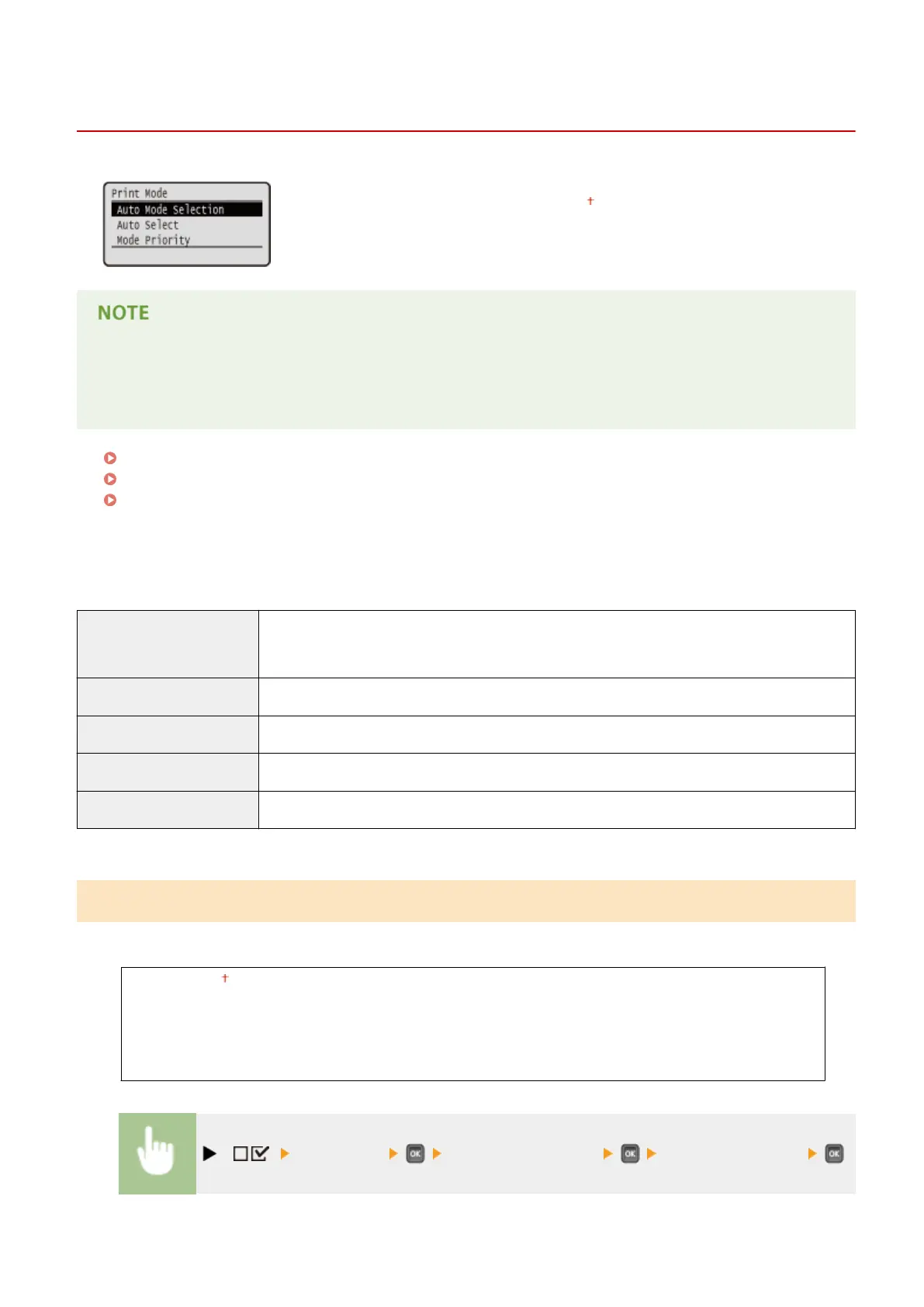
Print Mode
0X7U-05H
All the settings about print mode switching are listed with short descriptions.
Default settings are marked with a dagger (
).
Asterisks (*)
● Settings marked with an asterisk (*) are not displayed depending on other settings or whether an optional
ROM is installed on the machine.
Auto Mode Selection(P. 415)
Auto Select(P. 416)
Mode Priority(P. 416)
◼
Type of Print Mode
Auto selection mode
The machine enters the auto selection mode when <Auto Selection> is selected for <Auto Mode
Selection>. The machine automatically discriminates data sent from a computer and selects the
print mode. Normally use this print mode when you print from an application.
<PCL> Mode for printing a PCL le sent from a computer.
<PS> Mode for printing a PS le sent from a computer.
<PDF> Mode for printing a PDF le by using Direct Print or USB Direct Print.
<XPS> Mode for printing an XPS le by using Direct Print or USB Direct Print.
Auto Mode Selection
Specify the print mode in which the machine operates.
Auto Selection
PCL
PS
PDF
XPS
( ) <Print Mode> <Auto Mode Selection> Select the print mode
Setting Menu List
415



 To Next Page