Print Quality
0X7U-05C
The settings about print quality including the resolution and toner density are listed
with short descriptions. Default settings are marked with a dagger (
).
Asterisks (*)
● Settings marked with an asterisk (
*
) are not displayed depending on other settings.
Resolution(P. 399)
Image Renement(P. 400)
Toner Save(P. 400)
Density(P. 400)
Density (Fine Adj)(P. 400)
Halftones(P. 400)
Reduce Quality(P. 402)
Adj. Prt. Line Width(P. 402)
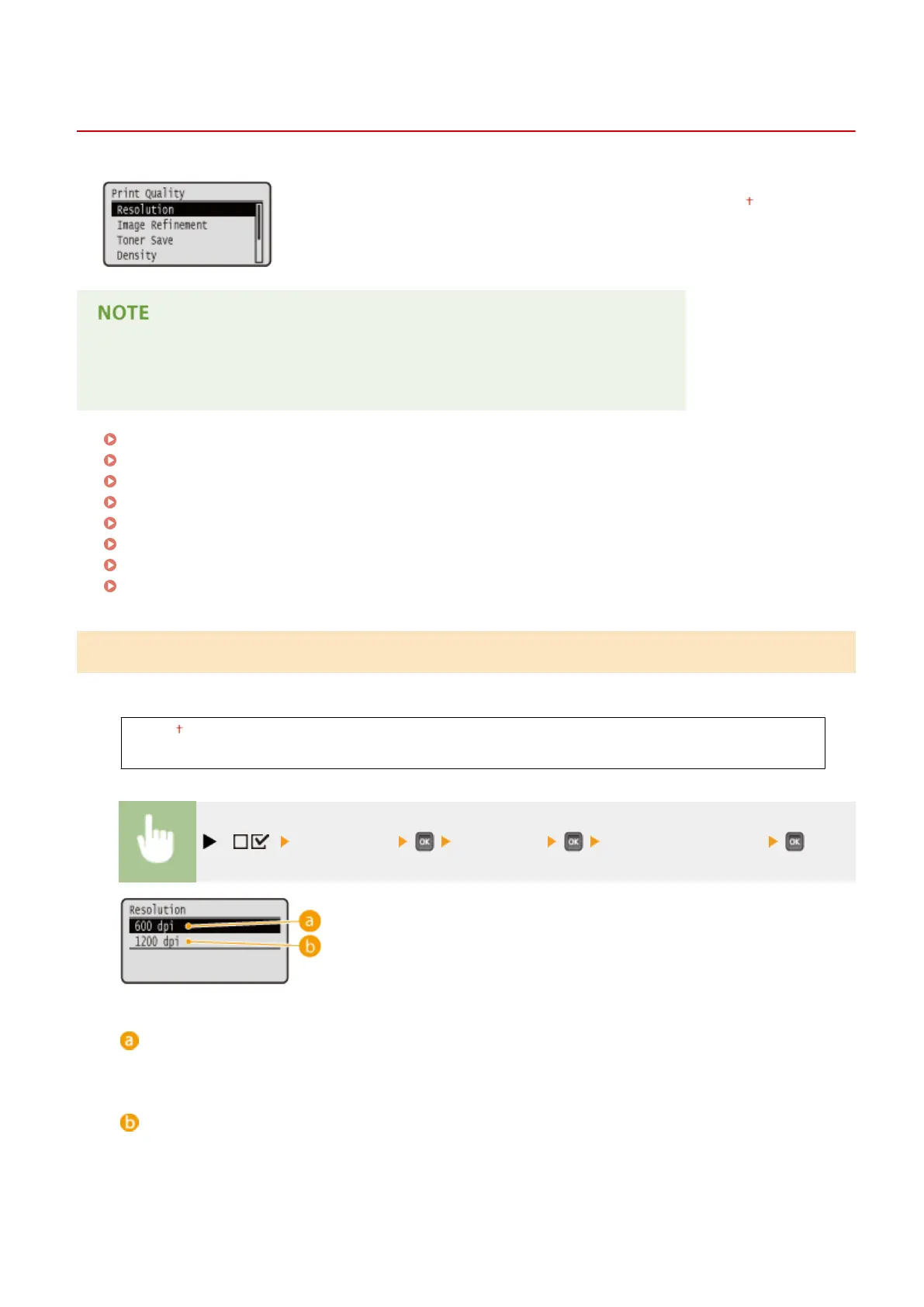
Resolution
Specify the resolution for processing print data.
600 dpi
1200 dpi
( ) <Print Quality> <Resolution> <600 dpi> or <1200 dpi>
<600 dpi>
This print mode is suitable for printing at a high speed.
<1200 dpi>
Edges of characters and graphics can be clearly reproduced at high resolution. This print mode is suitable for
printing data that contains many small characters.
Setting Menu List
399



 To Next Page