Printing a Document
0X7U-019
This section describes how to print documents made on your computer, print les saved in a USB memory device, and
print documents by entering a PIN from the operation panel.
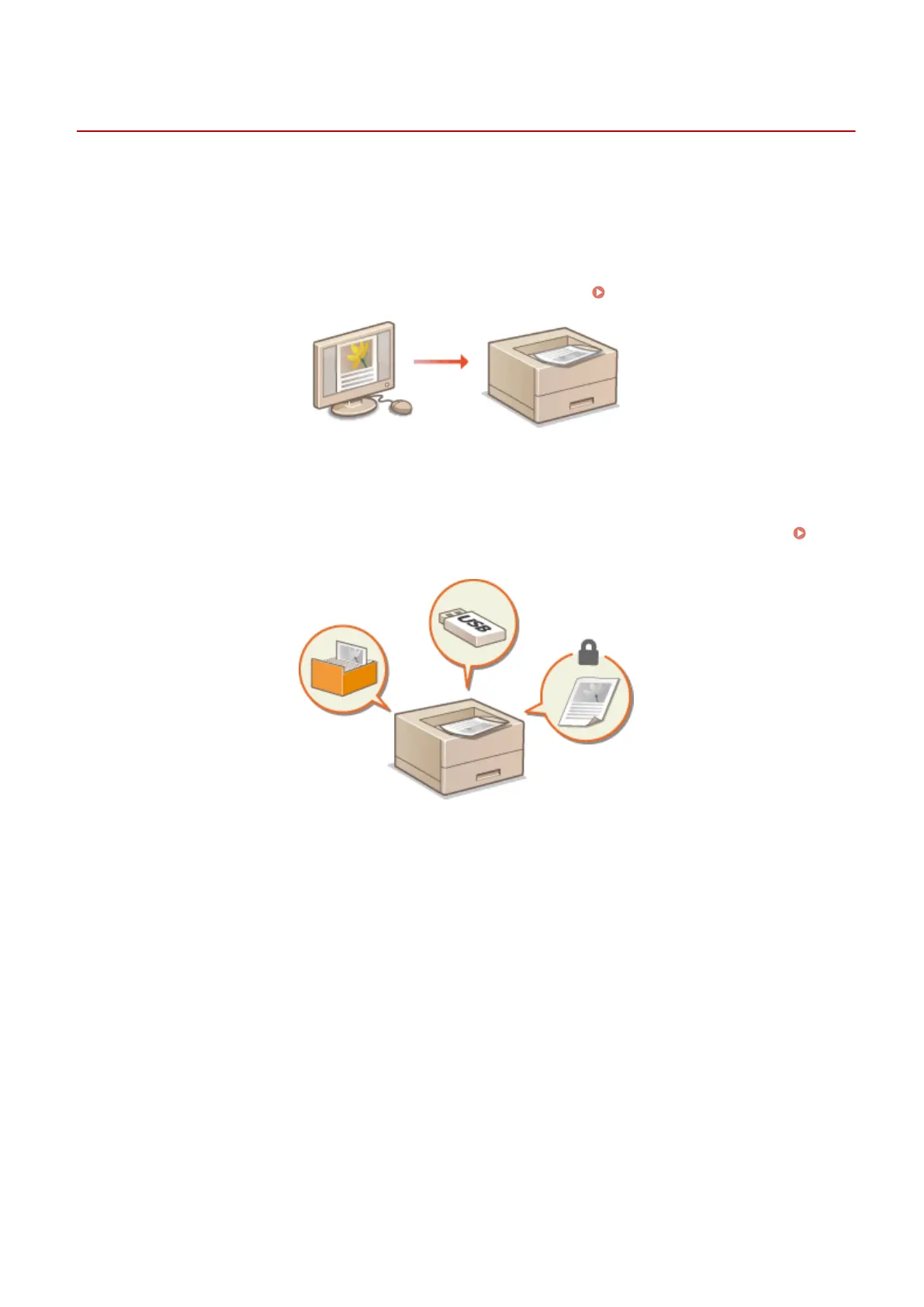
◼ Printing from a Computer
You can print a document made on your computer by using the printer driver. Printing from a Computer(P. 76)
◼
Using Useful Print Functions
You can use the print functions to print les stored in a USB memory device by connecting it directly to the machine
without using a computer and to set a requirement that a PIN must be entered before any printing can start.
Using
Useful Print Functions(P. 118)
Printing a Document
75



 To Next Page