MEAP Settings
0X7U-05X
The setting items about the main screen on MEAP are listed with short descriptions.
Default settings are marked with a dagger (
).
Select Def. Screen
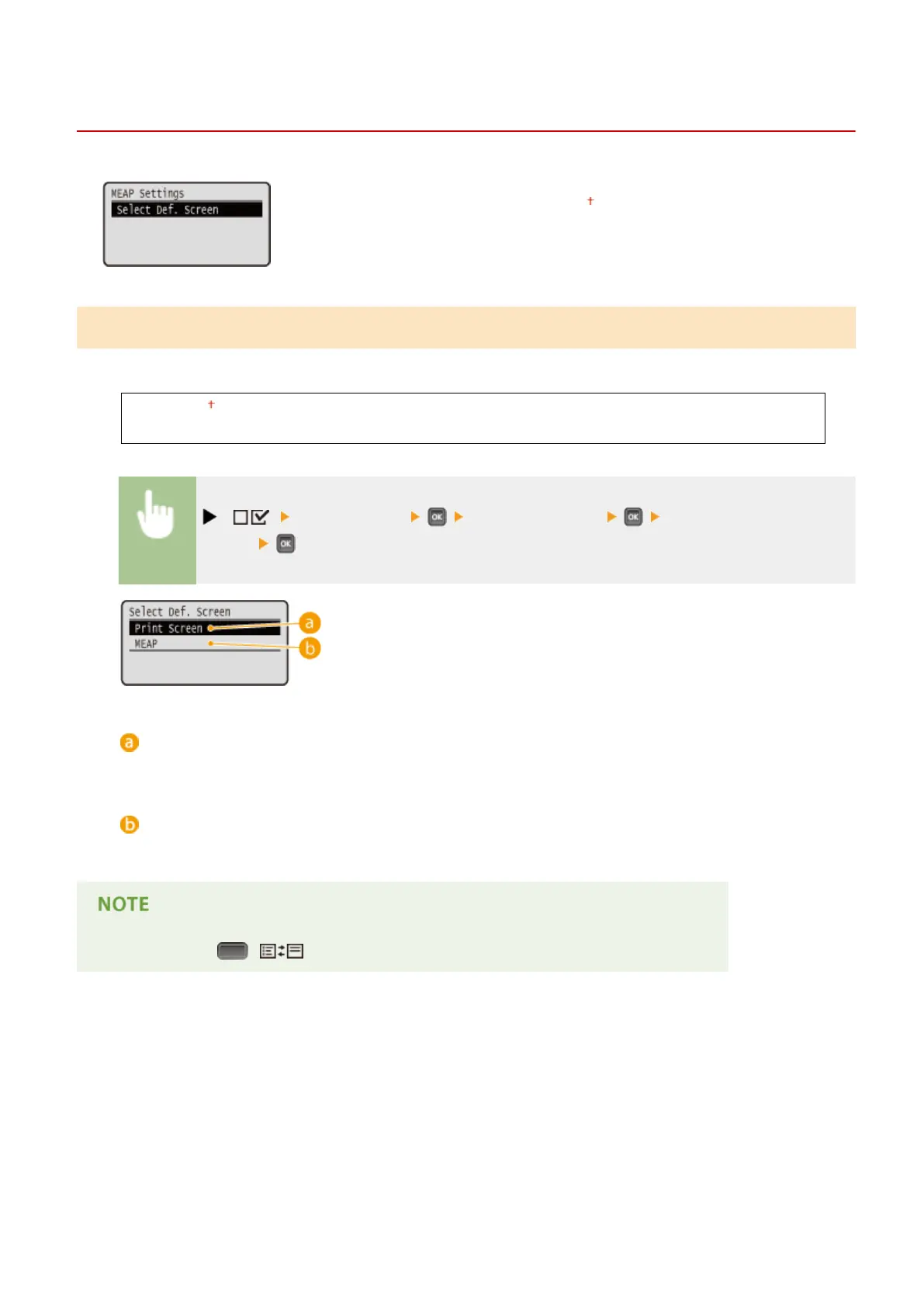
You can specify the screen that appears on the display of the operation panel when the machine starts up.
Print Screen
MEAP
( ) <MEAP Settings> <Select Def. Screen> <Print Screen> or
<MEAP>
<Print Screen>
The print standby screen (main screen) is displayed.
<MEAP>
The screen of an installed MEAP application is displayed if any installed.
● You can press ( ) on the operation panel to change the screens of the display.
Setting Menu List
442



 To Next Page