( ) <Network> Check the message <Remote UI
Settings> <TLS> <Off> or <On> Perform a hard reset ( Performing a
Hard Reset(P. 451) )
Ethernet Driver
Specify the Ethernet communication mode (half duplex/full duplex) and Ethernet type (10 Base-T/100 Base-TX/1000
Base-T). Conguring Ethernet Settings(P. 217)
Auto Detect
Select whether to automatically detect or manually select the communication mode and the Ethernet type.
Off
On
Communication Mode
*
If <Auto Detect> is set to <Off>, select the Ethernet communication mode.
Half Duplex
Full Duplex
Ethernet Type
*
If <Auto Detect> is set to <Off>, select the Ethernet type.
10 Base-T
100 Base-TX
1000 Base-T
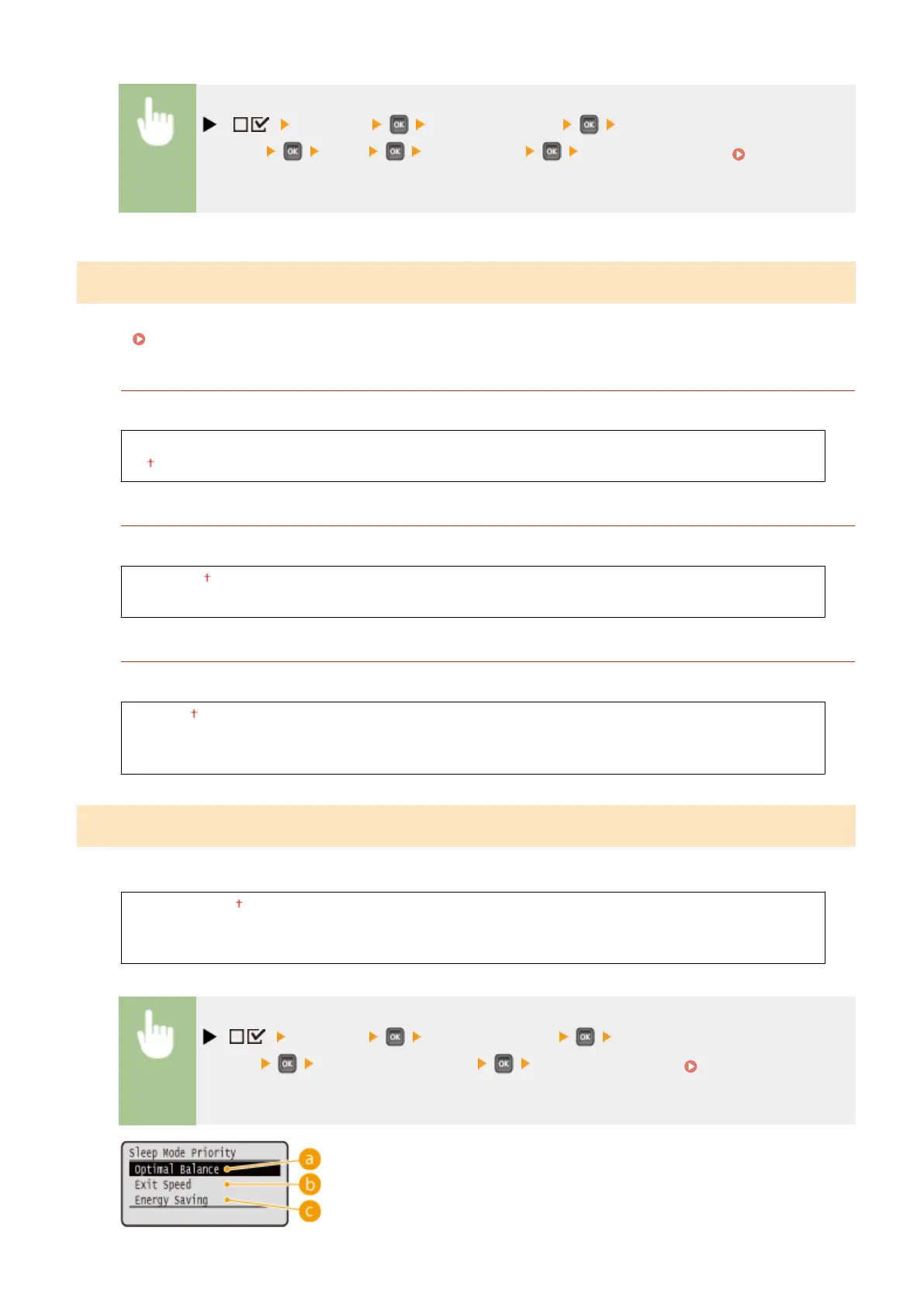
Sleep Mode Priority
Select whether to give priority to rapid returning from sleep mode or greater energy saving effect of sleep mode.
Optimal Balance
Exit Speed
Energy Saving
( ) <Network> Check the message <Sleep Mode
Priority> Select the settings item Perform a hard reset ( Performing a Hard
Reset(P. 451) )
Setting Menu List
391



 To Next Page