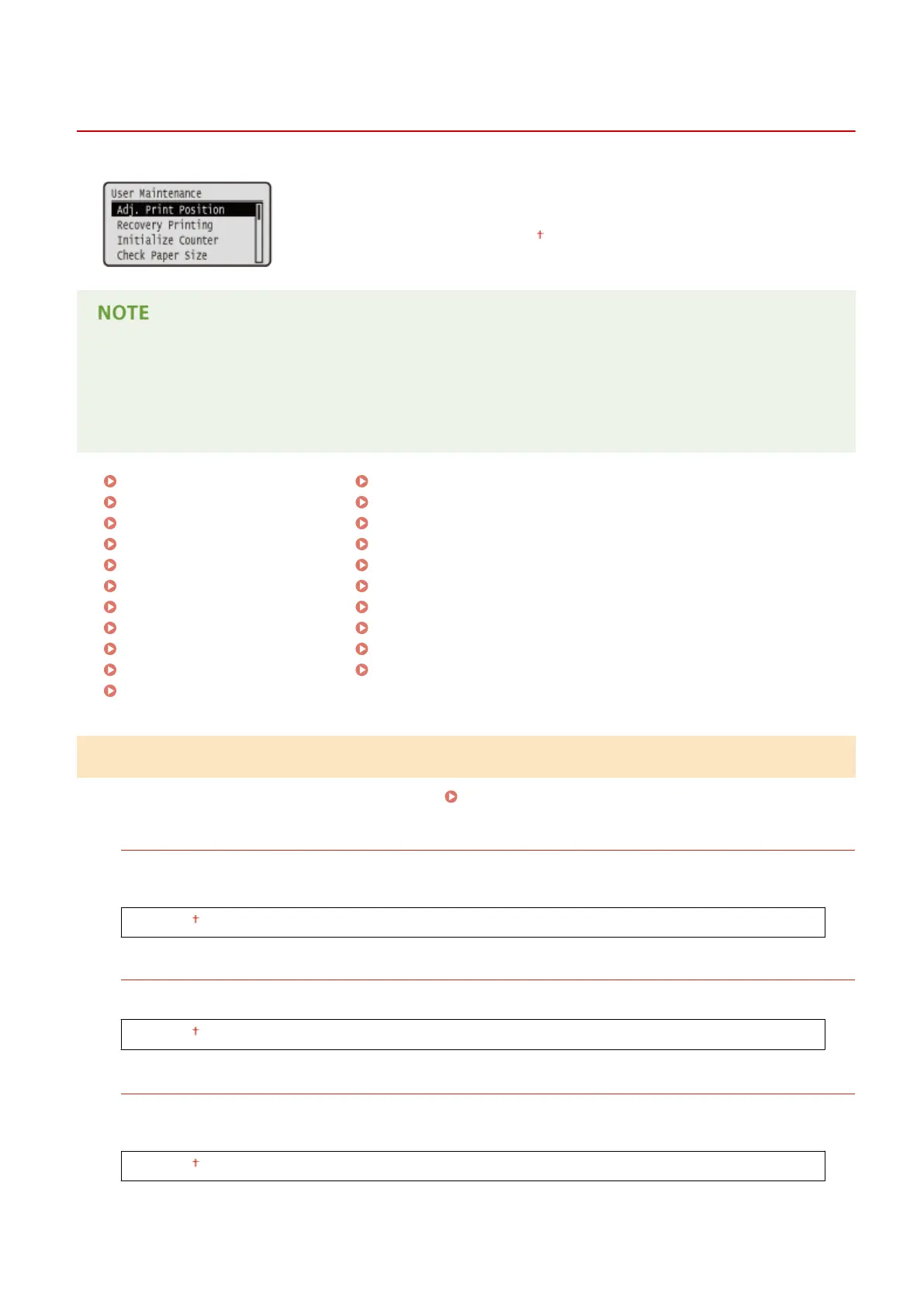
User Maintenance
0X7U-05F
The settings about adjustment of the machine including print position correction
for each paper source and print quality improvement are listed with short
descriptions. You can specify those settings when the machine is oine. Default
settings are marked with a dagger (
).
Asterisks (*)
● Settings marked with an asterisk (
*
) are not displayed depending on other settings and whether the paper
feeder, paper deck, envelope feeder, or SD card (all of these being optional) is installed or not in the
machine.
Adj. Print Position(P. 406)
Recovery Printing(P. 407)
Initialize Counter(P. 407)
Check Paper Size(P. 407)
Substitute Size(P. 408)
Short Edge Fd. Prty.(P. 408)
Sp. Transfer Mode(P. 408)
Special Print Mode A(P. 409)
Special Density Mode(P. 409)
SD Card Maintenance(P. 410)
Special Print Mode(P. 410)
Special Print Adj. C(P. 410)
Barcode Adj. Mode(P. 411)
Update Firmware(P. 411)
Paper Feed Method(P. 412)
Show Job List(P. 412)
Import/Export Set.(P. 413)
Notify to Clean(P. 413)
Clean. Notif. Timing(P. 414)
Toner Check Timing(P. 414)
Spec Tnr Chk Timing(P. 414)
Adj. Print Position
You can adjust the print position for each paper source. Adjusting Print Position(P. 532)
Offset Y (Env. Tray)/Offset X (Env. Tray)
*
You can adjust the vertical/horizontal print position for printing on envelopes fed from the optional envelope
feeder.
-5.0 to 0.0 to +5.0 (mm)
Offset Y (MP Tray)/Offset X (MP Tray)
You can adjust the vertical/horizontal print position for printing on paper from the multi-purpose tray.
-5.0 to 0.0 to +5.0 (mm)
Offset Y (Drawer 1 to 5)/Offset X (Drawer 1 to 5)
*
You can adjust the vertical/horizontal print position for printing on paper fed from a paper drawer or the
optional paper deck.
-5.0 to 0.0 to +5.0 (mm)
Setting Menu List
406



 To Next Page