Setting Auto Shutdown Time
0X7U-018
You can congure the machine to be automatically turned OFF when it is not operated for a long time. You can also
congure the machine to be turned OFF at a specied time. These functions allow you to avoid useless power
consumption that occurs due to failure to turn OFF the power. By factory default, this function is enabled.
1
Start the Remote UI and log on in Management Mode. Starting Remote UI(P. 333)
2
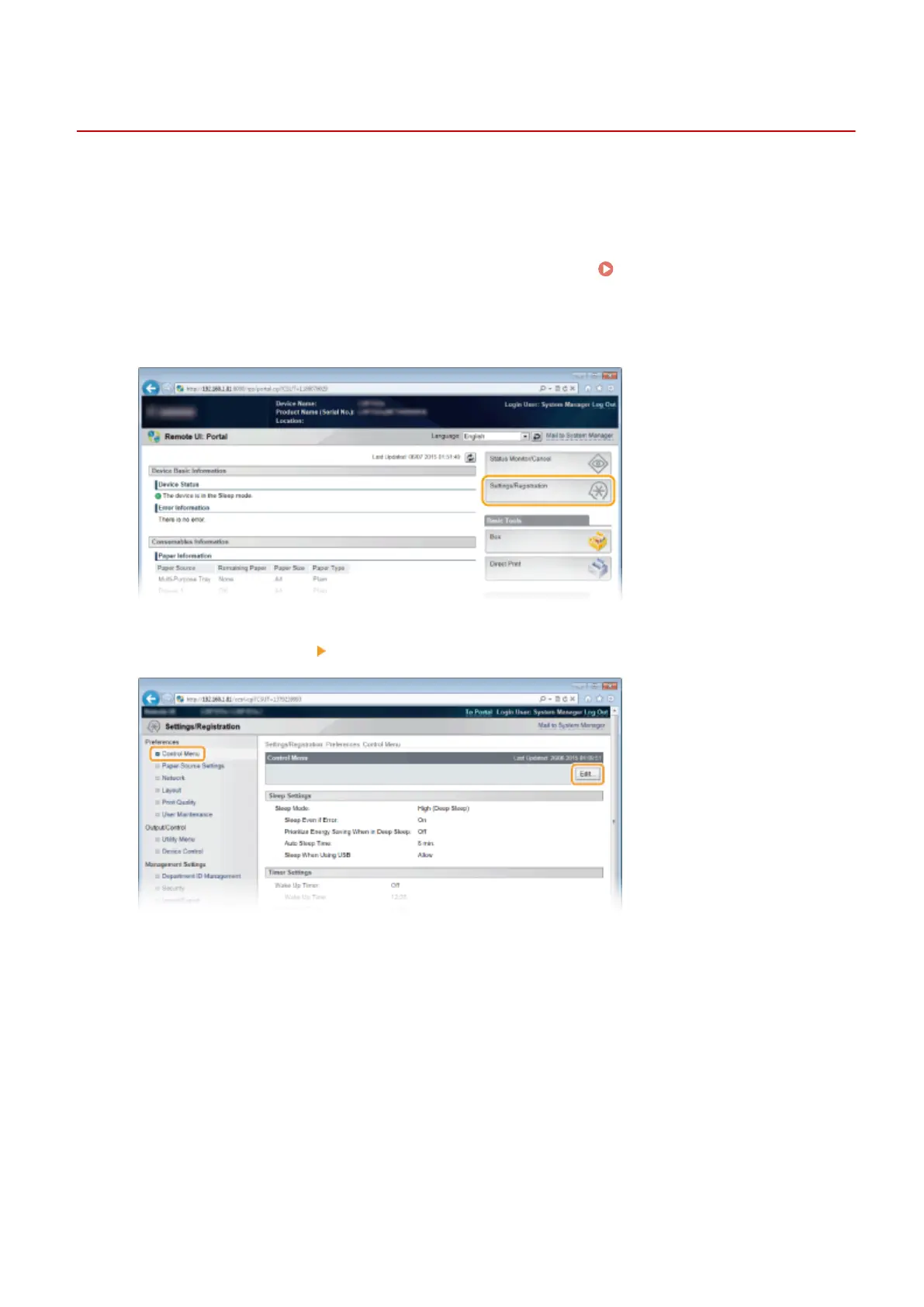
Click [Settings/Registration].
3
Click [Control Menu] [Edit].
4
Congure auto shutdown timer settings.
Basic Operations
71



 To Next Page