Loading Paper in the Multi-Purpose Tray
0X7U-00W
When you want to print on paper that is not loaded in the paper drawer, load the paper in the multi-purpose tray.
Load the paper that you usually use in the paper drawer. Loading Paper in the Paper Drawer(P. 39)
Paper Orientation
See the table below to load available paper in correct orientation.
Paper Orientation
A4, A5 (portrait), A6, B5, Legal, Letter, Executive, Statement, Foolscap, 16K, Index Card, Custom (portrait),
Envelope
A5 (landscape), Custom (landscape)
1
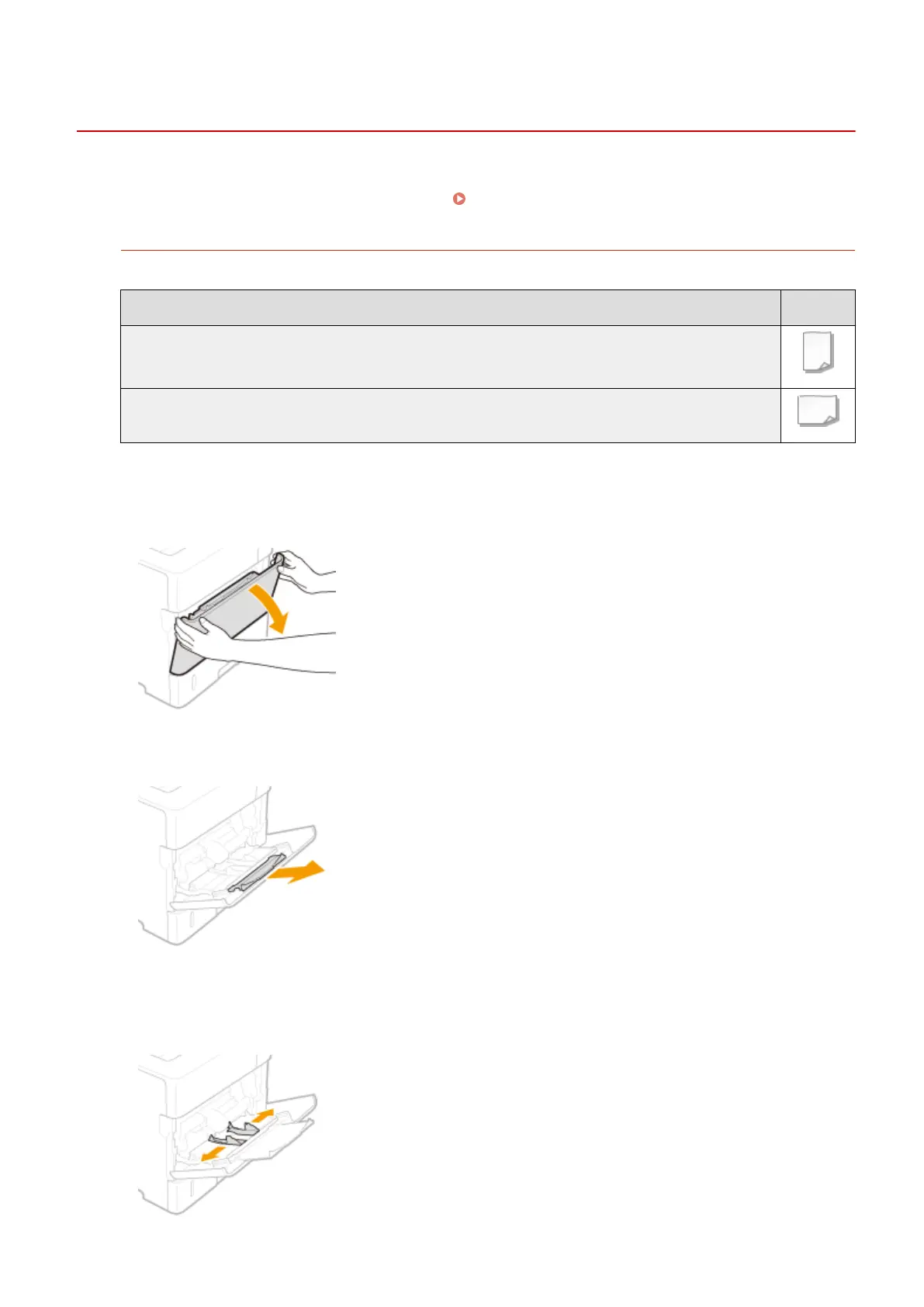
Open the cover.
● Hold the left and right side handles, and open the cover.
2
Pull out the paper tray.
3
Spread the paper guides apart.
● Slide the paper guides outward.
Basic Operations
44



 To Next Page