Viewing the Counter Value
0X7U-073
You can check the number of printed pages.
Checking Total Number of Printed Pages(P. 545)
Checking the Number of Pages Printed for Each Department(P. 545)
Checking Total Number of Printed Pages
You can check the total number of printed pages.
( ) <Check Counter> <101: Total 1>, <113: Total (B&W/Sml)>, or <114:Total 1(2-
Sided)>
Checking the Number of Pages Printed for Each Department
You can check the number of pages printed for each department.
1
Start the Remote UI and log on in Management Mode. Starting Remote UI(P. 333)
2
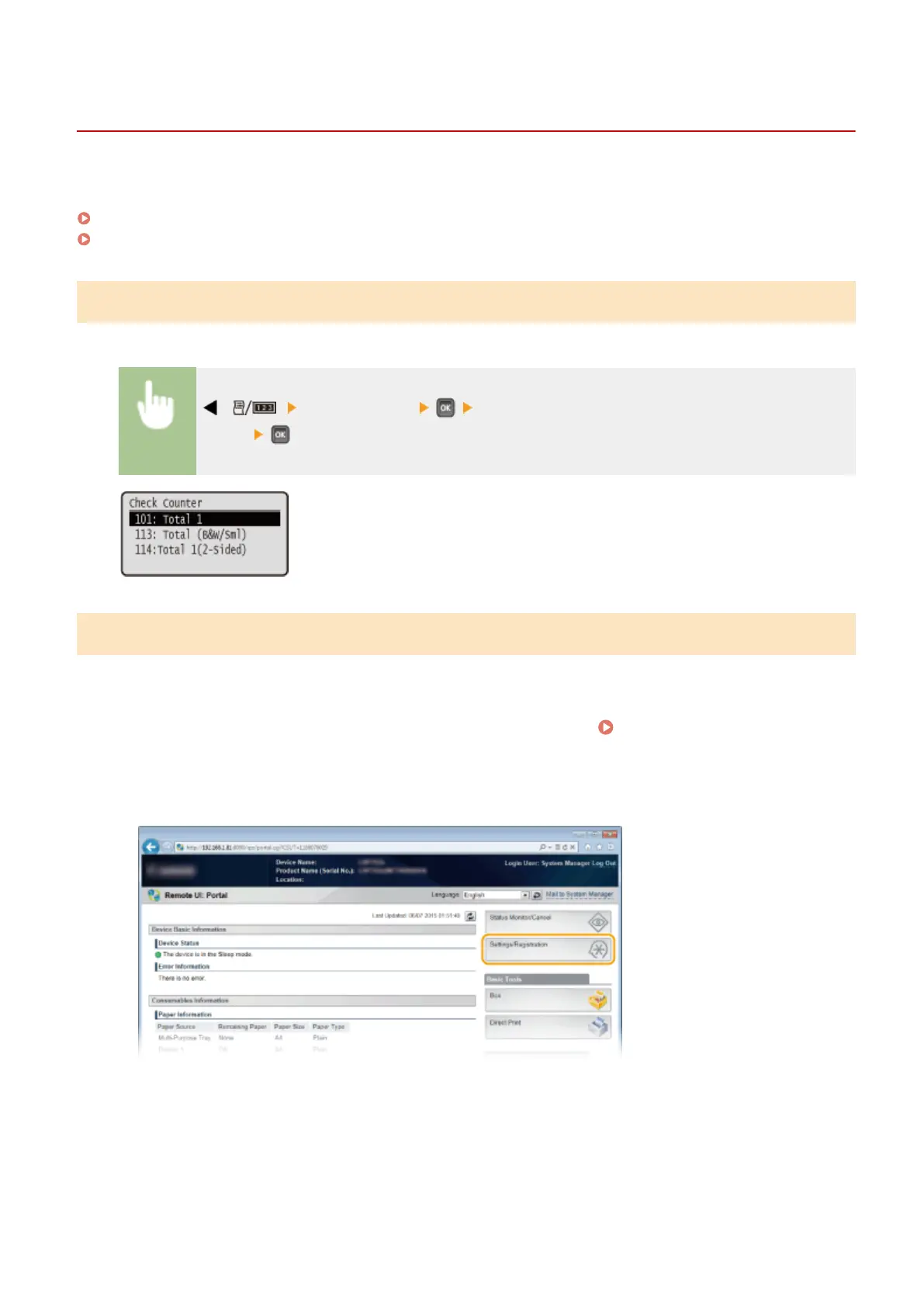
Click [Settings/Registration].
3
Click [Department ID Management].
Maintenance
545



 To Next Page