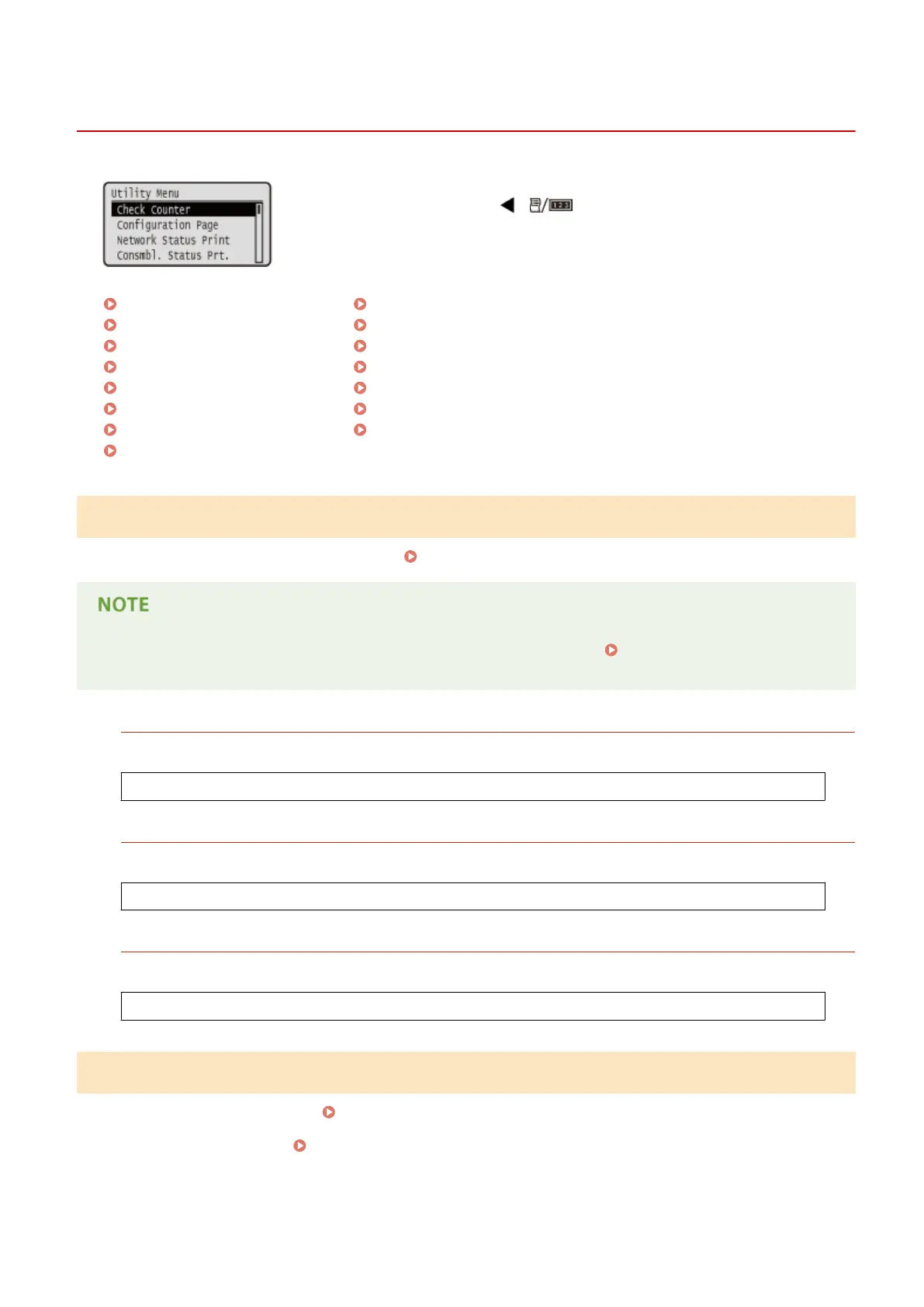
Utility Menu
0X7U-061
You can display the total number of printed pages and print internal system
information. When you press ( ) on the operation panel, the Utility menu
is displayed. You can specify the settings described below when the machine is
oine.
Check Counter(P. 445)
Conguration Page(P. 445)
Network Status Print(P. 446)
Consmbl. Status Prt.(P. 446)
IPSec Policy List(P. 446)
PCL Utility(P. 446)
PS Utility(P. 446)
Cleaning(P. 446)
E-Mail Print Utility(P. 446)
Printing Pos. Print(P. 447)
Page Count List(P. 447)
Counter Report(P. 447)
Print MEAP Sys. Info(P. 447)
Serial Number(P. 447)
Consumables Info.(P. 447)
Check Counter
You can check the total number of printed pages.
Checking Total Number of Printed Pages(P. 545)
● You can also check the counter value by selecting <Check Counter> in the Setup Menu(P. 360) as well as
this item.
101: Total 1
You can check the total number of pages printed.
(Display only)
113: Total (B&W/Sml)
You can check the total number of pages printed.
(Display only)
114:Total 1(2-Sided)
You can check the total number of pages printed in 2-sided printing mode.
(Display only)
Conguration Page
You can check the machine settings ( Setup Menu(P. 360) ) congured in the machine. You can also check other
information including the amount of remaining toner, the number of printed pages, and the capacity of the memory
(RAM) mounted on the machine. Conguration Page(P. 536)
Setting Menu List
445



 To Next Page