When You Cannot Print Properly
0X7U-06C
If printing results are not satisfactory, or paper creases or curls, try the following solutions. If the problems persist,
contact your local authorized Canon dealer or the Canon help line.
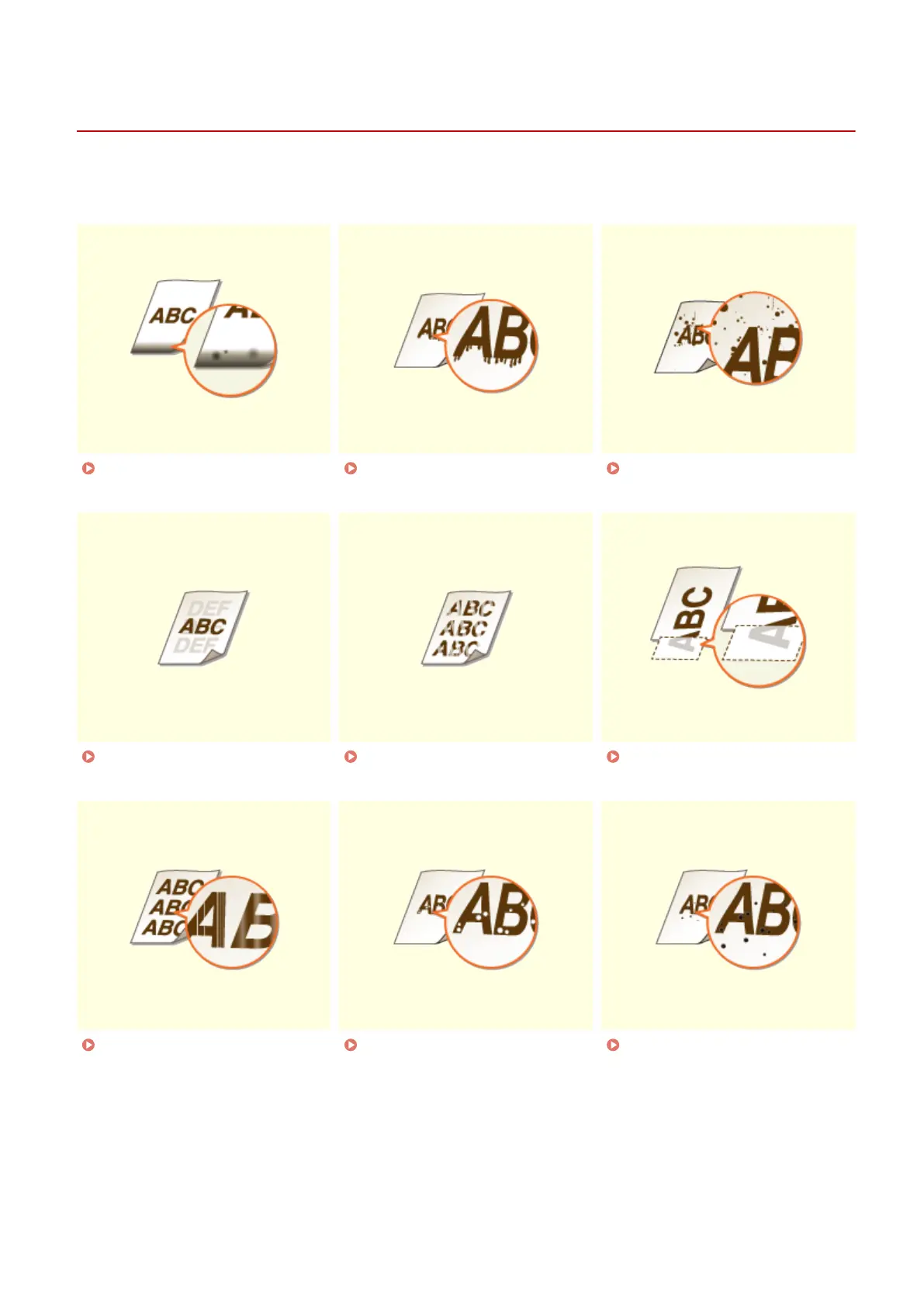
Smudge Marks Appear on the
Bottom Edge of Printouts(P. 505)
Smudges Appear on
Printouts(P. 505)
Toner Smudges and Splatters
Appear(P. 506)
Afterimages Appear in Blank
Areas(P. 506)
Printouts Are Faded(P. 507) A Portion of the Page Is Not
Printed(P. 507)
Streaks Appear/Printing is
Uneven(P. 508)
White Spots Appear(P. 508) Black Spots Appear(P. 509)
Troubleshooting
503



 To Next Page