Do streaks appear on printouts depending on the paper type or the operating
environment?
● Change the setting for <Special Print Mode A>. The improvement effect is weakest with <Mode 1> and
strongest with <Mode 4>. Try the adjustment starting with <Mode 1>.
Special Print Mode A(P. 409)
● This item cannot be set when <Barcode Adj. Mode> is set to one of <Mode 1> to <Mode 4>.
● Print density will be lighter when you select stronger improvement. It may also result in less sharp edges
and rougher details.
● If you set this item to <Mode 3> or <Mode 4>, the printing speed becomes slower.
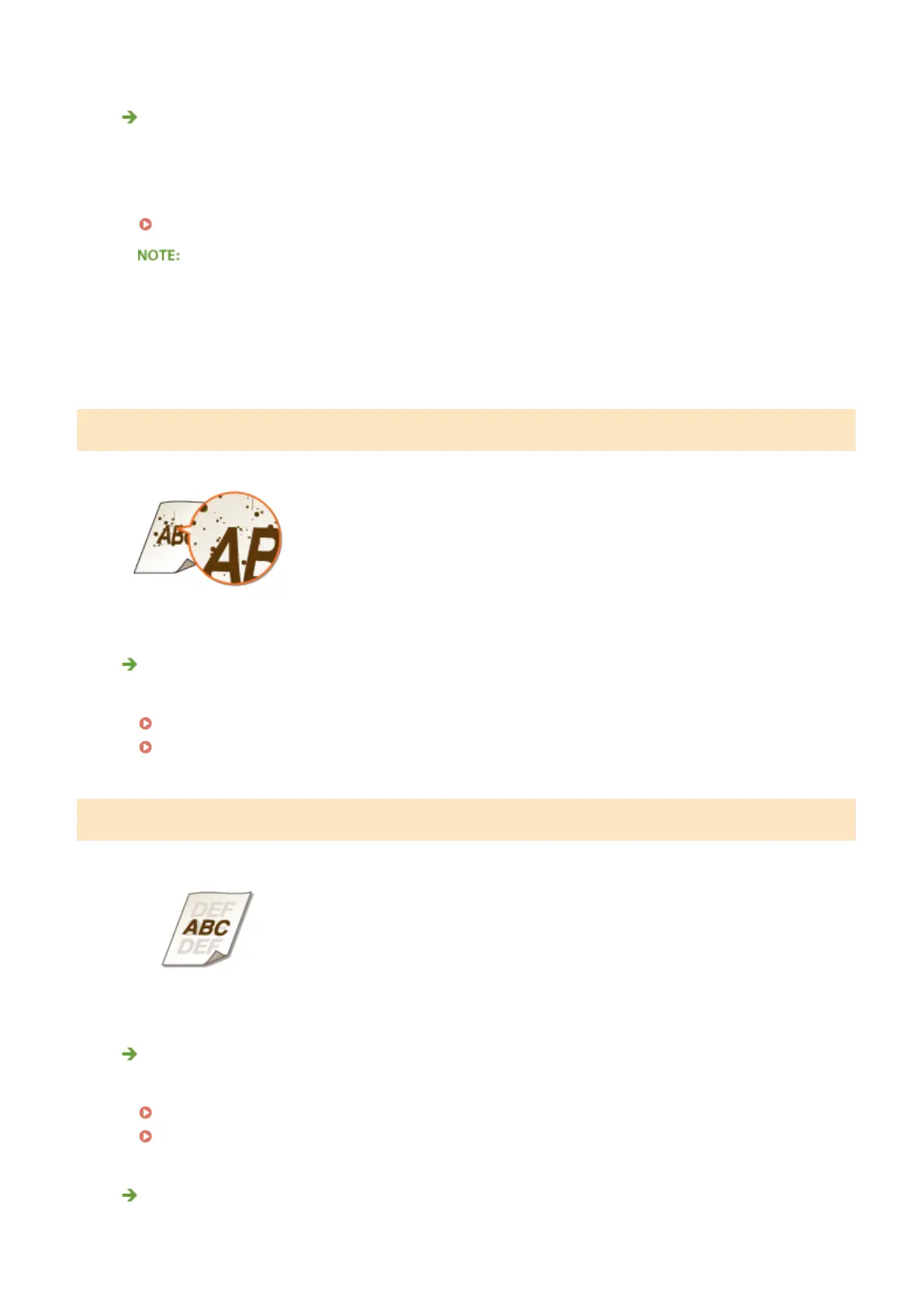
Toner Smudges and Splatters Appear
Are you using appropriate paper?
● Check usable paper, and replace with appropriate paper.
Paper(P. 569)
Loading Paper(P. 37)
Afterimages Appear in Blank Areas
Are you using appropriate paper?
● Check usable paper, and replace with appropriate paper.
Paper(P. 569)
Loading Paper(P. 37)
Is it time to replace the toner cartridge?
● Materials inside the toner cartridge may have deteriorated. Replace the toner cartridge.
Troubleshooting
506



 To Next Page