Image data type
Select the image data type for which you want to specify the conversion method.
<sRGB>
Color data is converted to black-and-white data to generate color-conscious smooth gradation.
<NTSC>
Color data is converted to black-and-white data to generate appearances equivalent to television pictures
(NTSC).
<Uniform RGB>
Color data is converted to black-and-white data to equalize all RGB levels based on the brightness only.
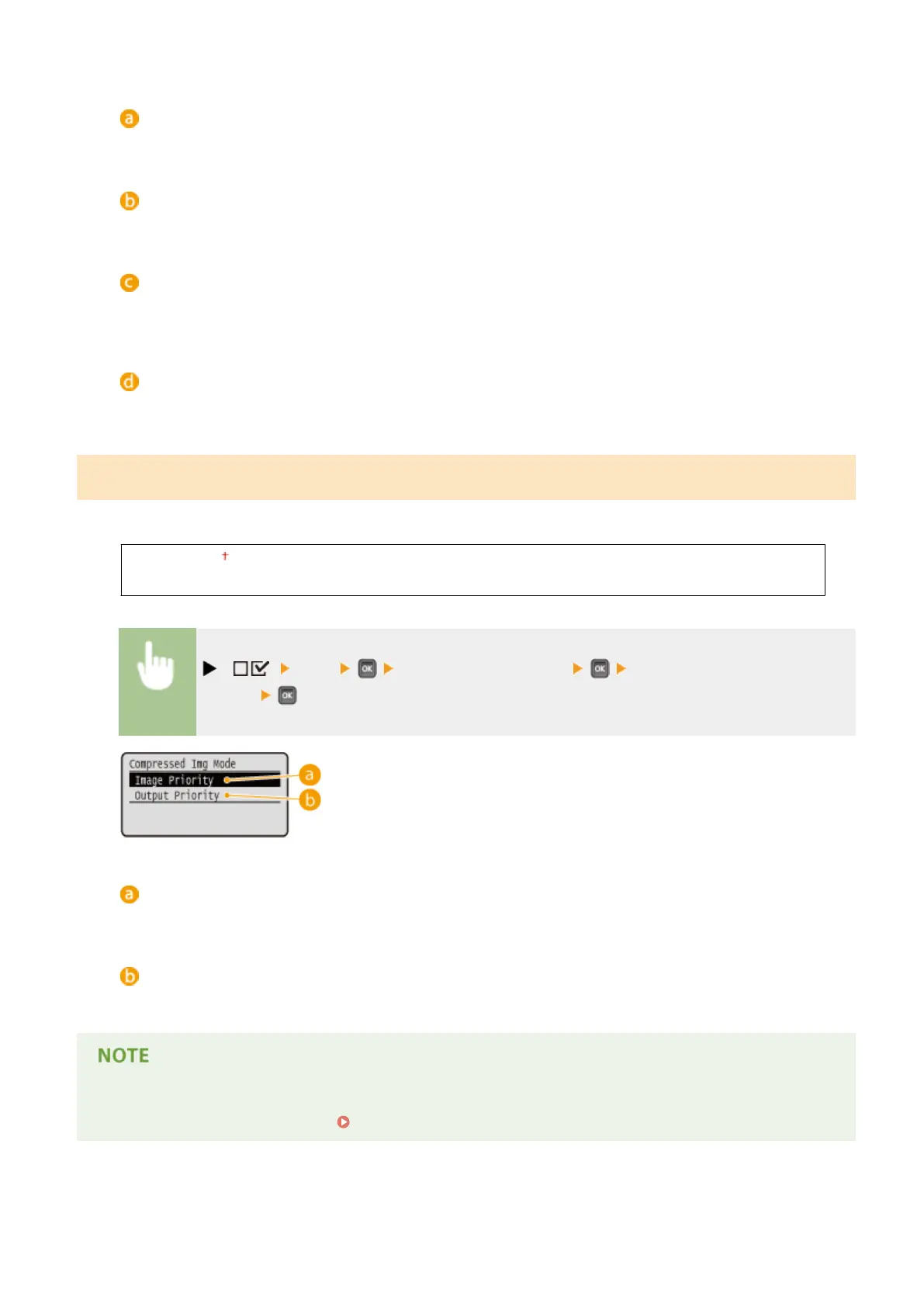
Compressed Img Mode
*
Specify how the machine should behave when the machine is running out of memory during XPS le printing.
Image Priority
Output Priority
( ) <XPS> <Compressed Img Mode> <Image Priority> or <Output
Priority>
<Image Priority>
Cancels printing before the quality is reduced when insucient memory is available.
<Output Priority>
Continues printing even if the quality is reduced due to insucient memory.
● You can specify this item when no SD card is used. If <SD Card> is set to <On>, the machine always operates
with <Output Priority> selected ( SD Card(P. 369) ).
Setting Menu List
433



 To Next Page