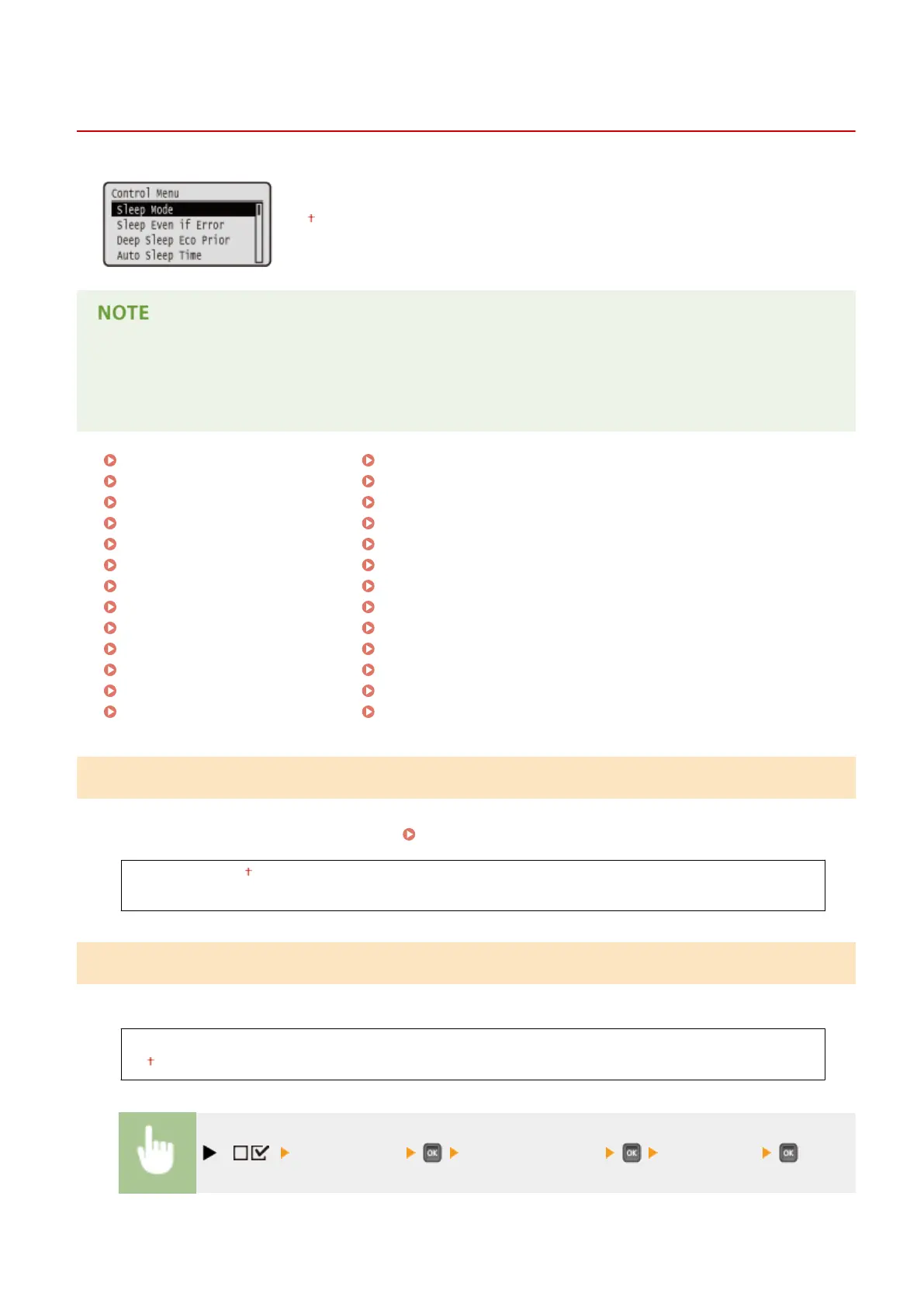
Control Menu
0X7U-057
The settings about the sleep mode and how the machine should behave if an error
occurs are listed with short descriptions. Default settings are marked with a dagger
(
).
Asterisks (*)
● Settings marked with an asterisk (
*
) are not displayed depending on other settings or whether an optional
SD card is installed on the machine.
Sleep Mode(P. 361)
Sleep Even if Error(P. 361)
Deep Sleep Eco Prior(P. 362)
Auto Sleep Time(P. 362)
Sleep When Using USB(P. 362)
Timer Settings(P. 362)
Warning Step(P. 364)
Auto Skip Error(P. 364)
Language(P. 365)
Alarm(P. 365)
Show Warnings(P. 365)
Date/Time Settings(P. 367)
Main Pwr Quick Start(P. 368)
SD Card(P. 369)
Interrupt Print(P. 369)
Sec. Print Del. Time(P. 369)
Secure Job Log(P. 369)
USB-Connected PC OS(P. 370)
PDL Selection (PnP)(P. 370)
Mng. Settings(P. 371)
RMT-SW(P. 371)
Adjust Screen(P. 371)
Animated Instruction(P. 372)
Show Toner Gauge(P. 372)
Set. Comp. Notify(P. 373)
Scrolling Speed(P. 373)
Sleep Mode
The sleep mode function reduces the amount of power consumed by the machine by temporarily stopping some
internal operations. Specify the sleep mode level. Entering Sleep Mode(P. 68)
High (Deep Sleep)
Mid (Printer Sleep)
Sleep Even if Error
Select whether to automatically enter sleep mode when an error occurs.
Off
On
( ) <Control Menu> <Sleep Even if Error> <Off> or <On>
Setting Menu List
361



 To Next Page